Skip to content
Comece aqui

Global search and the notification centre

Finding any conversation, contact or campaign — and seeing everything that needs attention.

3 min de vídeo 10 imagens Painel do administrador
Aula gravada na plataforma real. O cursor, as legendas e o destaque existem só no vídeo.

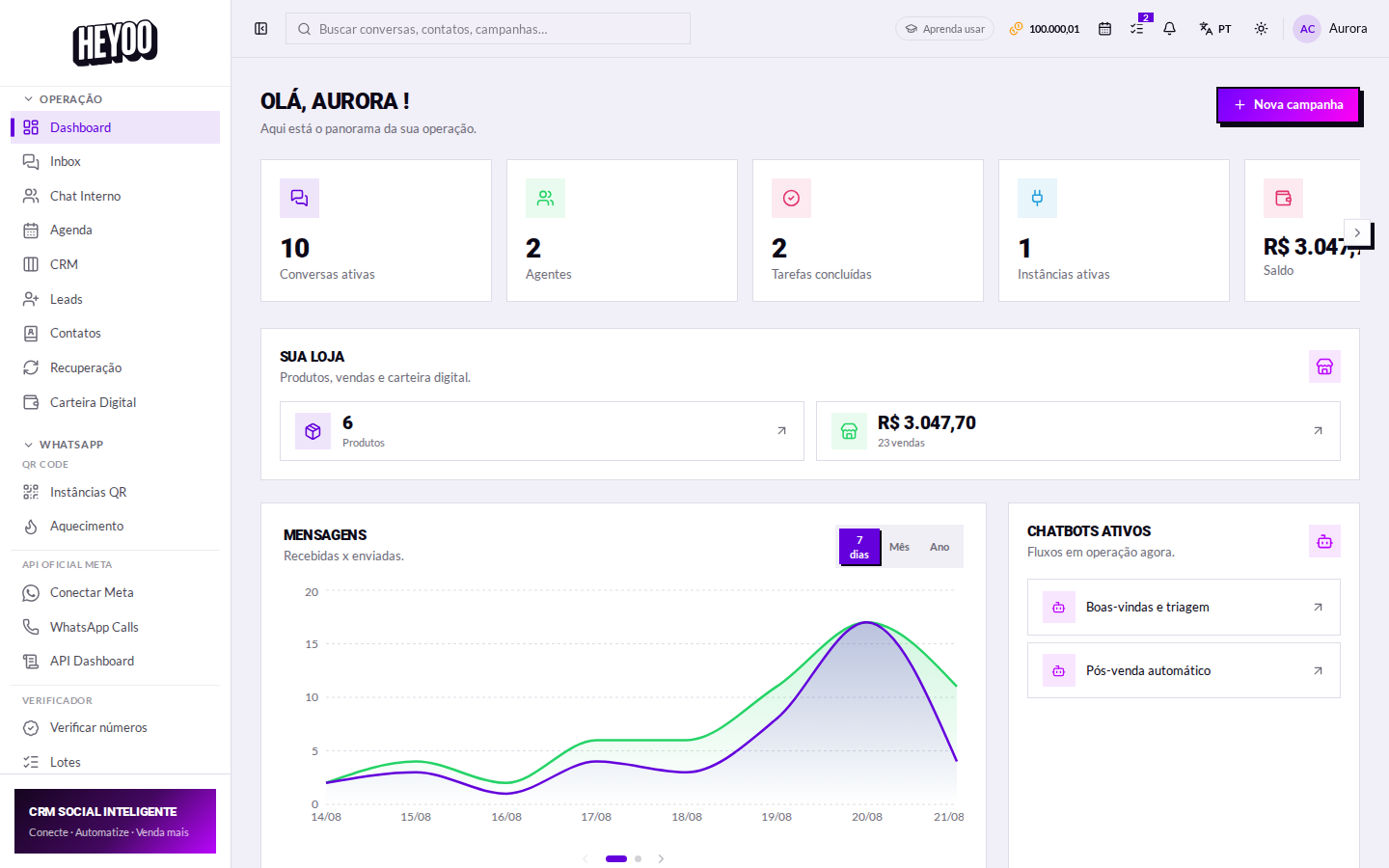
The top bar is the only part of the panel that shows on every screen. It solves two things: finding something fast, and knowing what is waiting for you.

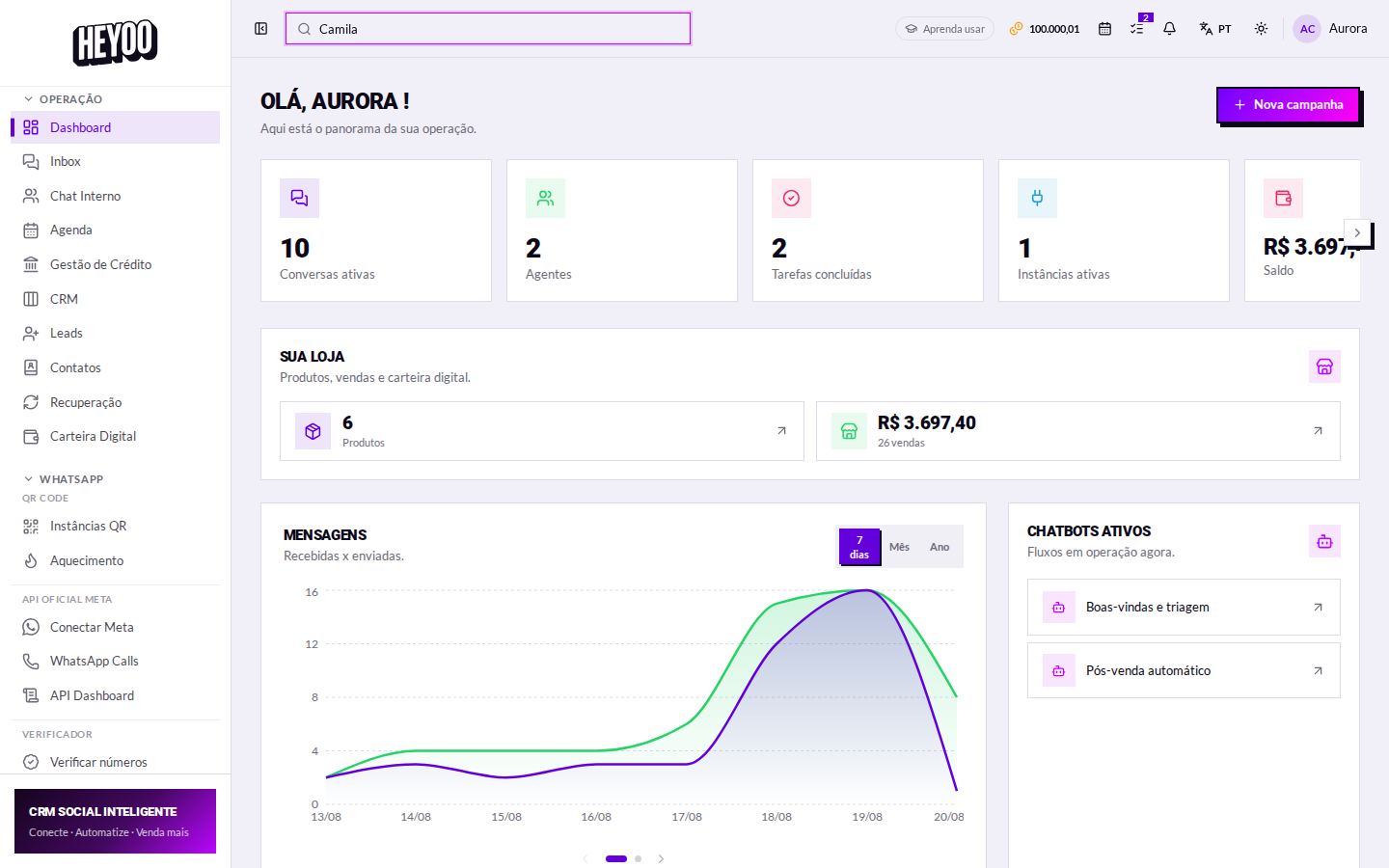
Global search field
Search sits in the middle of the bar, always within reach.

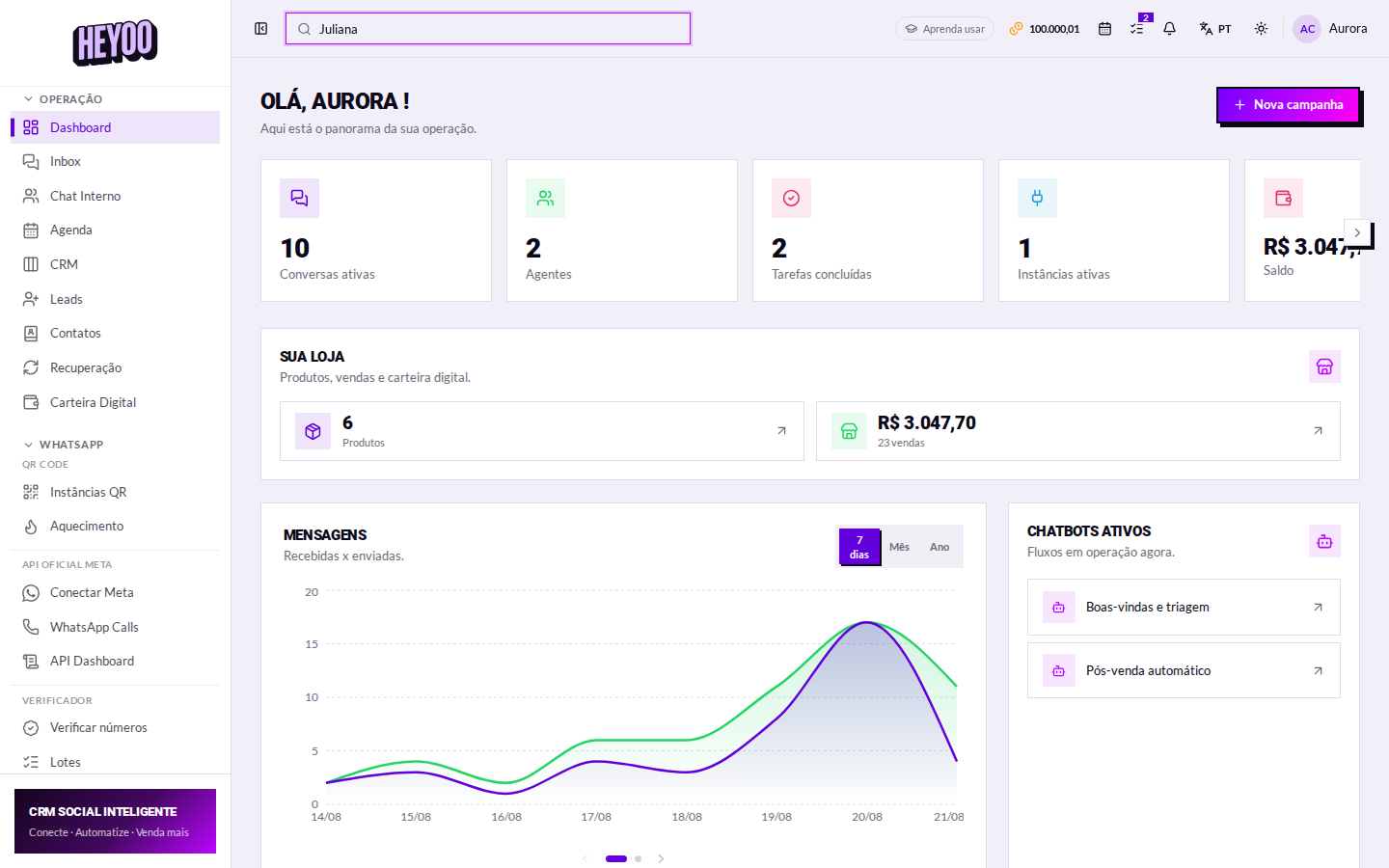
What search finds

  • Conversations — by contact name, number or a snippet of a message.
  • Contacts — from your phonebook, even people who never messaged you.
  • Campaigns — by title.
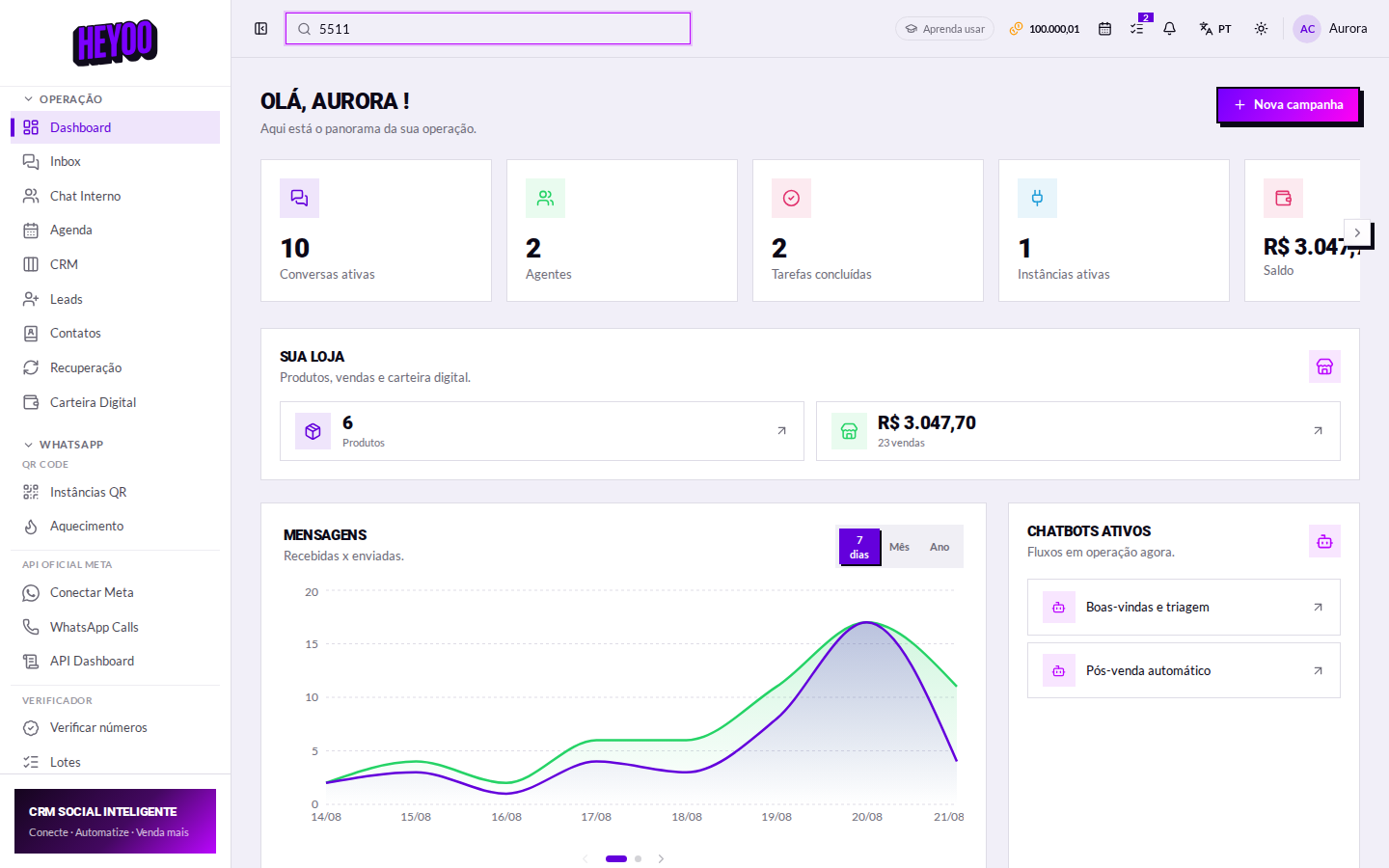
Global search results
Results come grouped by type; clicking takes you straight to the item.

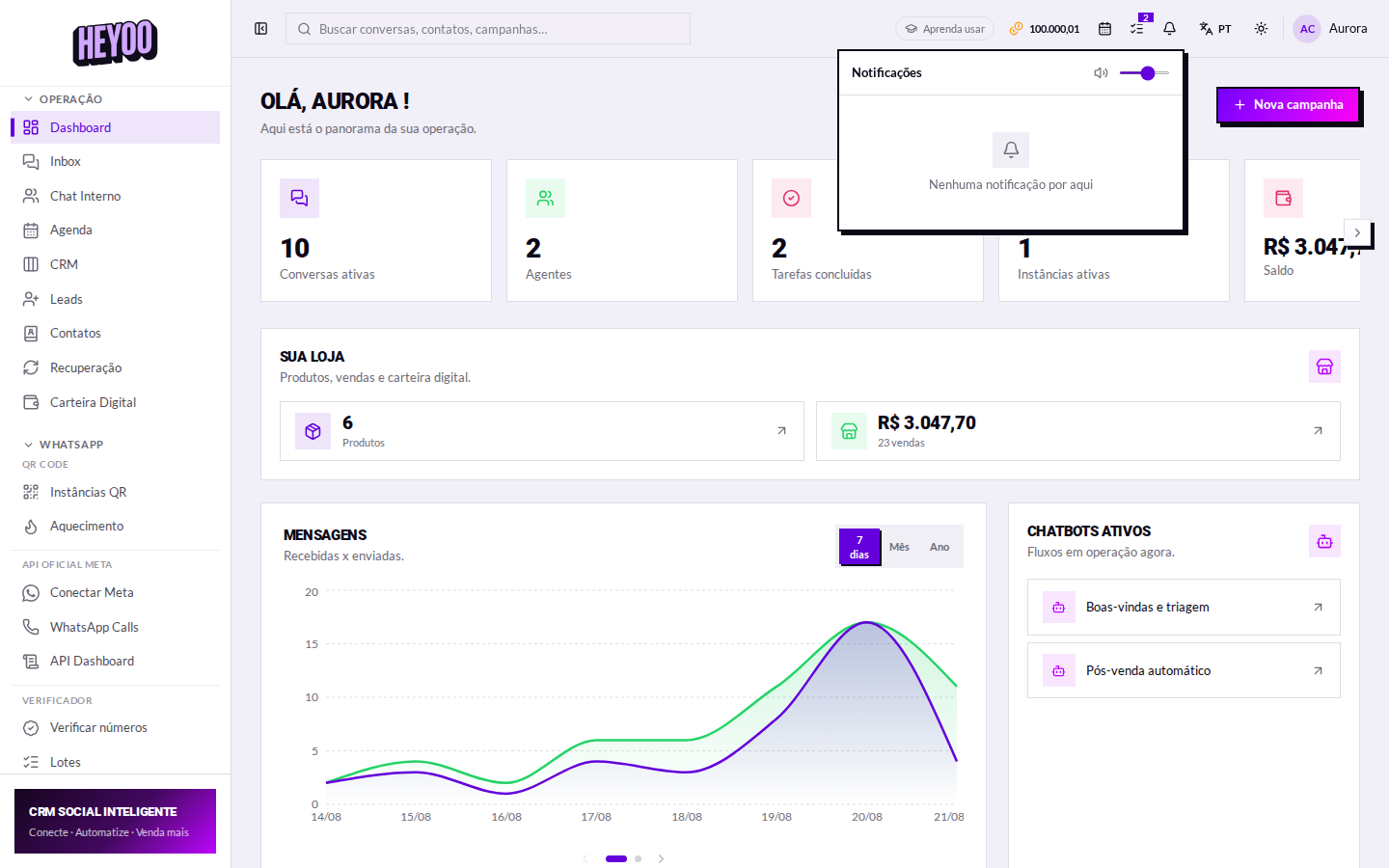
The notification centre

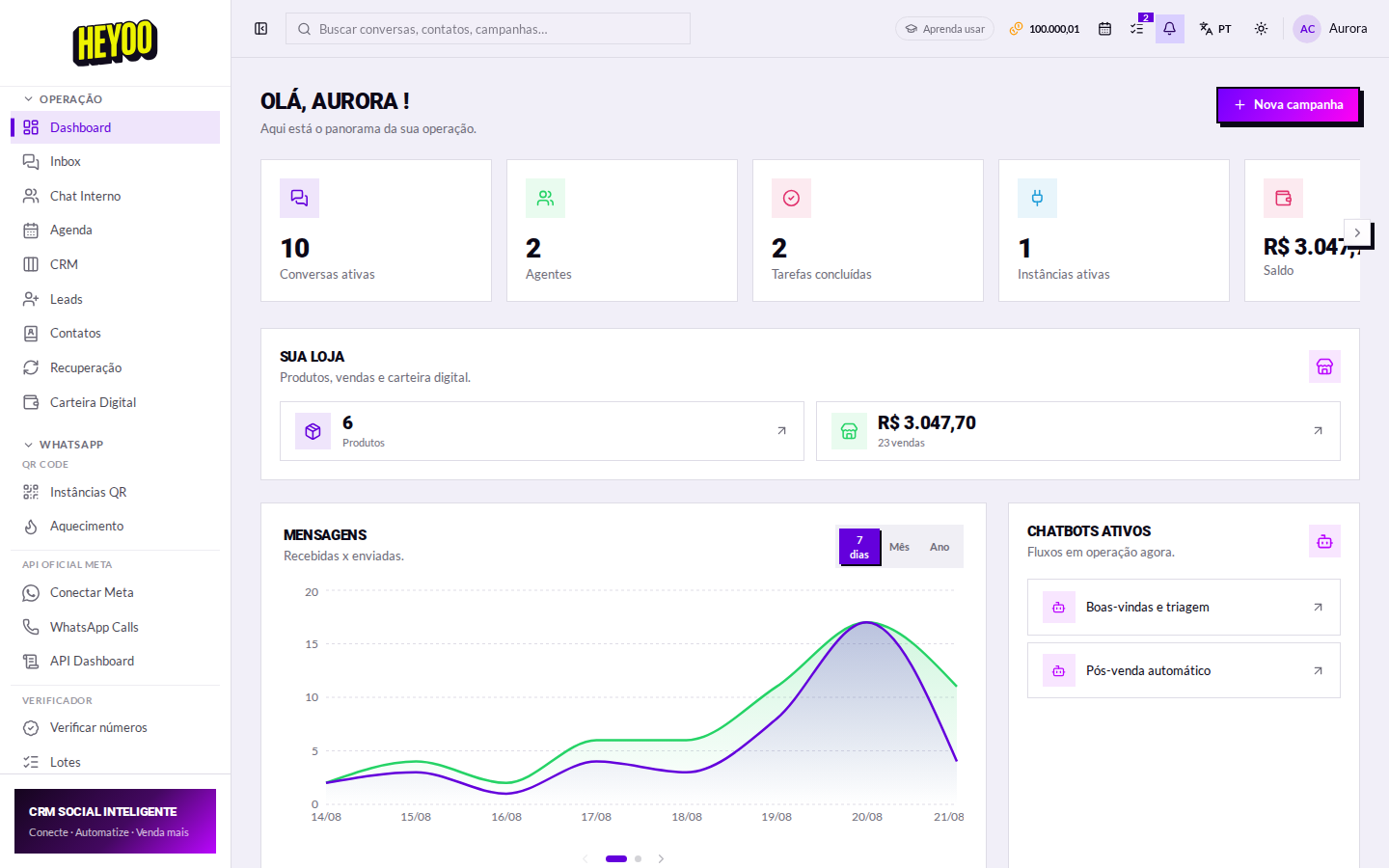
Notification centre
The bell collects everything that needs attention.
AvisoO que significa
New messageA customer message arrived on some channel.
PaymentPIX received, order paid, charge confirmed.
Session droppedA WhatsApp number disconnected — while that lasts, nothing comes in through it.
Credits running outYour AI or verifier balance is near the end.
A dropped session is the most urgent alertWhile a session is disconnected, messages to that number never reach the inbox — and the customer thinks you are ignoring them.

The other shortcuts
Top bar shortcuts
Wallet balance, calendar and tasks, each with its own counter.
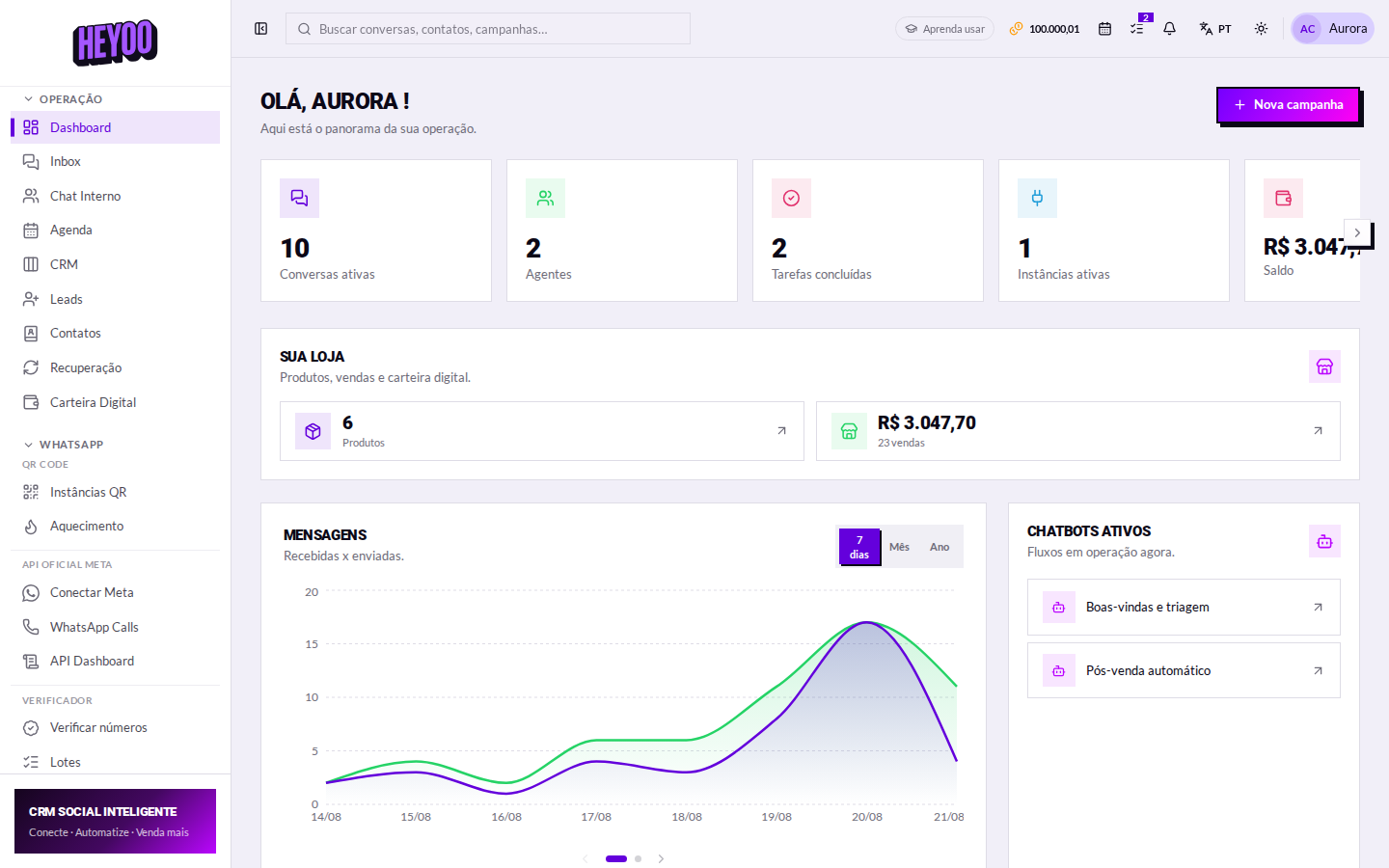
The top bar: search, bell and shortcuts.
Results grouped by type.
Searching by number when the name does not come to mind.
The notification bell.
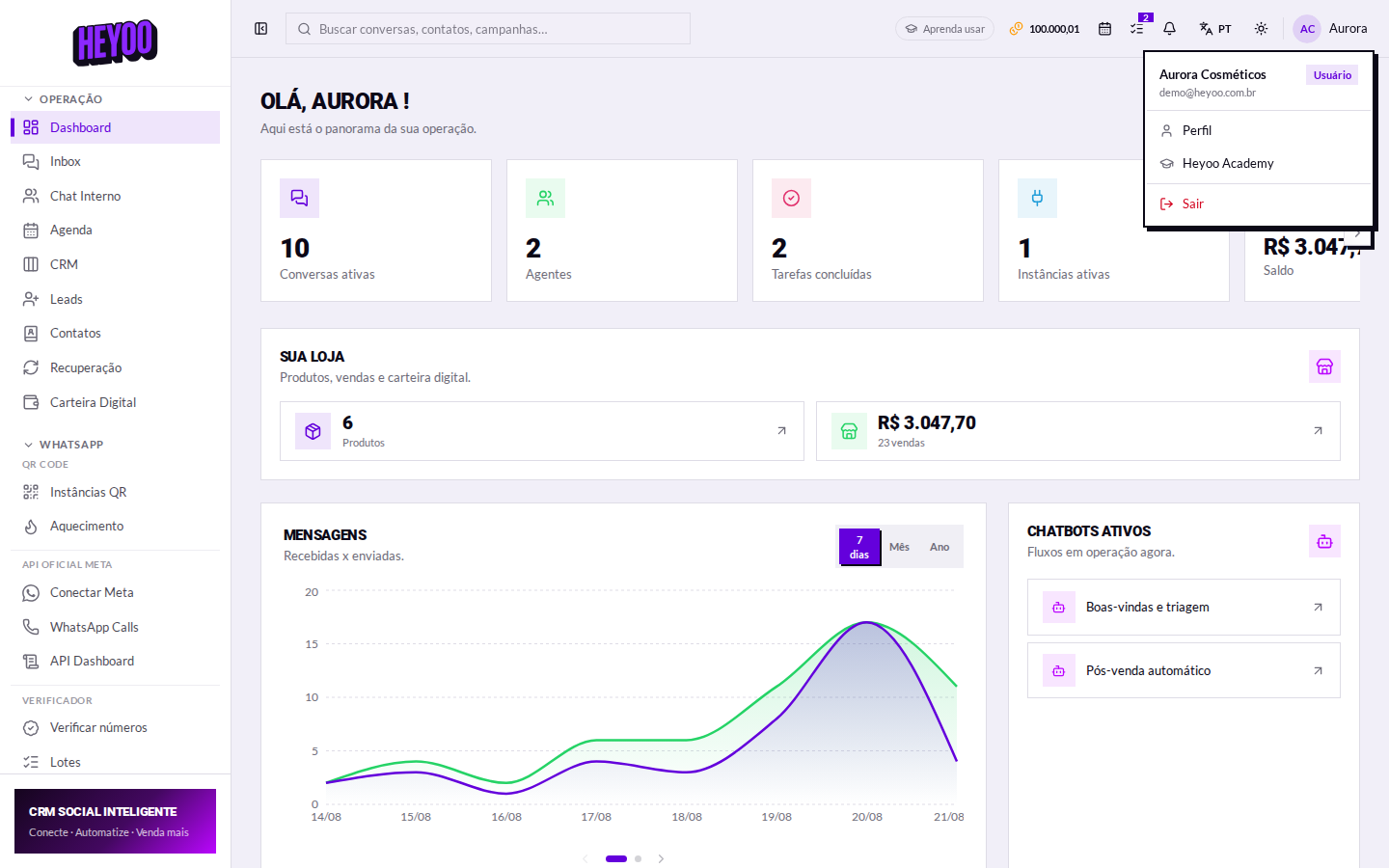
Profile, theme, language and sign out.
The top of the panel.