The sign-in screen
Go to your panel's address and you land straight on the sign-in screen.
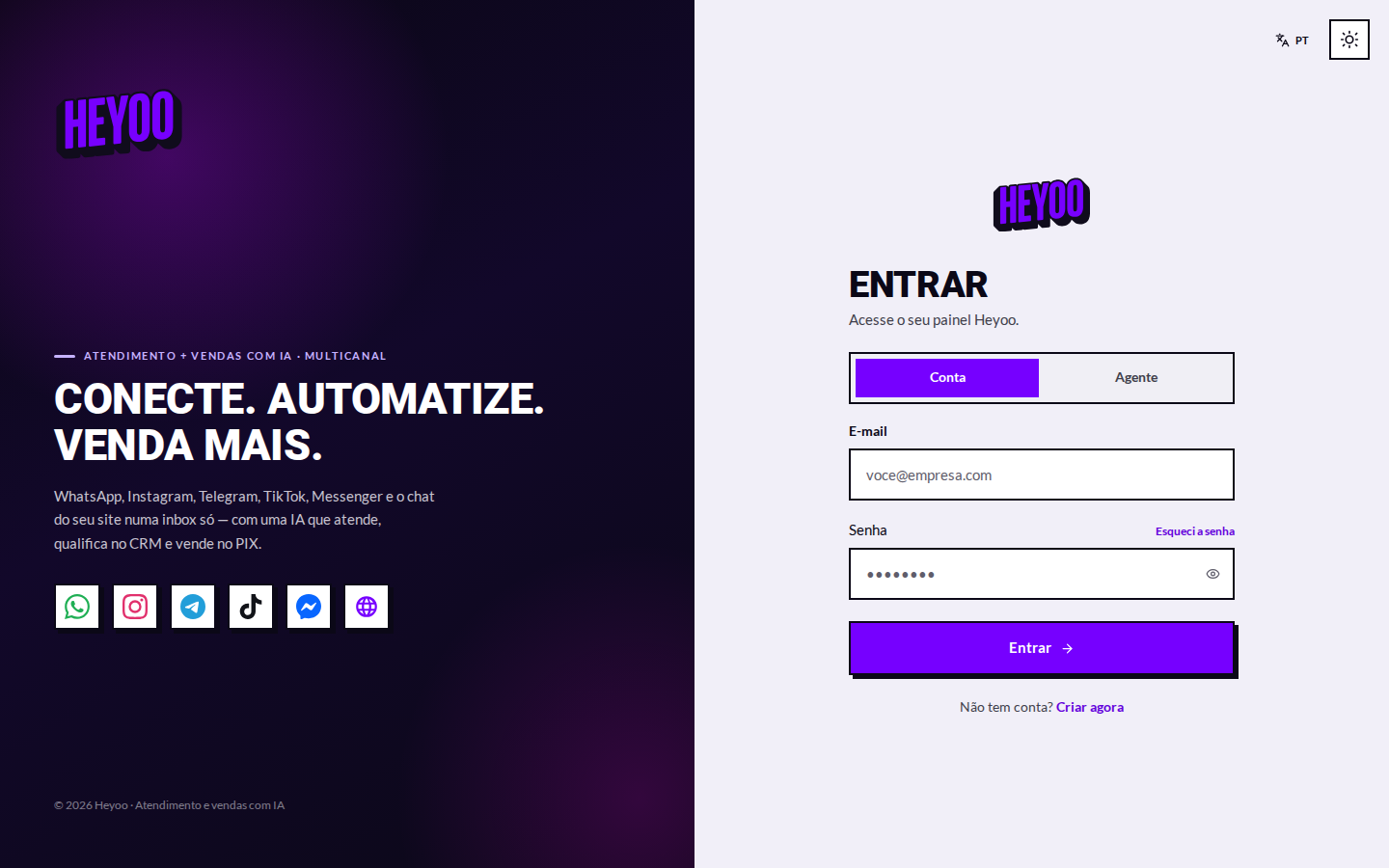
The screen has two doors, and picking the right one avoids most access problems:
| Aba | Quem entra por aqui |
|---|---|
| Account | The account administrator — who pays for the plan, connects channels and configures everything. |
| Agent | Whoever answers customers. That sign-in is created by the administrator, inside the panel, on the Agents screen. |
- Pick the Account tab.
- Type the registered email.
- Type the password and click Sign in.
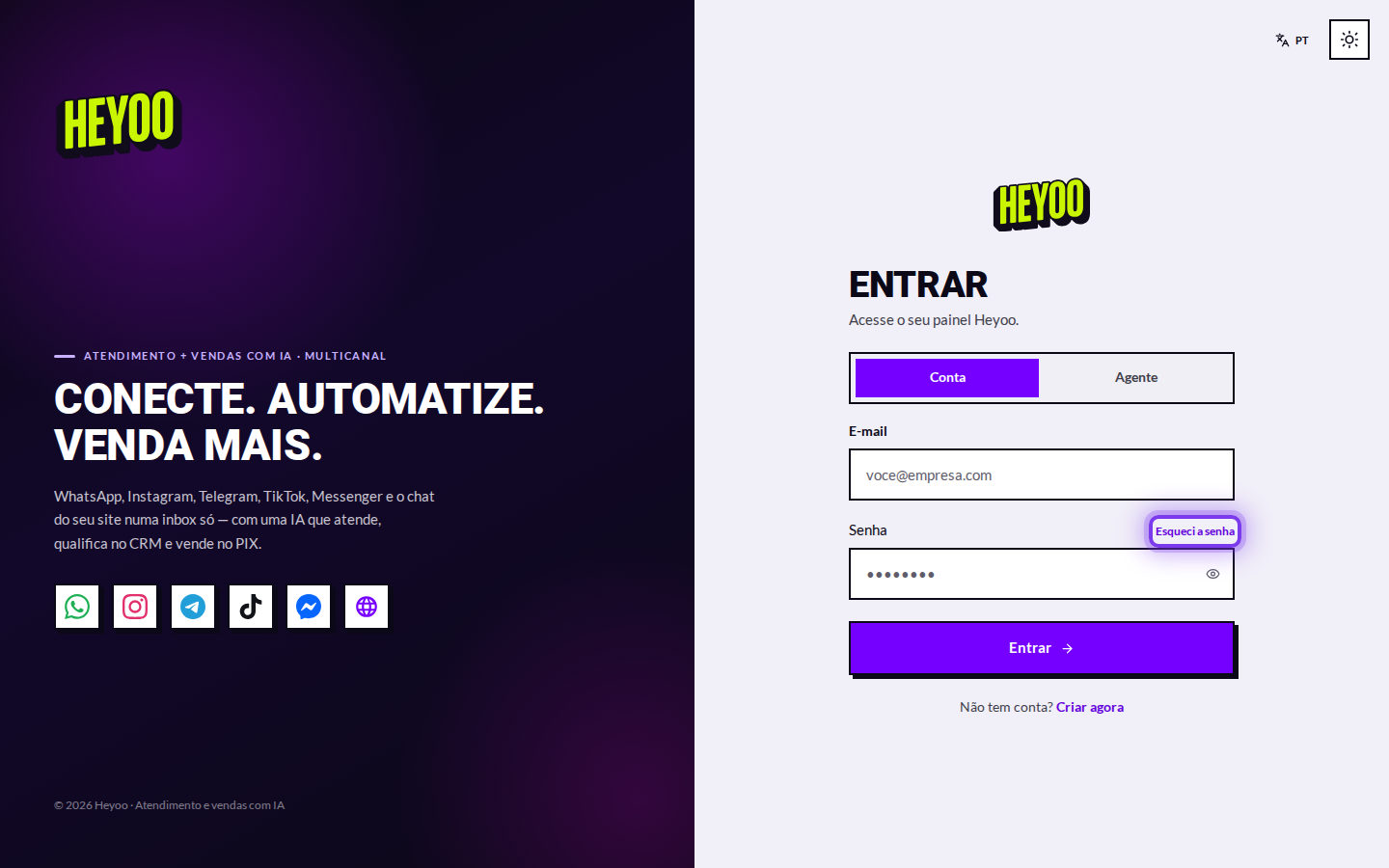
Forgot your password?Use Forgot my password on the screen itself: you get an email with a reset link. Social sign-in works when the account was created with the same email.
The panel
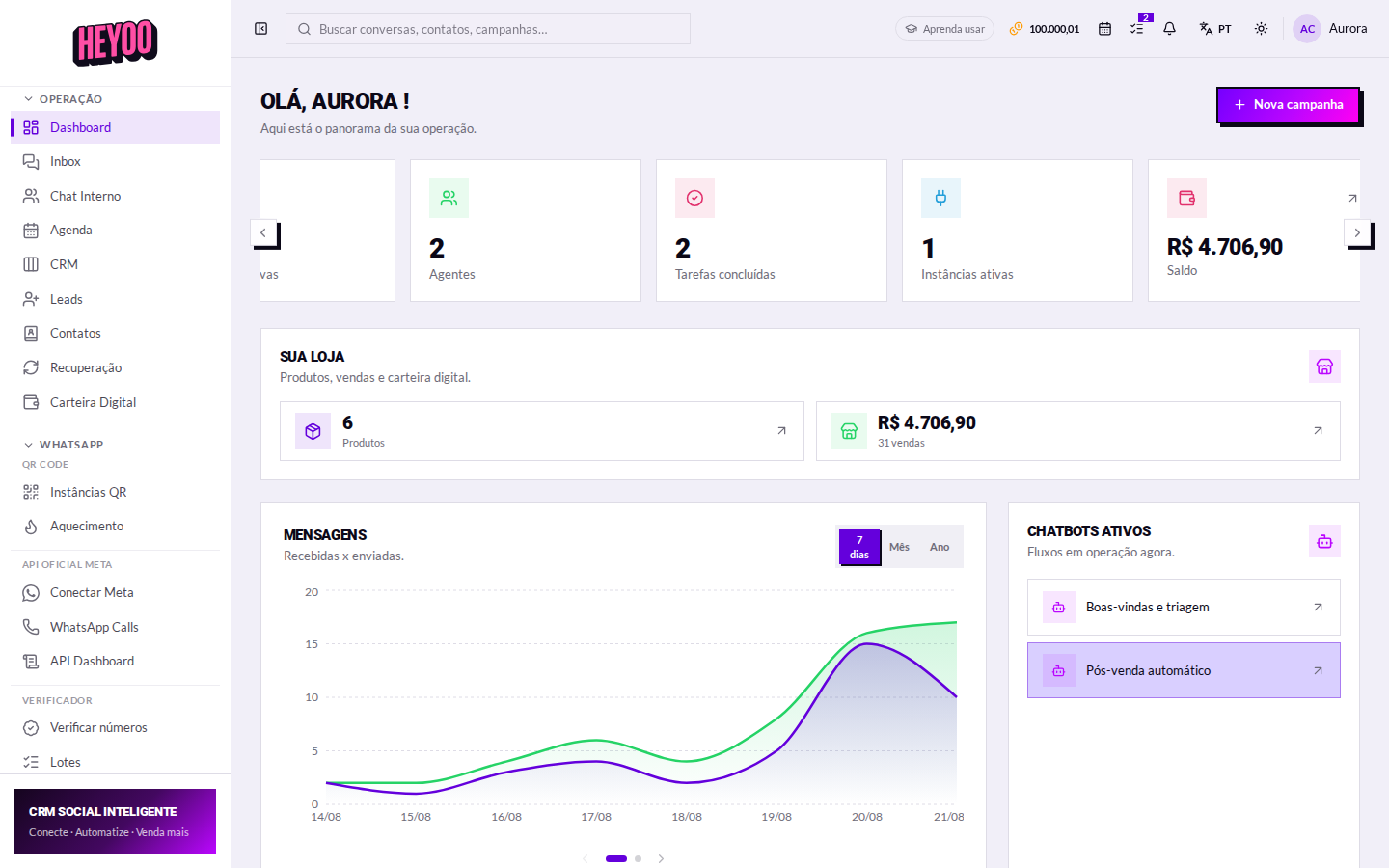
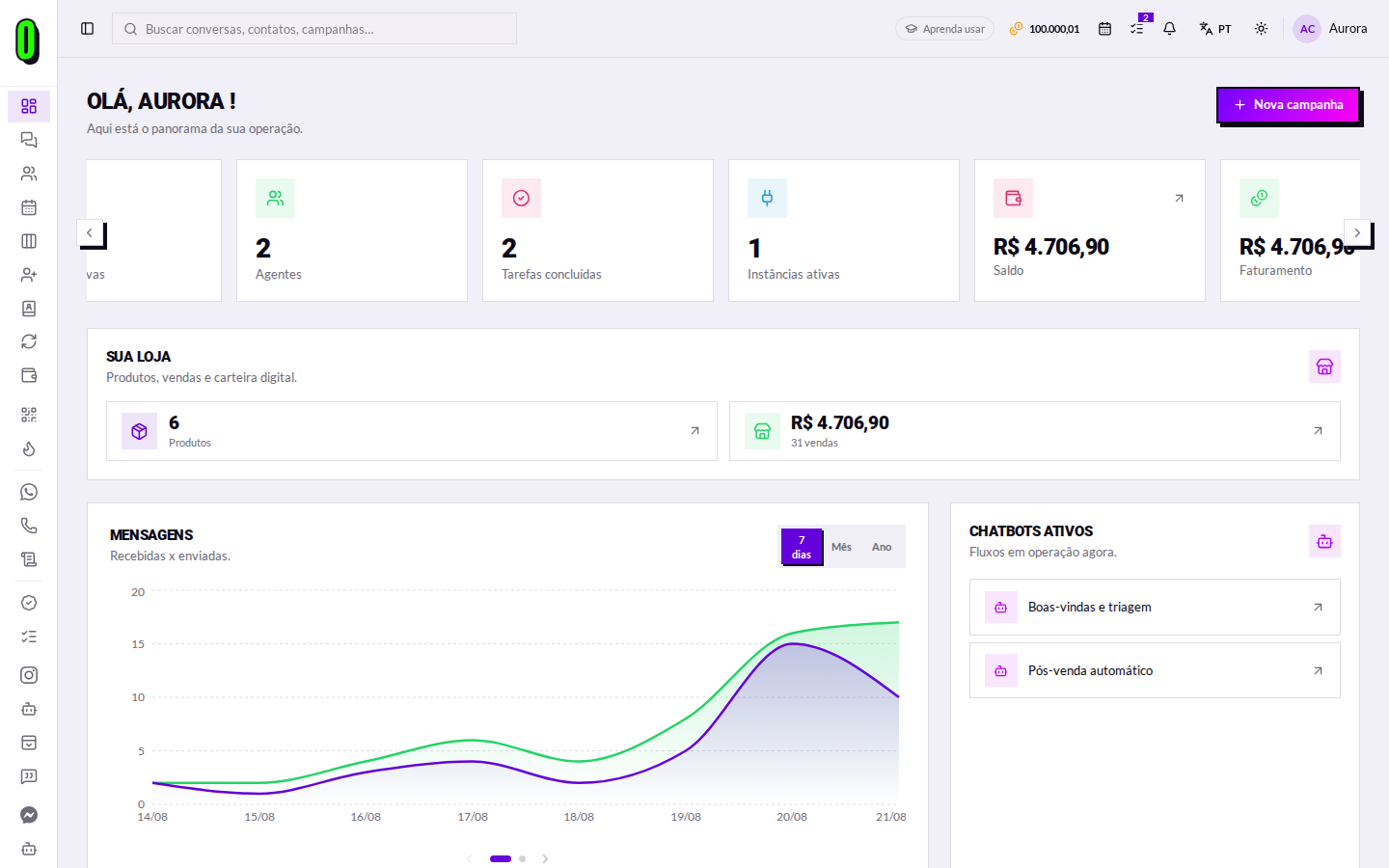
Once you are in, you arrive at the Dashboard — the overview of the day's operation.
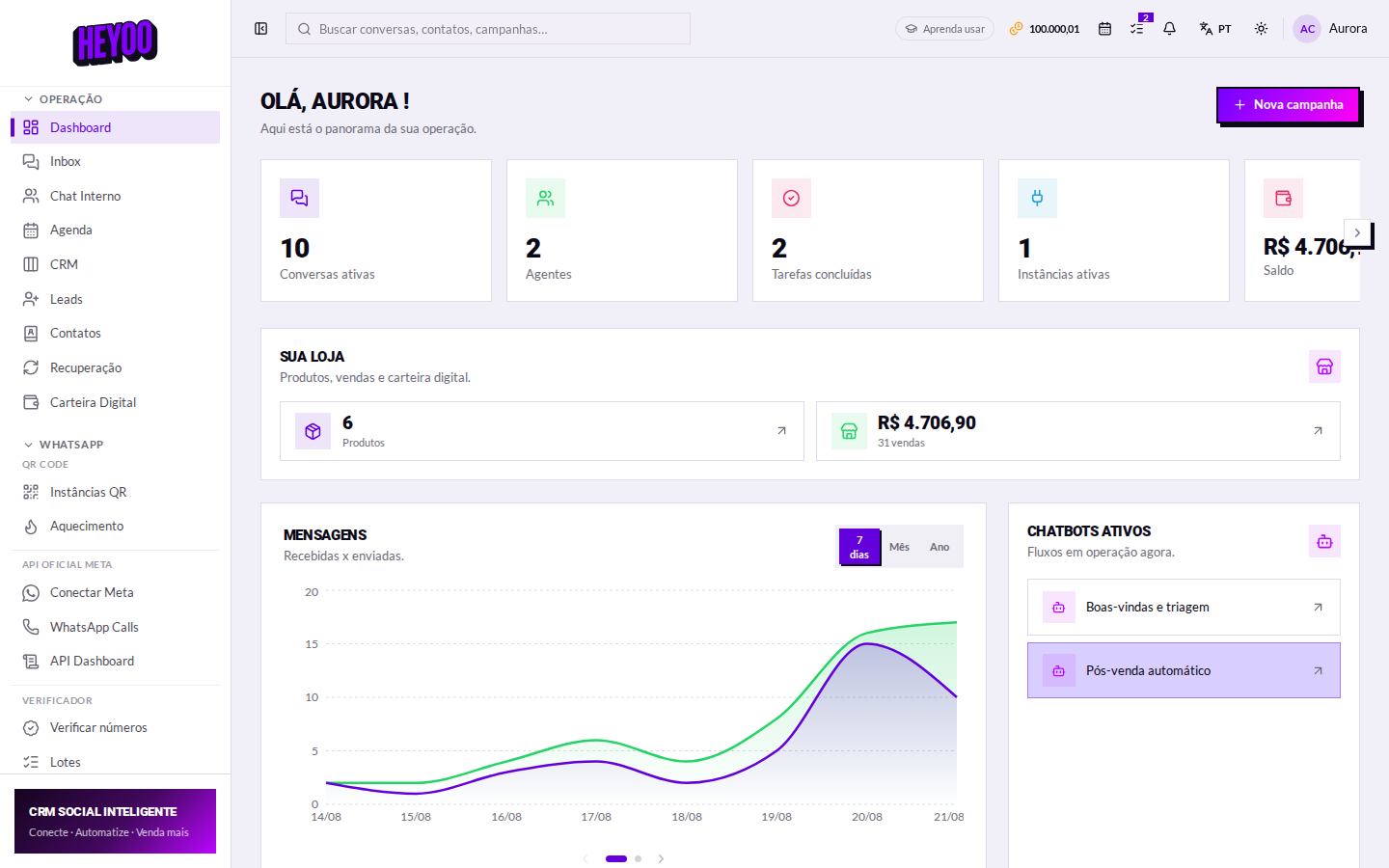
The cards at the top
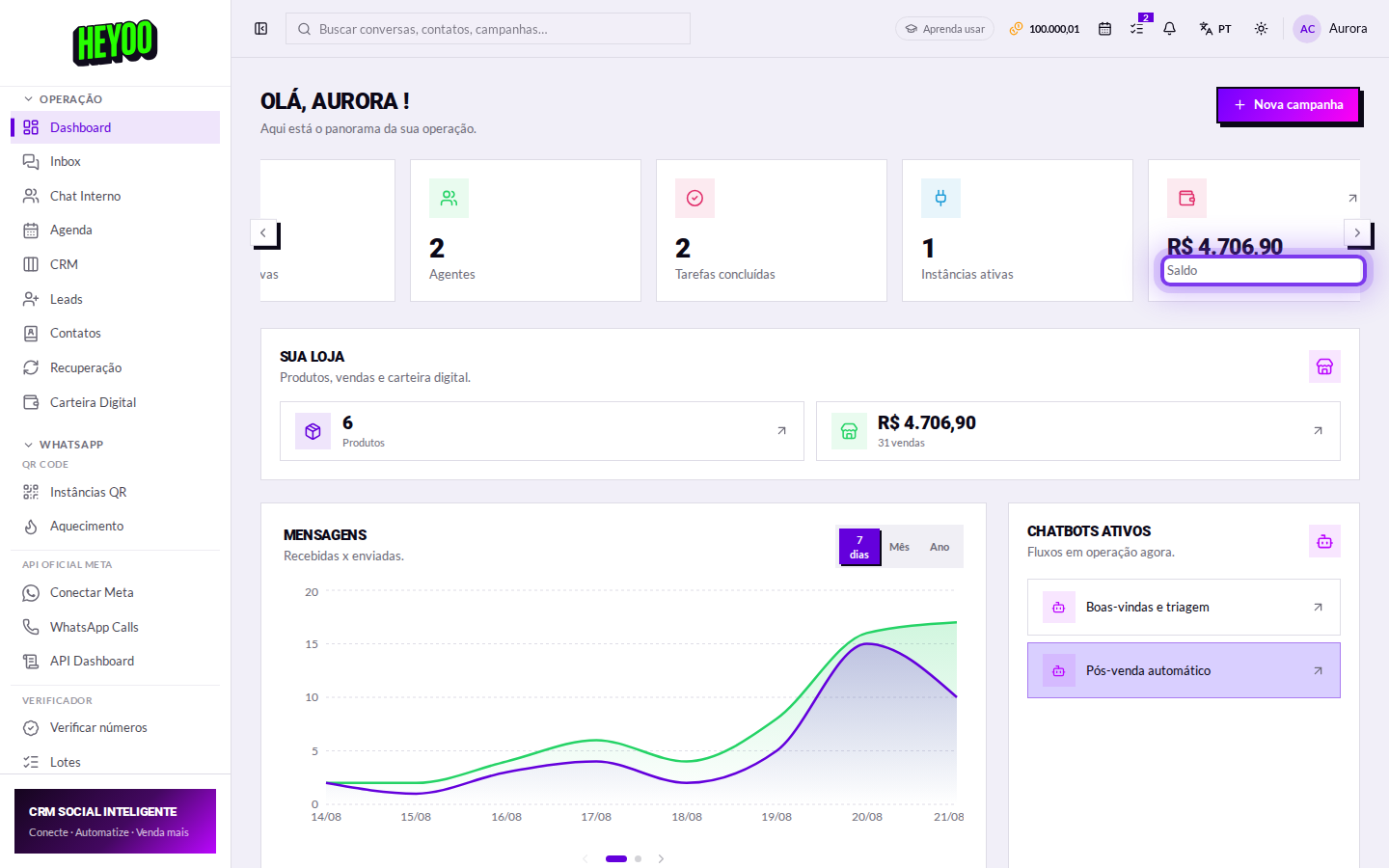
| Cartão | O que ele diz |
|---|---|
| Active conversations | How many conversations have a message waiting for a reply right now. |
| Agents | How many people answer customers on this account. |
| Tasks completed | How much of the agreed work the team has already closed. |
| Active instances | WhatsApp numbers connected and working. |
| Balance | What came in through the digital wallet, from sales made in the chat. |
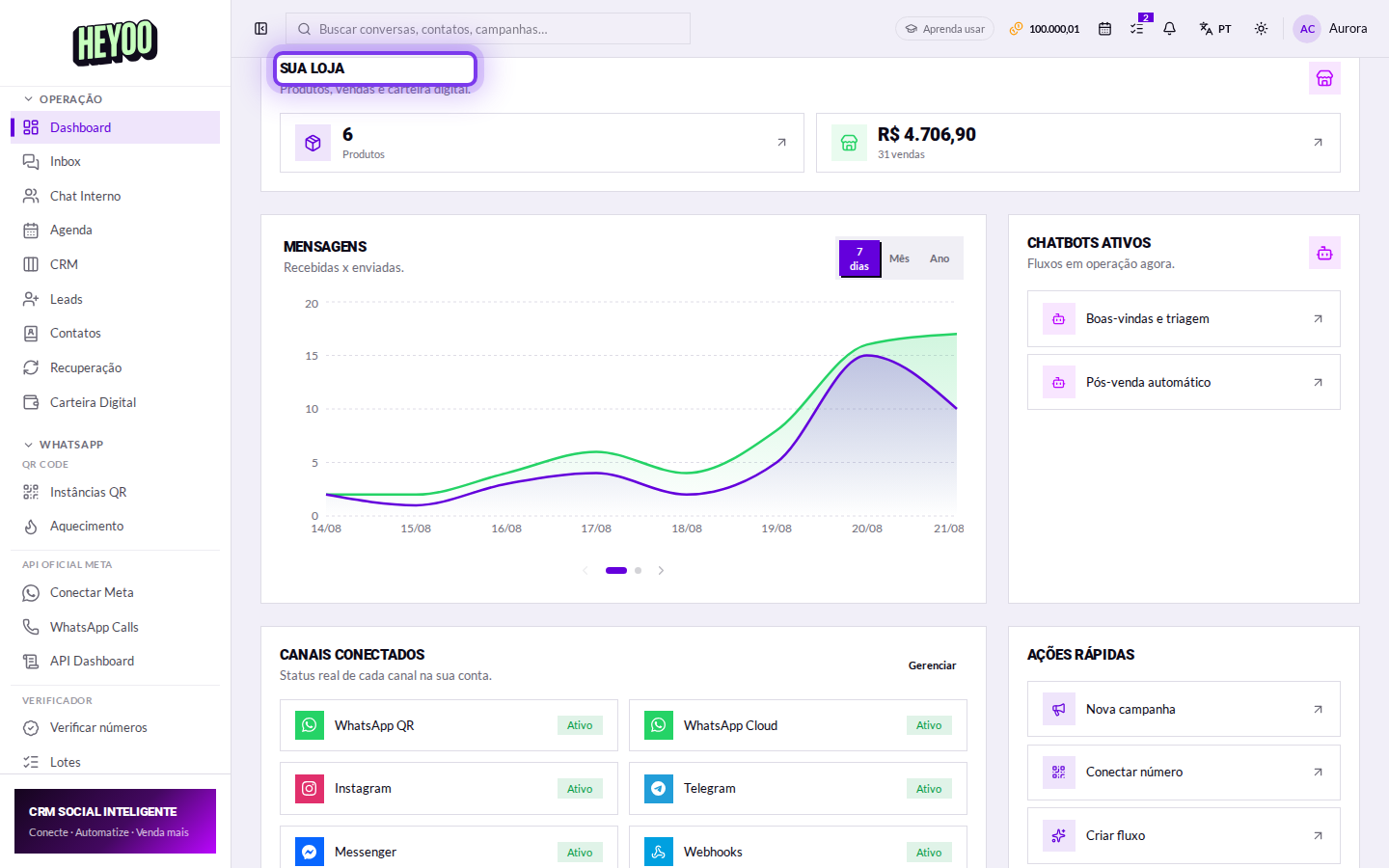
Your store
It sums up the commercial side: how many products are listed and how much has been sold. The arrows take you straight to the catalog and to orders.
The message chart
It compares received versus sent. The period switches between 7 days, month and year.
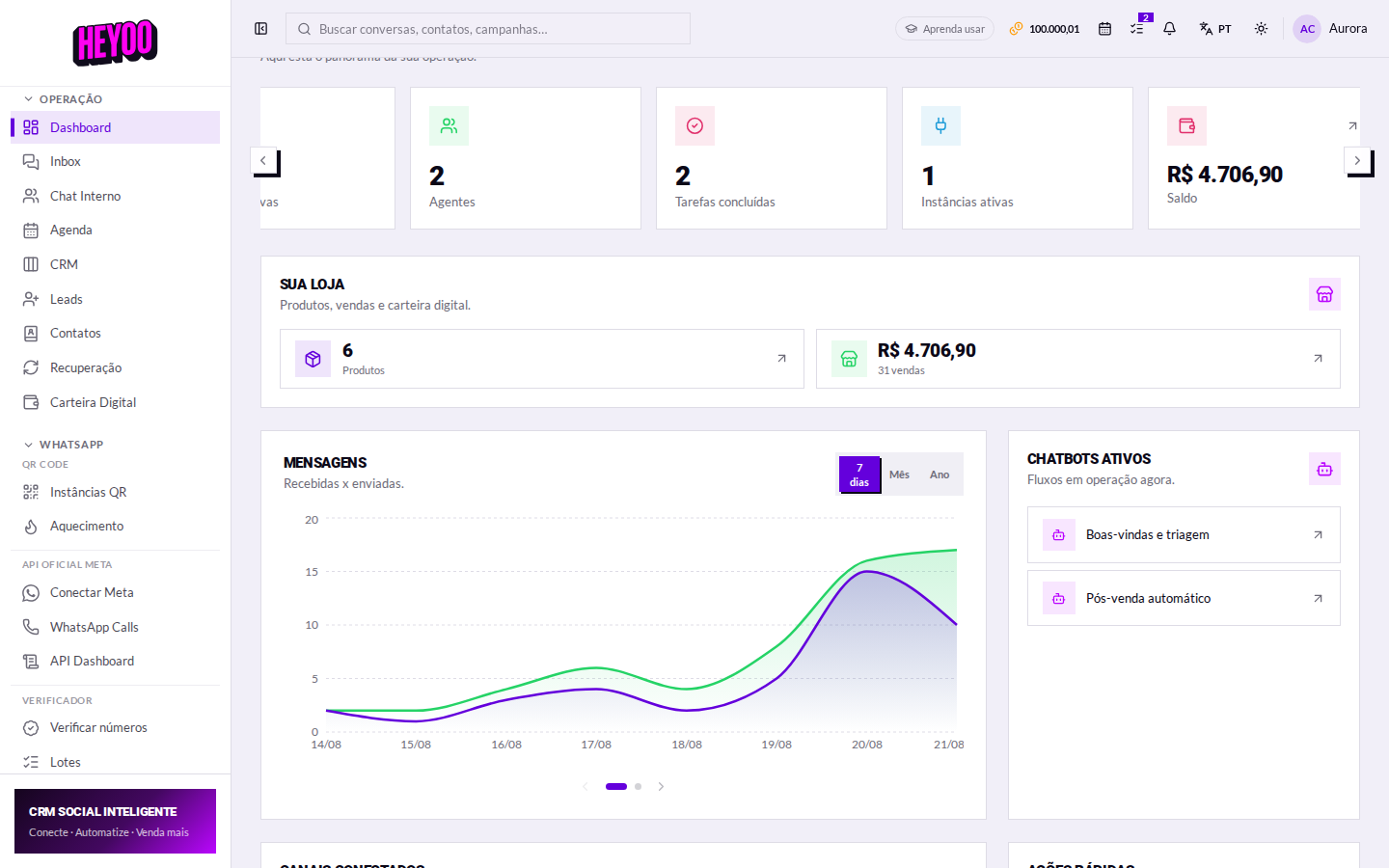
How to read itWhen the received line pulls away upward and does not come back, the queue is growing: either you are short of people, or short of automation for what repeats.
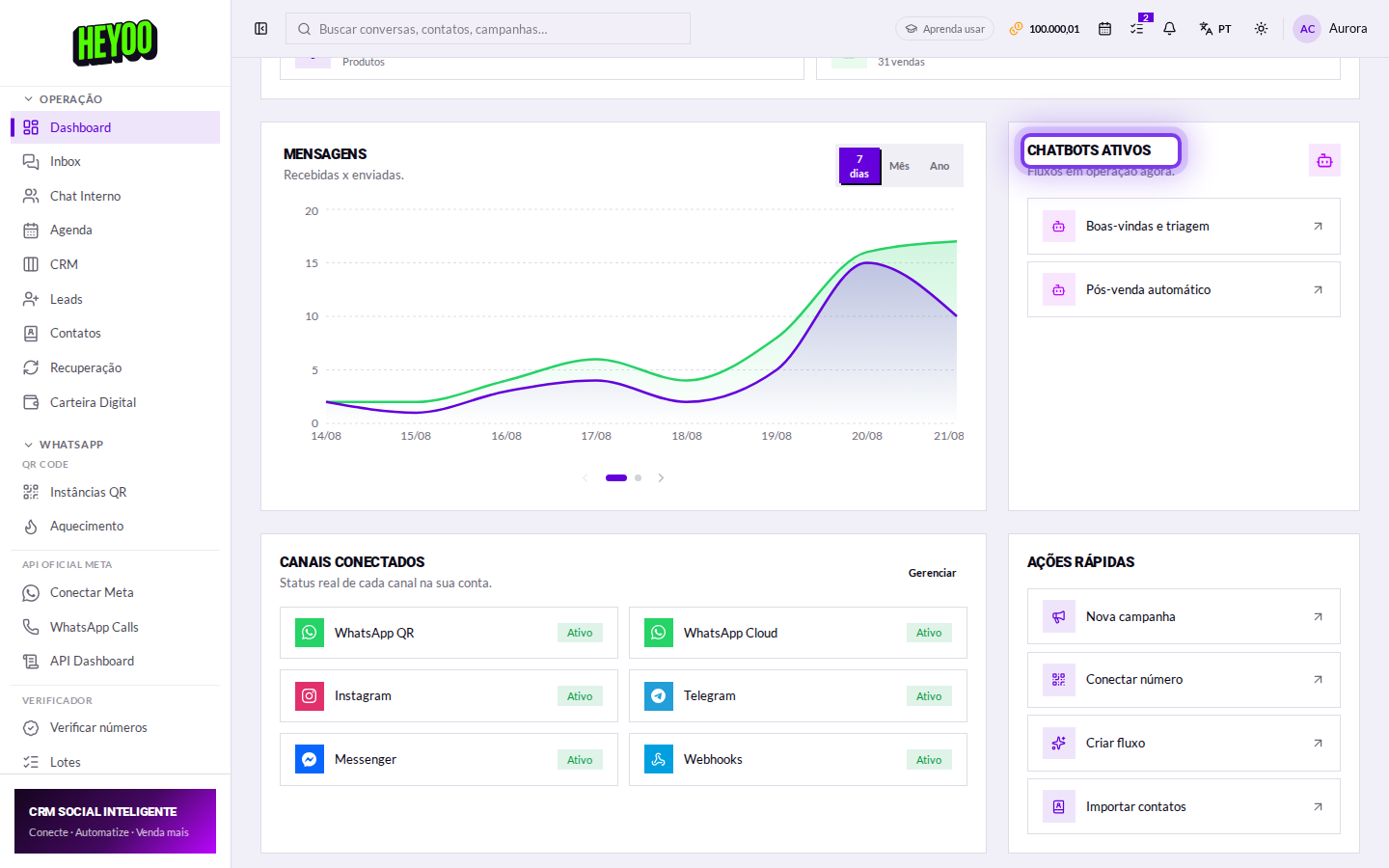
Active chatbots
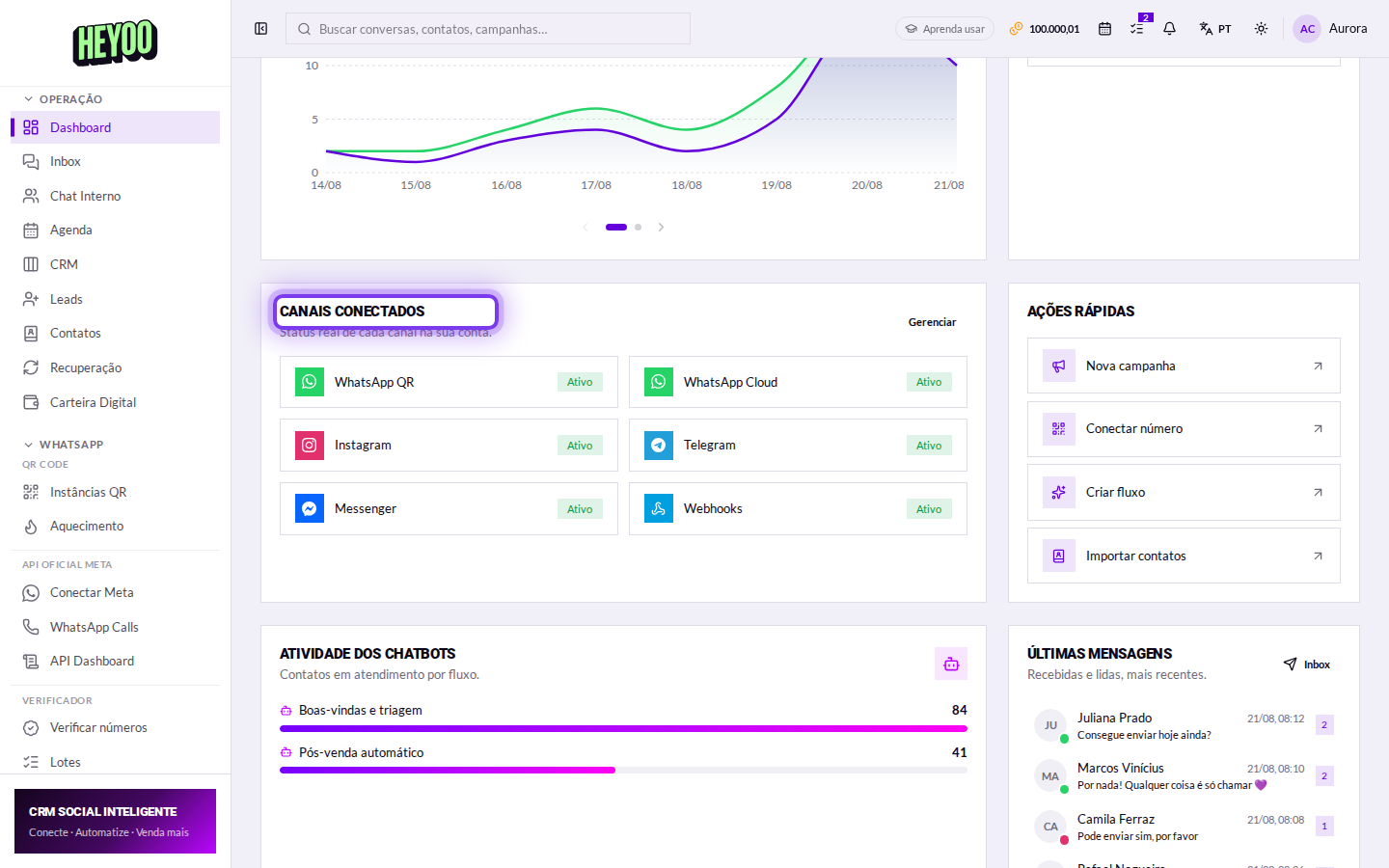
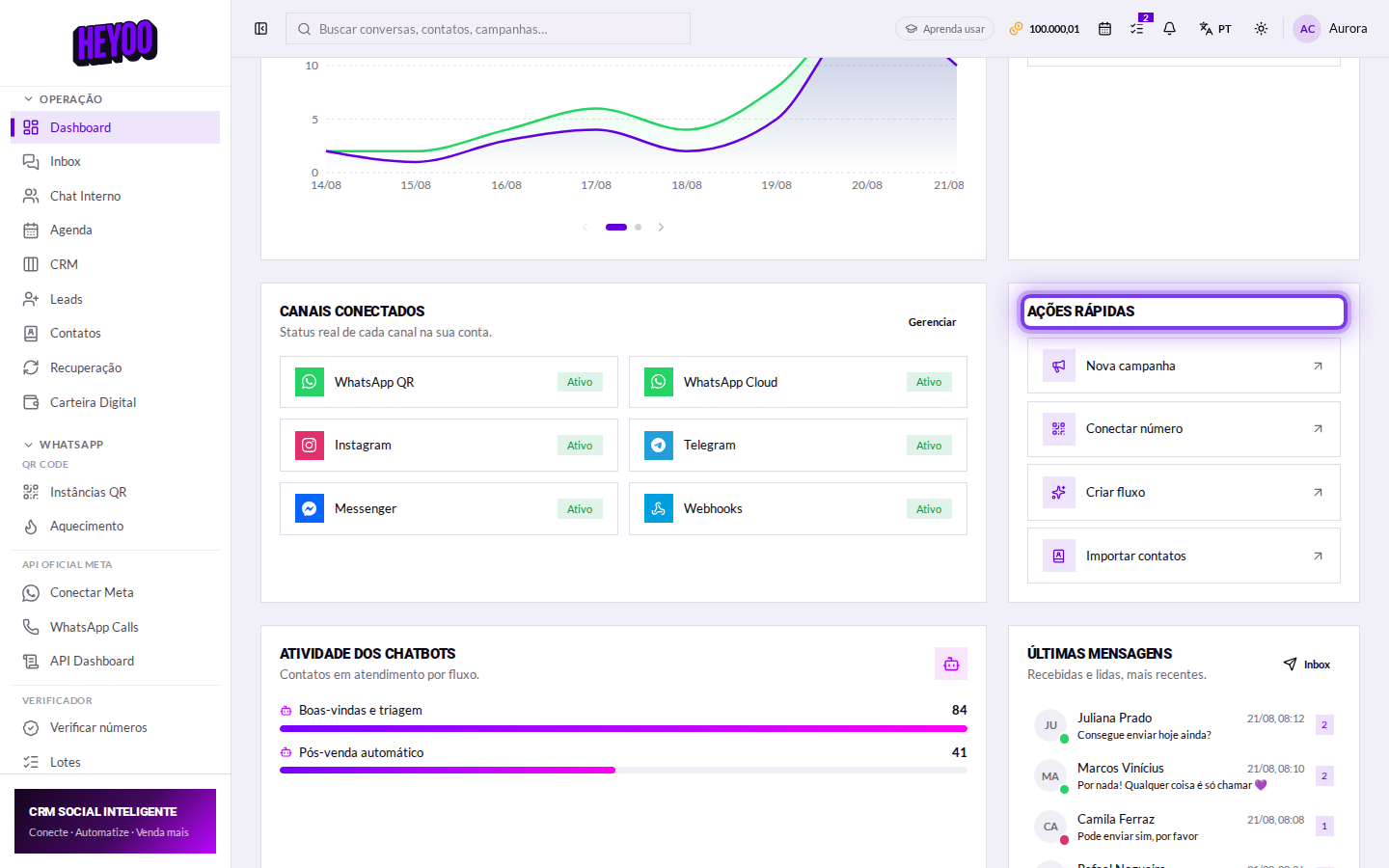
Connected channels
The real status of each channel. Green is connected and receiving; grey is off or not configured.
The top bar
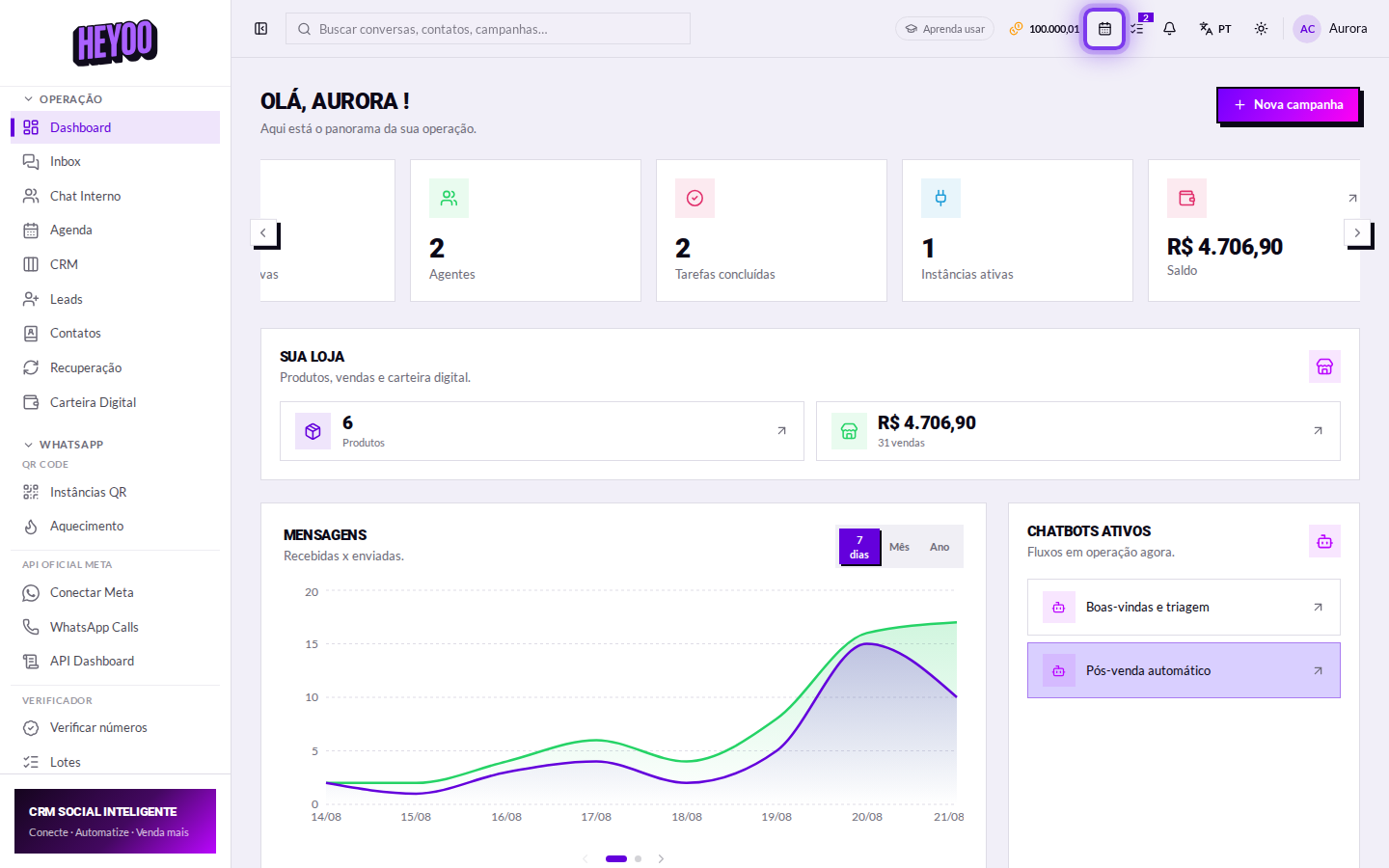
- Search — looks through conversations, contacts and campaigns at once.
- Balance — the same figure as the digital wallet, always at hand.
- Calendar and tasks — shortcuts with a counter of what is pending.
- Bell — new messages, payments and system alerts.
Language and theme
At the top right you switch the language — Portuguese, English and Spanish — and toggle between light and dark theme. The choice is saved to your account.
The side menu
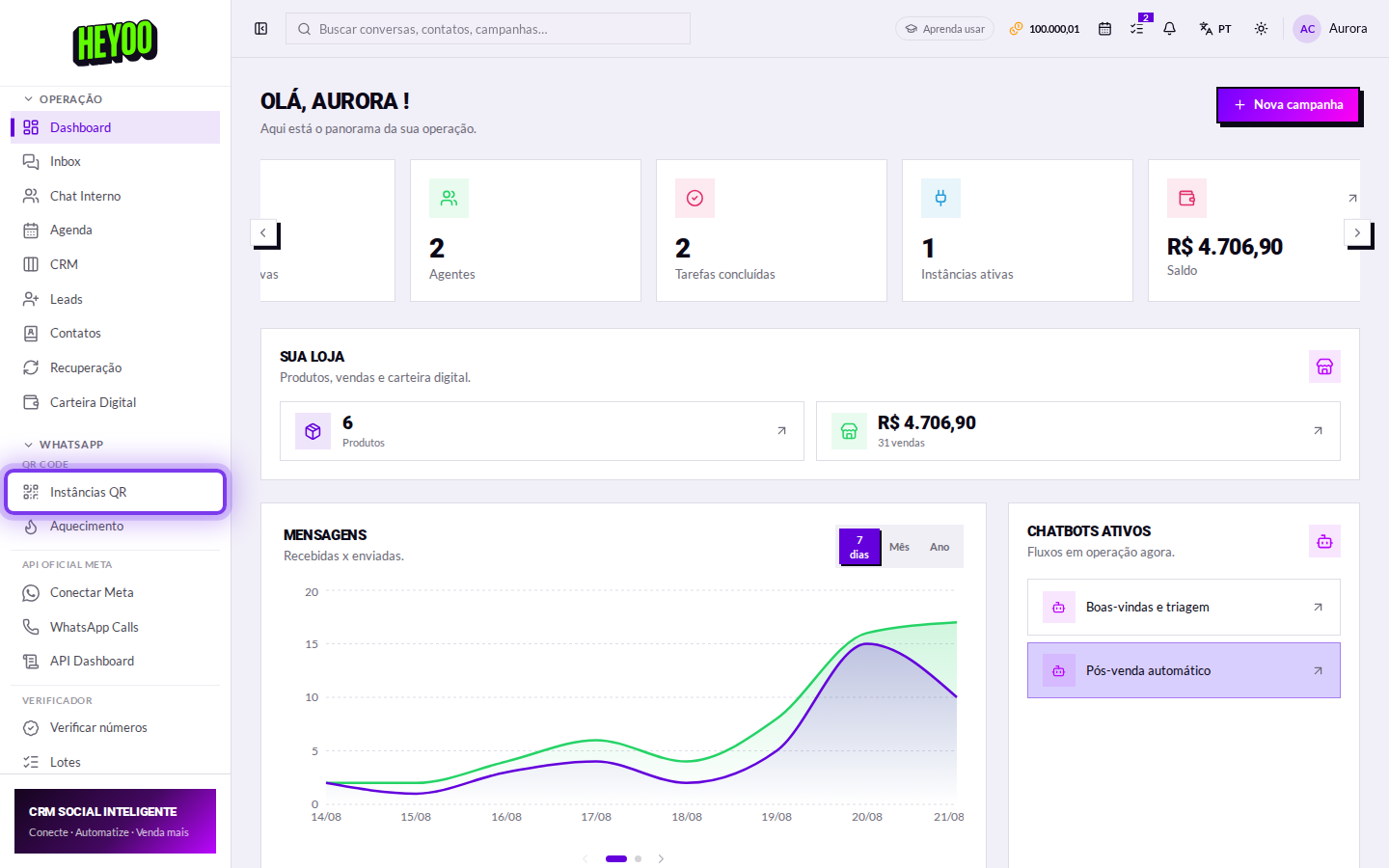
- Operation — Inbox, Internal Chat, Calendar, CRM, Leads, Contacts, Recovery and Wallet.
- Channels — WhatsApp (QR and Official API), Instagram, Facebook, Telegram and TikTok.
- Automation, Broadcasts and Marketplace — flows, campaigns, catalog and orders.
- Account — reports, subscription and settings.
Padlock in the menuAn item with a padlock is a feature your plan does not cover yet. Clicking it shows what the upgrade changes.
In short
- The account administrator signs in through the Account tab; whoever answers, through the Agent tab.
- The Dashboard answers how the operation is doing today: queue, team, channels and sales.
- Connected channels is where you check whether WhatsApp is up.
- Language, theme and the collapsed menu are your own preferences and stay saved.