As an agent you have your own sign-in inside the company's account. You use your own email and password, but you work on the company's data — conversations, contacts and numbers belong to the account, not to your sign-in.
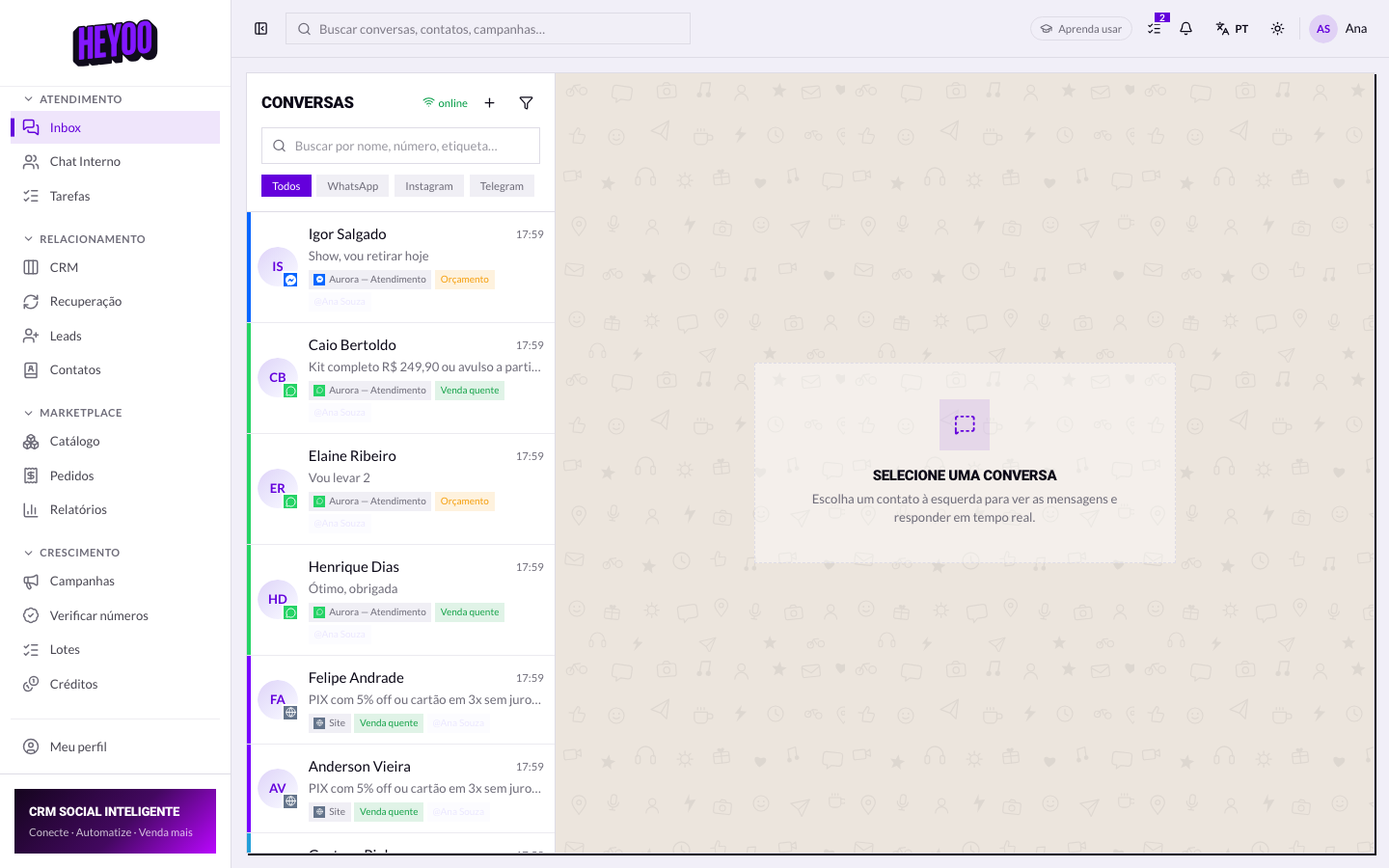
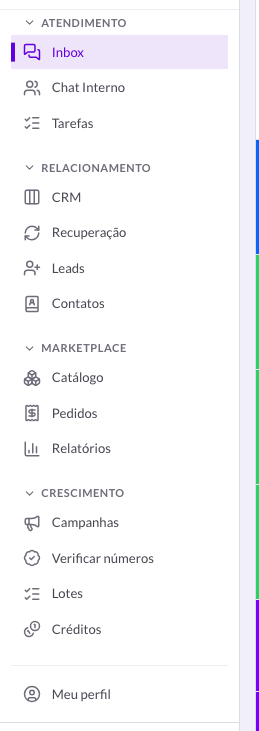
A short menu is not a bugIf a colleague sees an item you do not, the roles are different. The menu is built from permissions — what is hidden is hidden on purpose.
Your identity
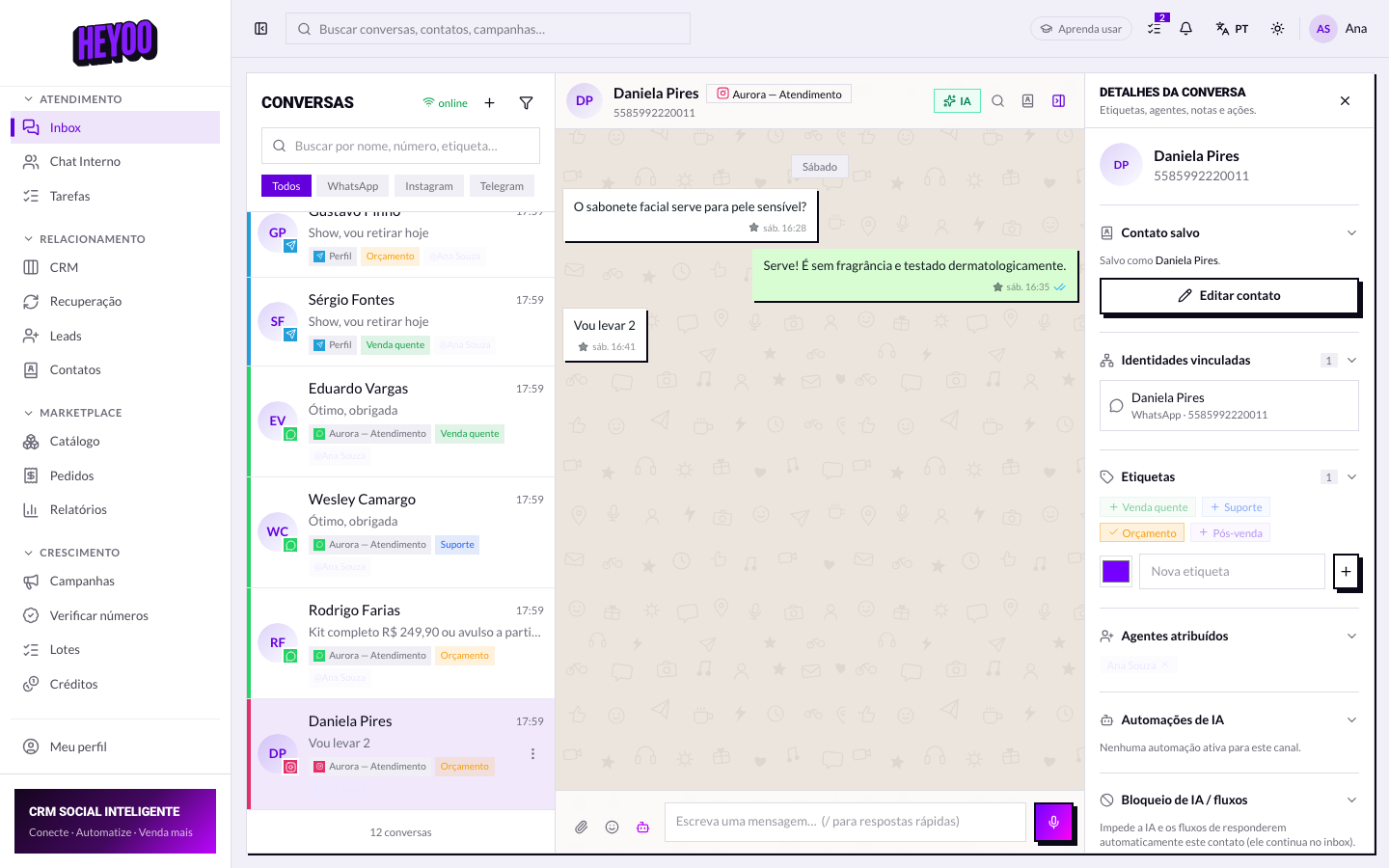
What is yours and what belongs to the account
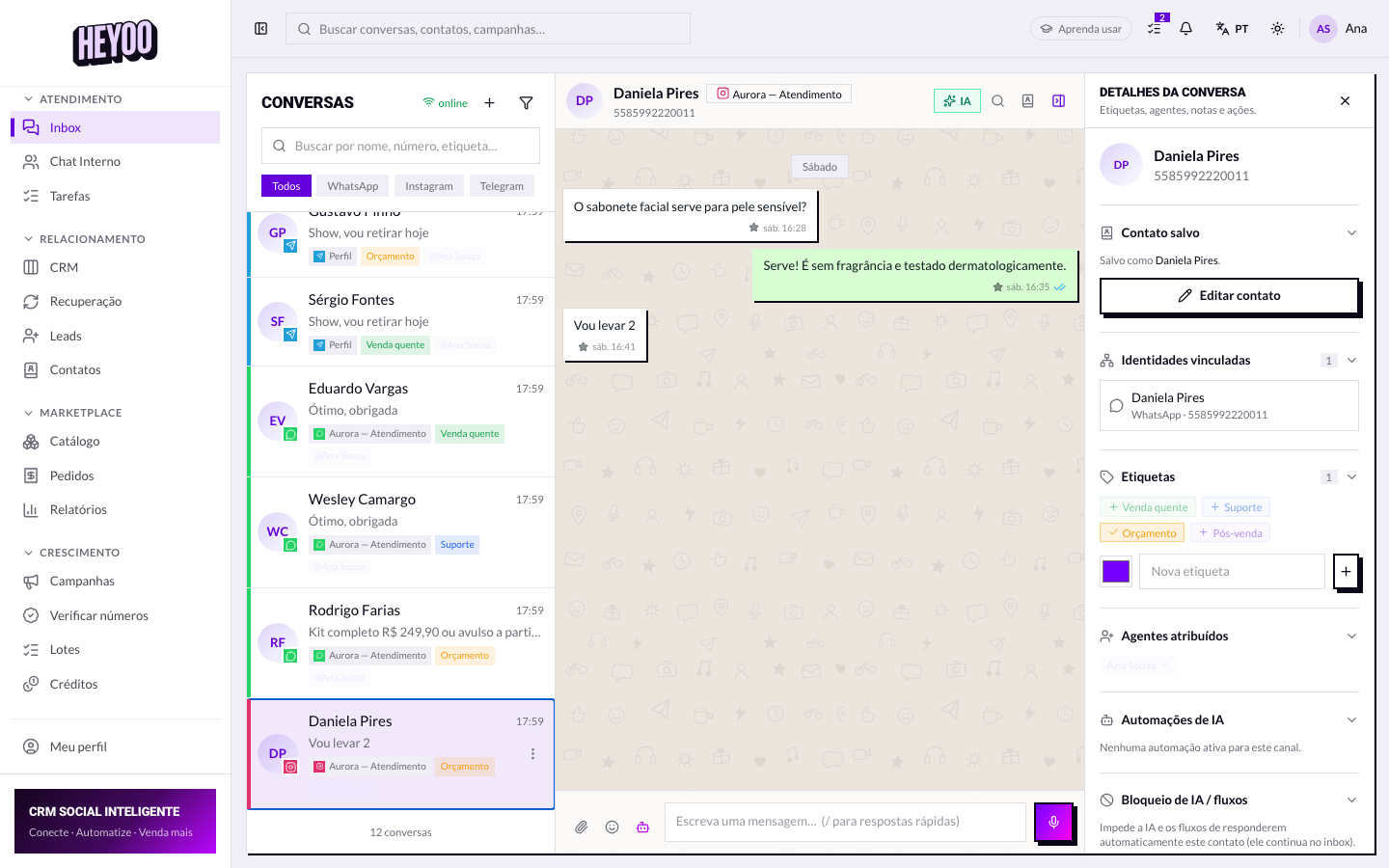
- Yours — sign-in, password, photo, language, theme and notification preferences.
- The account's — conversations, contacts, labels, quick replies, connected numbers.
- When you leave the team your access is switched off and nothing disappears: the history stays with the account.
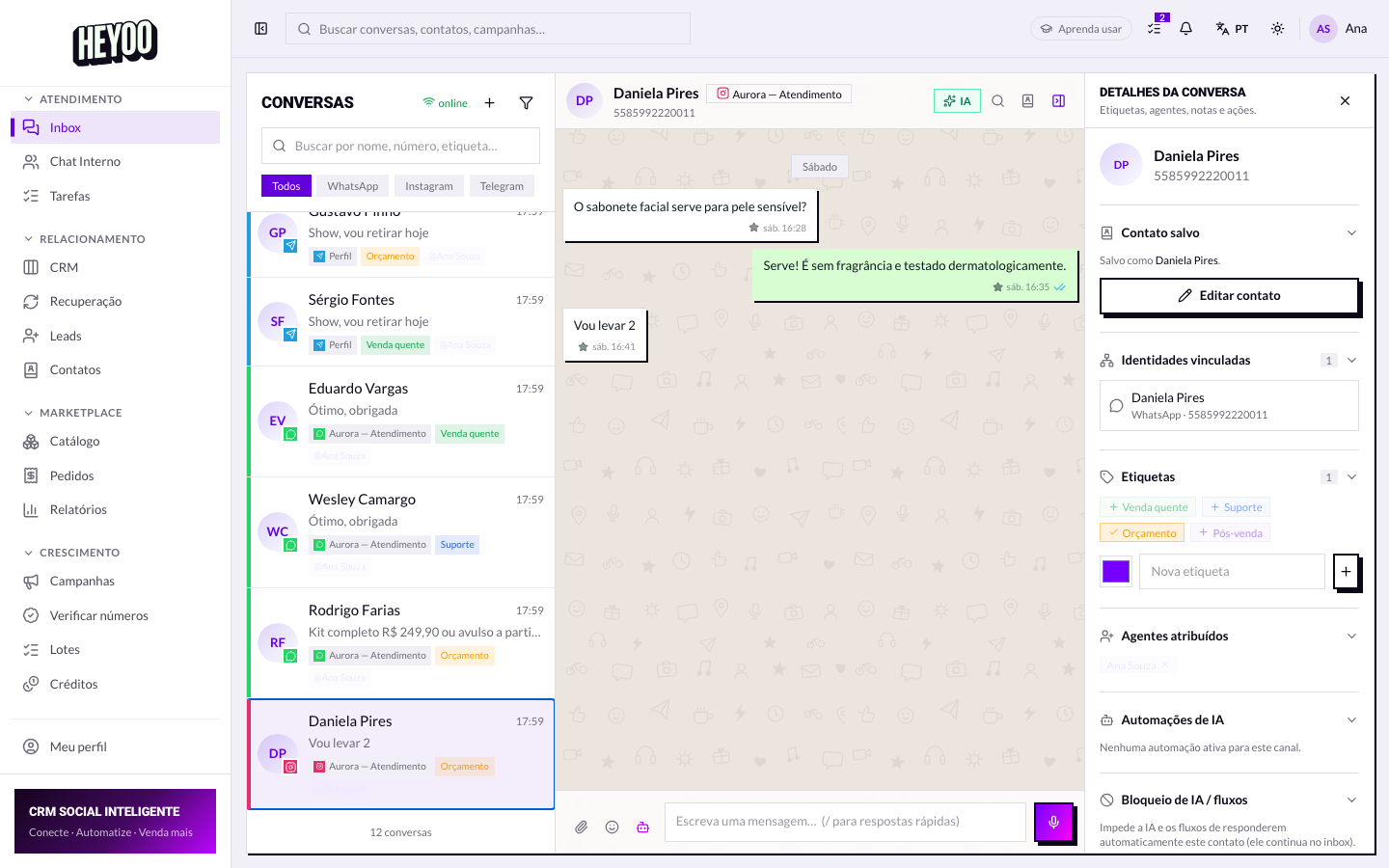
Never share your sign-inEverything done through it is recorded under your name — including in the agent reports. If someone else needs access, ask the administrator to invite them.
- Open the link the administrator sent (or the panel address).
- Sign in with your email and your password.
- You land in the Inbox.
- Check in the menu which modules your role unlocked.
- Start with the conversations assigned to you.