Replying is what you do most in a day. It pays to know the shortcuts: they save half the typing and avoid the mistakes the customer notices.
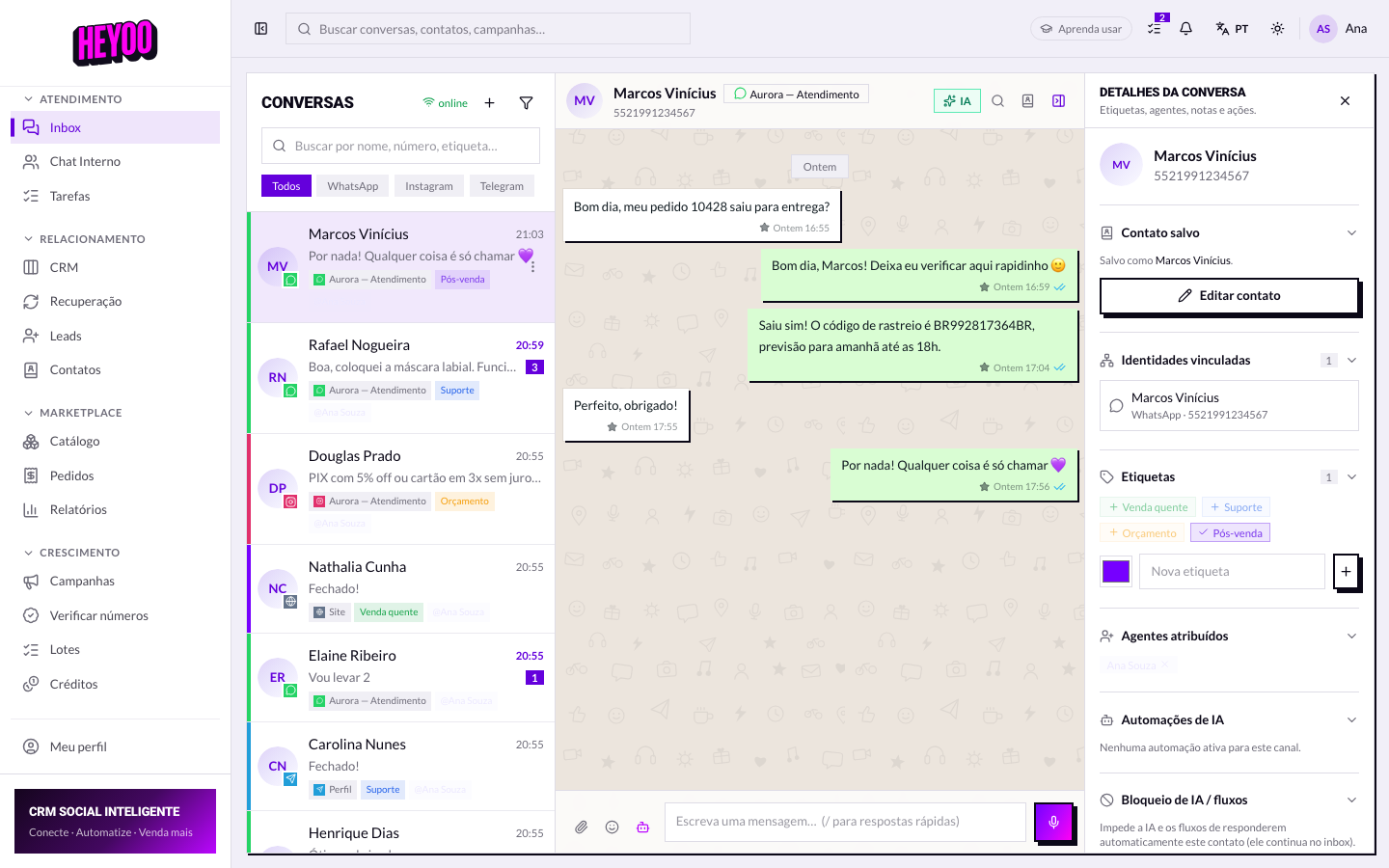

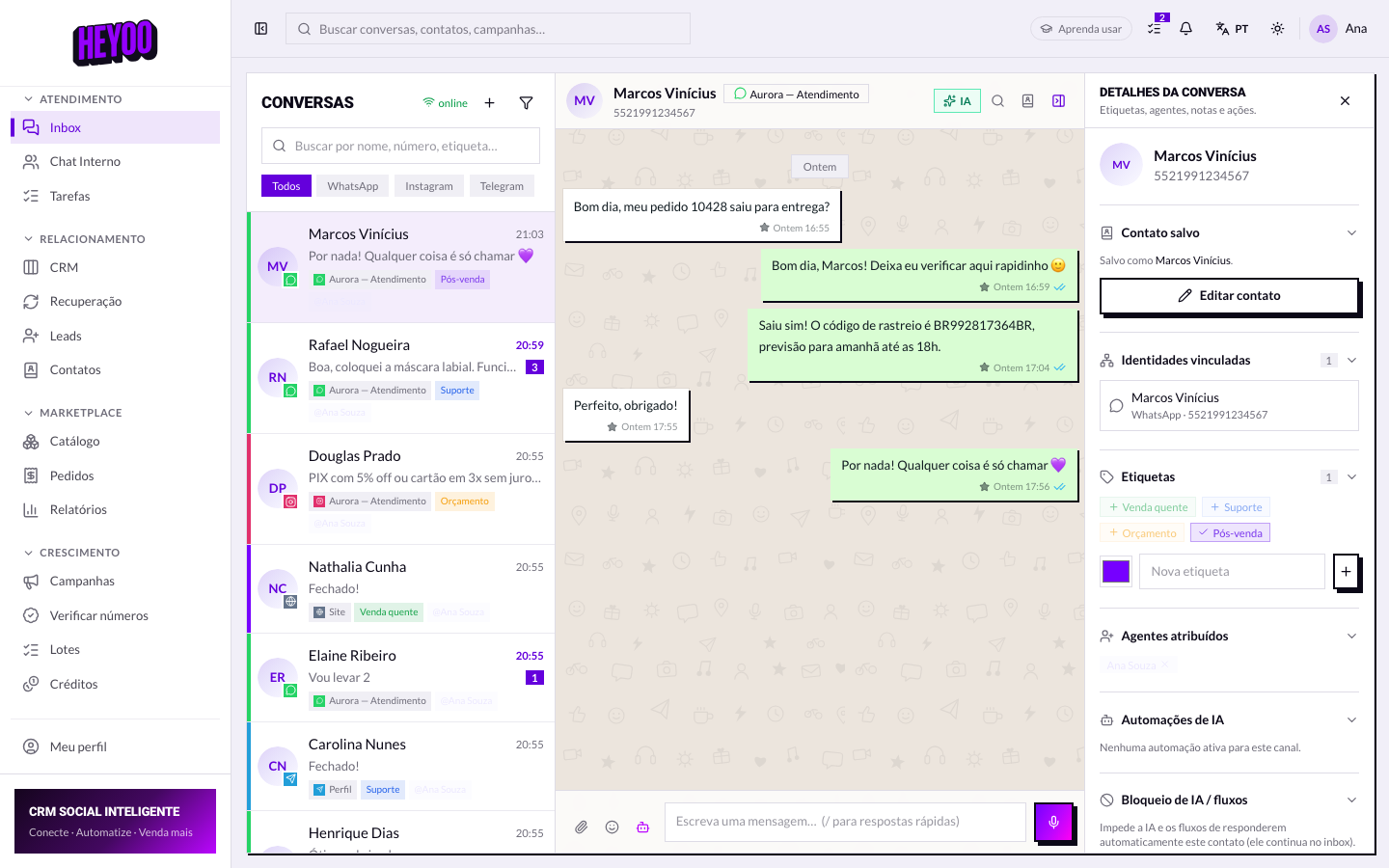
Quick replies
Edit before you sendA quick reply lands in the box as a draft. Swapping Hello! for Hello, Juliana! takes a second and changes the tone completely — the customer does not feel they got a text off a shelf.
Quick replies belong to the account, not to you. When the administrator fixes a text, it changes for the whole team — which is why it is worth flagging an out-of-date text instead of typing around it.
Media and audio

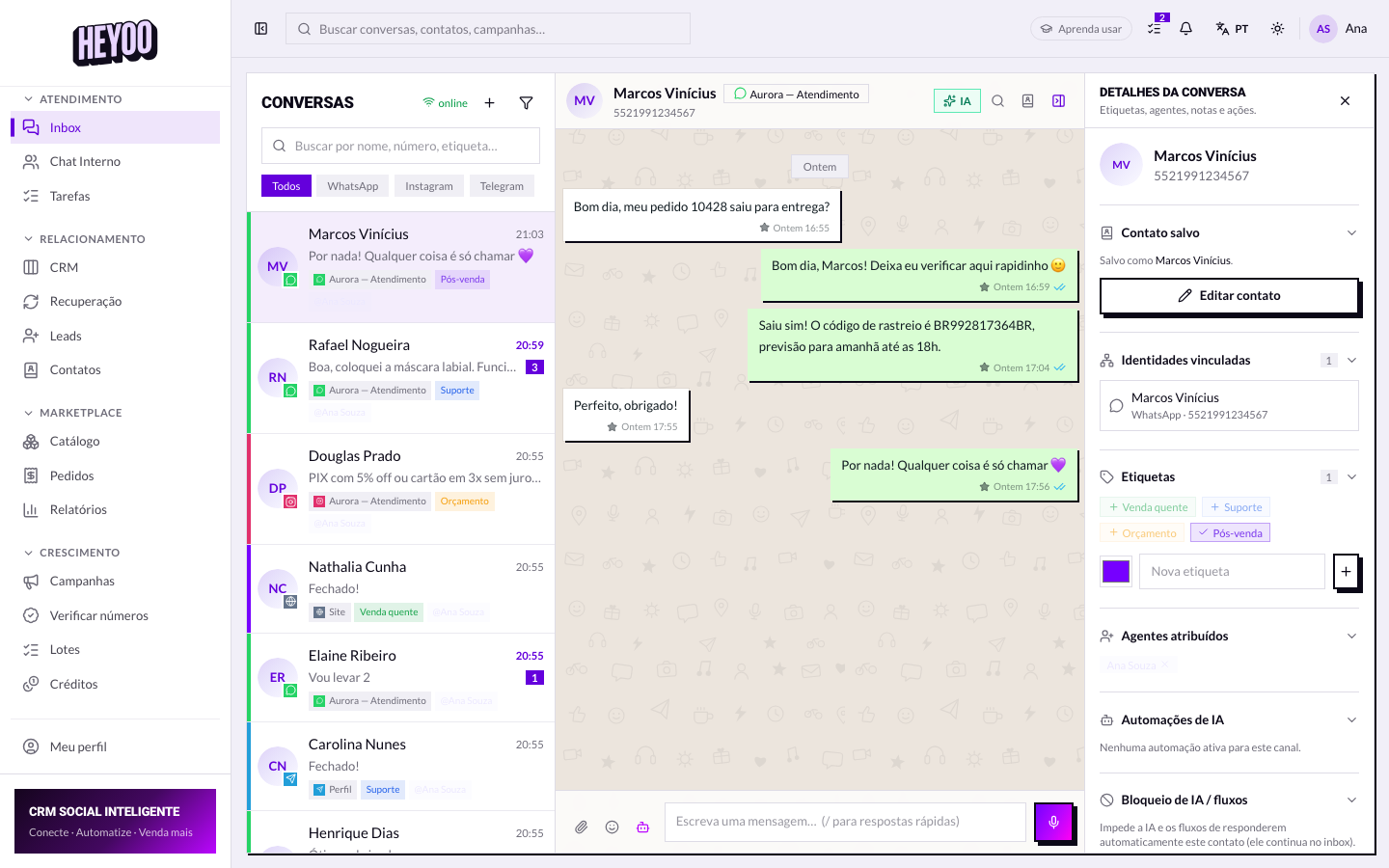

Audio does not always helpA customer at work, on the bus or in a meeting cannot listen. For instructions with a number, an address or a code, text always goes further — it can be copied.
Quoting and reacting


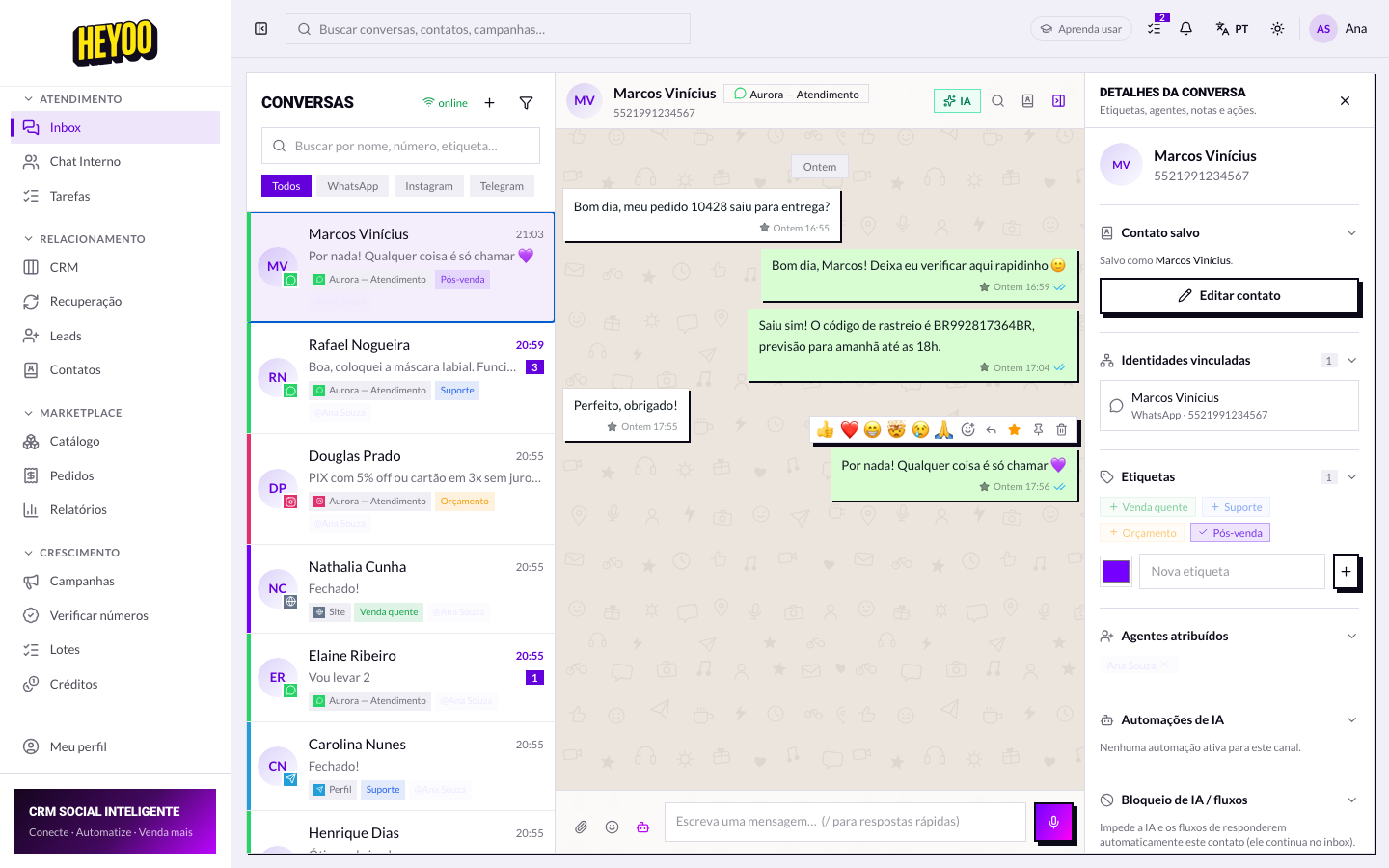
Quote when the conversation has branchedIf the customer sent three questions in a row and you answer the second one, quoting makes clear which one you answered. Without the quote, they reply thinking you meant the first.