The Heyoo app is the same account as the panel, on your phone. There is no separate sign-up: the email and password are the ones you already use.
Fora da Heyoo
Signing in
- Open the app.
- Choose Account if you are the administrator, or Agent if you are part of the team.
- Enter your email and password.
- If the account has two-step verification, enter the code from your authenticator.
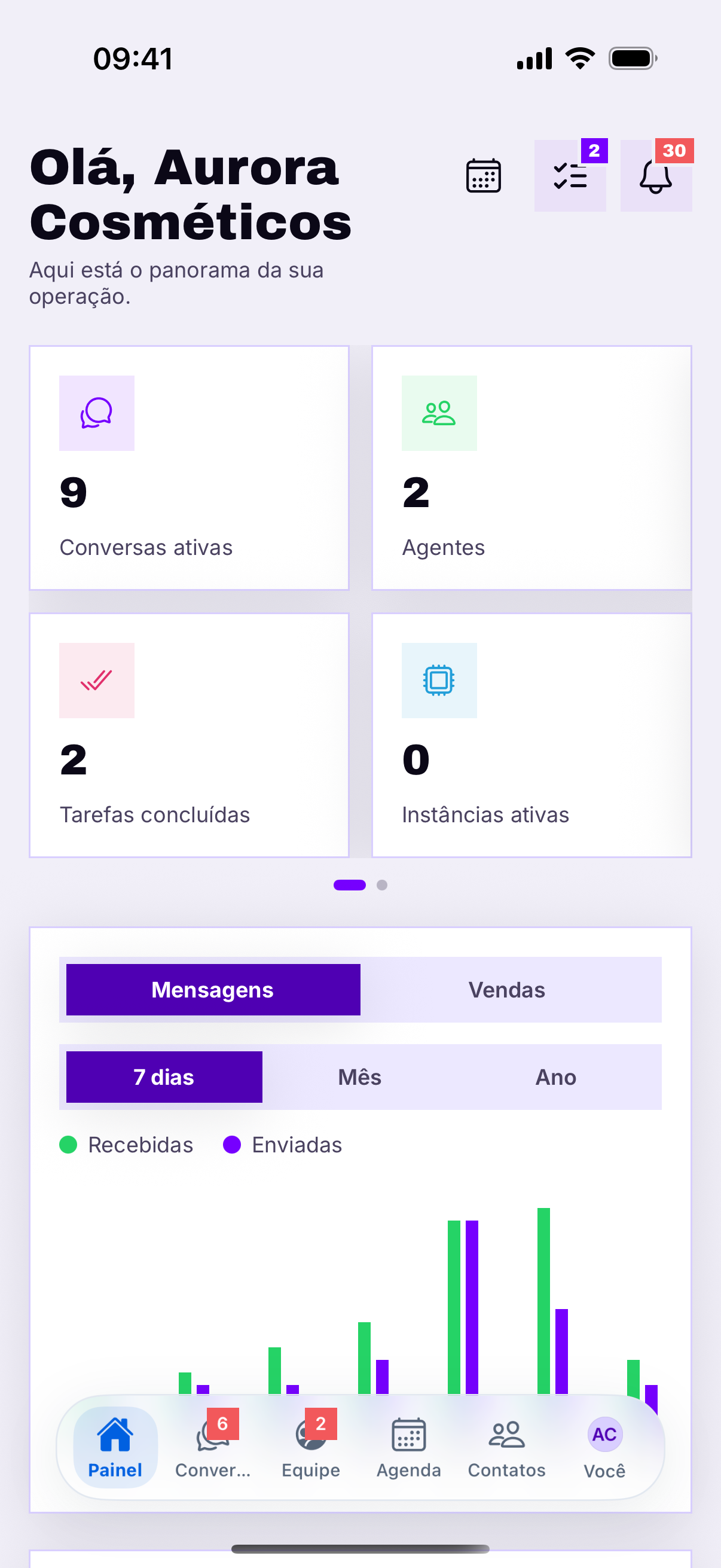
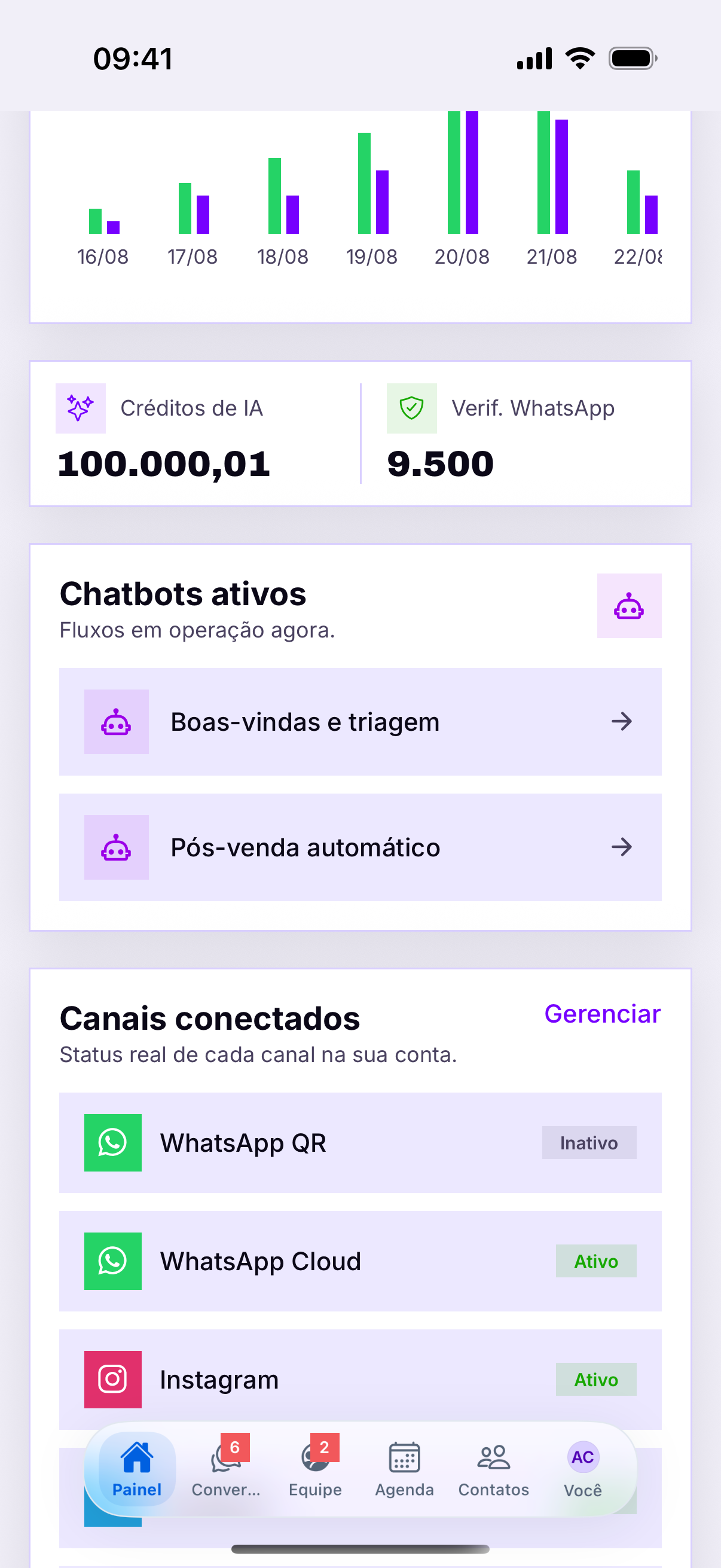
- That is it: you land on the Dashboard.
- Pronto: você cai no Painel.
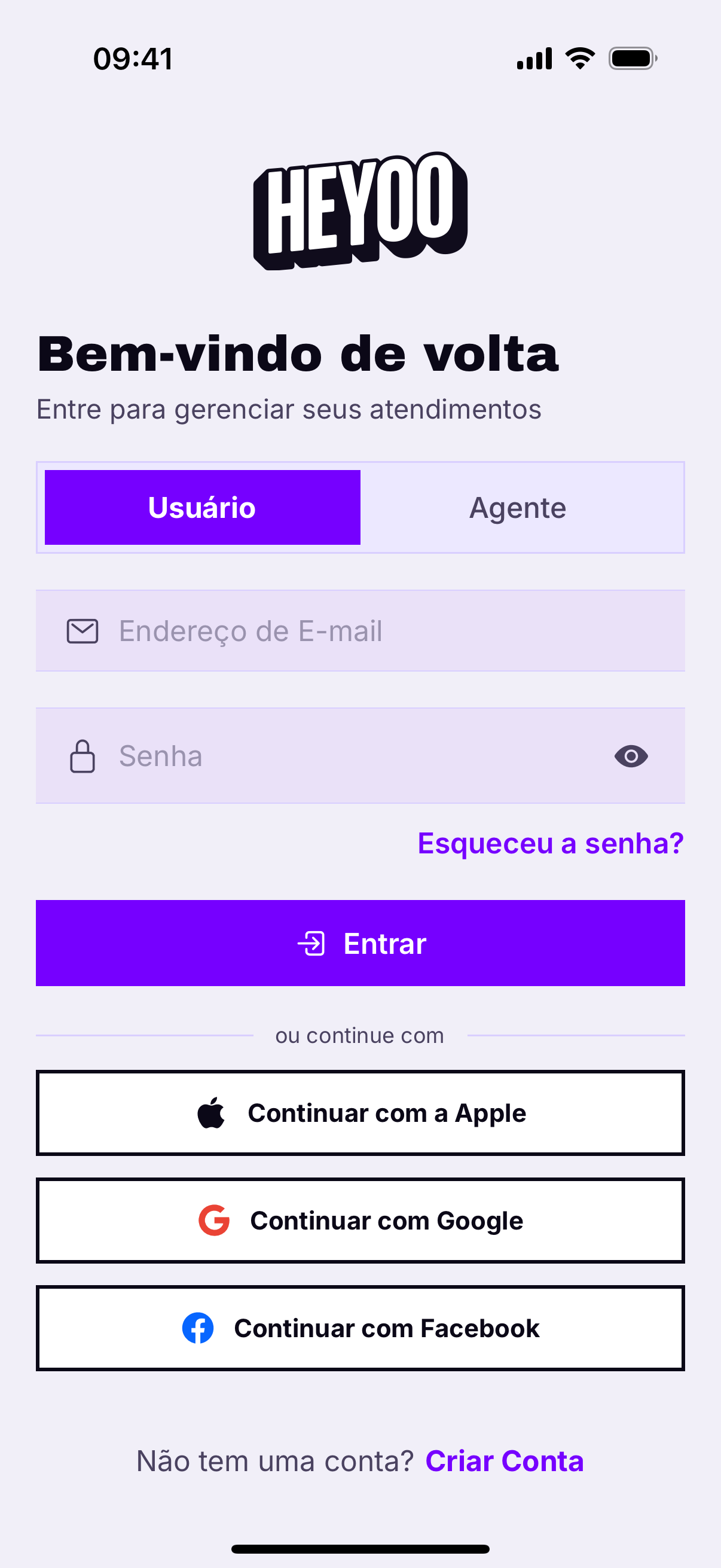
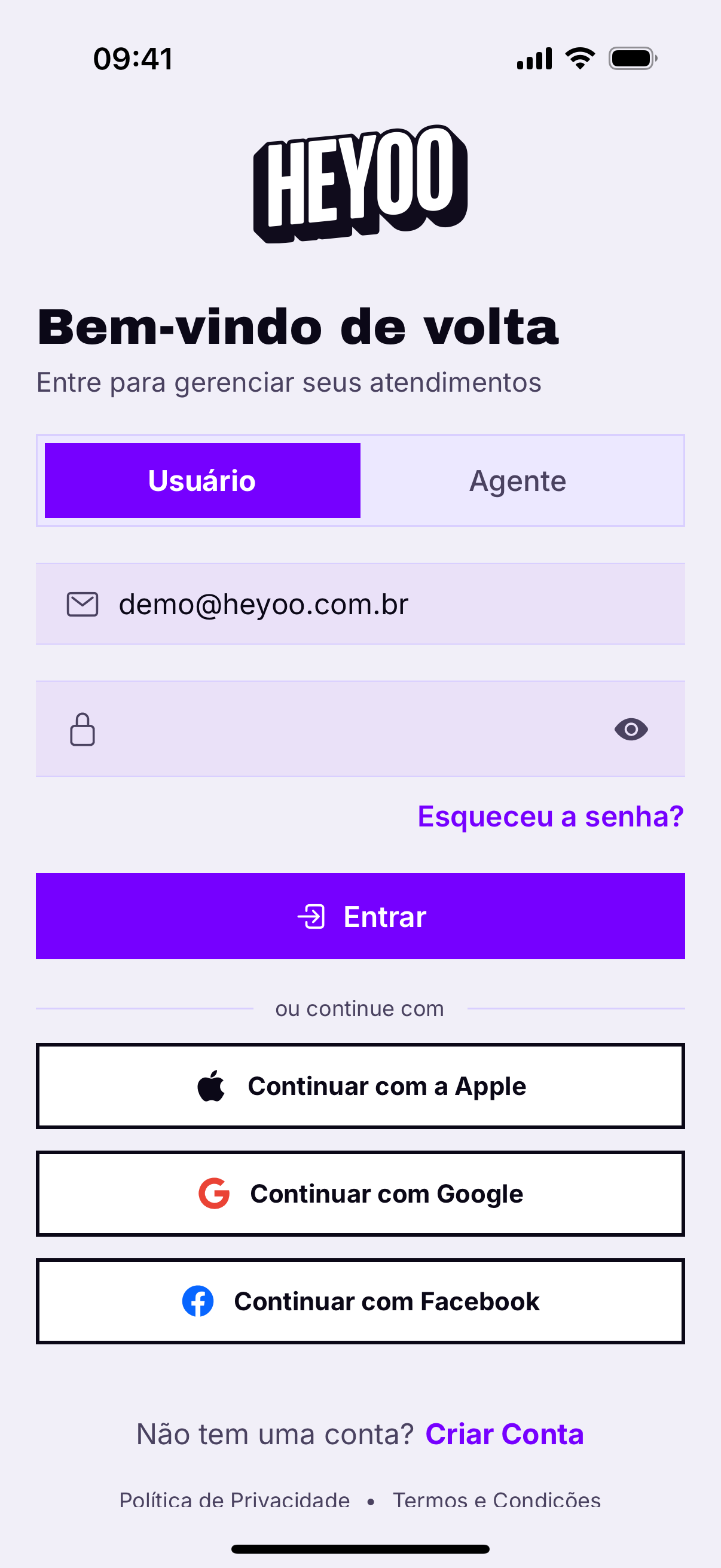
Usuário e Agente são portas diferentesO administrador entra por Usuário; quem foi convidado como agente entra por Agente. Tentar pela porta errada devolve credenciais inválidas mesmo com a senha certa — é o engano mais comum no primeiro acesso.
O que o aplicativo cobre
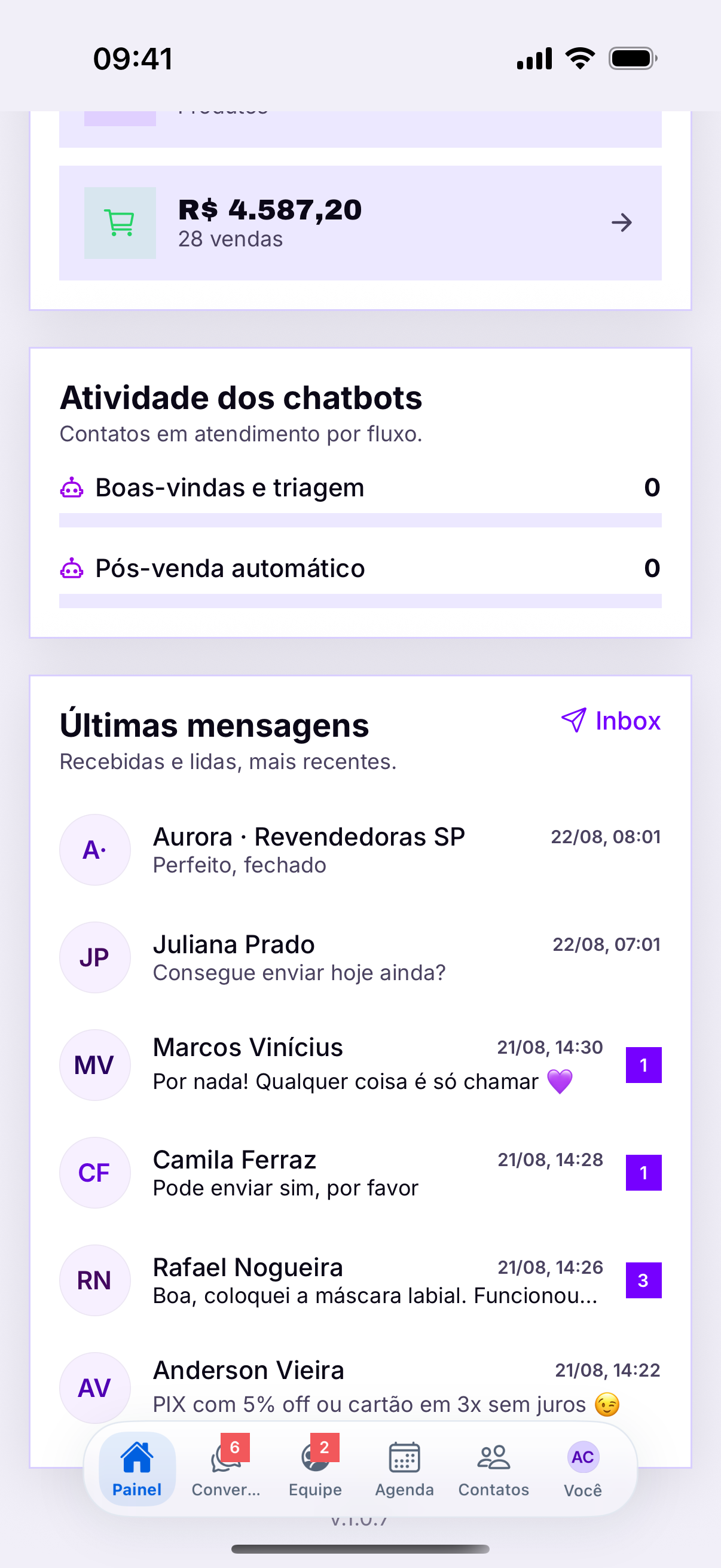
- Atendimento completo — inbox, conversa, mídia, áudio, etiquetas e notas.
- Relacionamento — CRM, contatos, agenda, recuperação e leads.
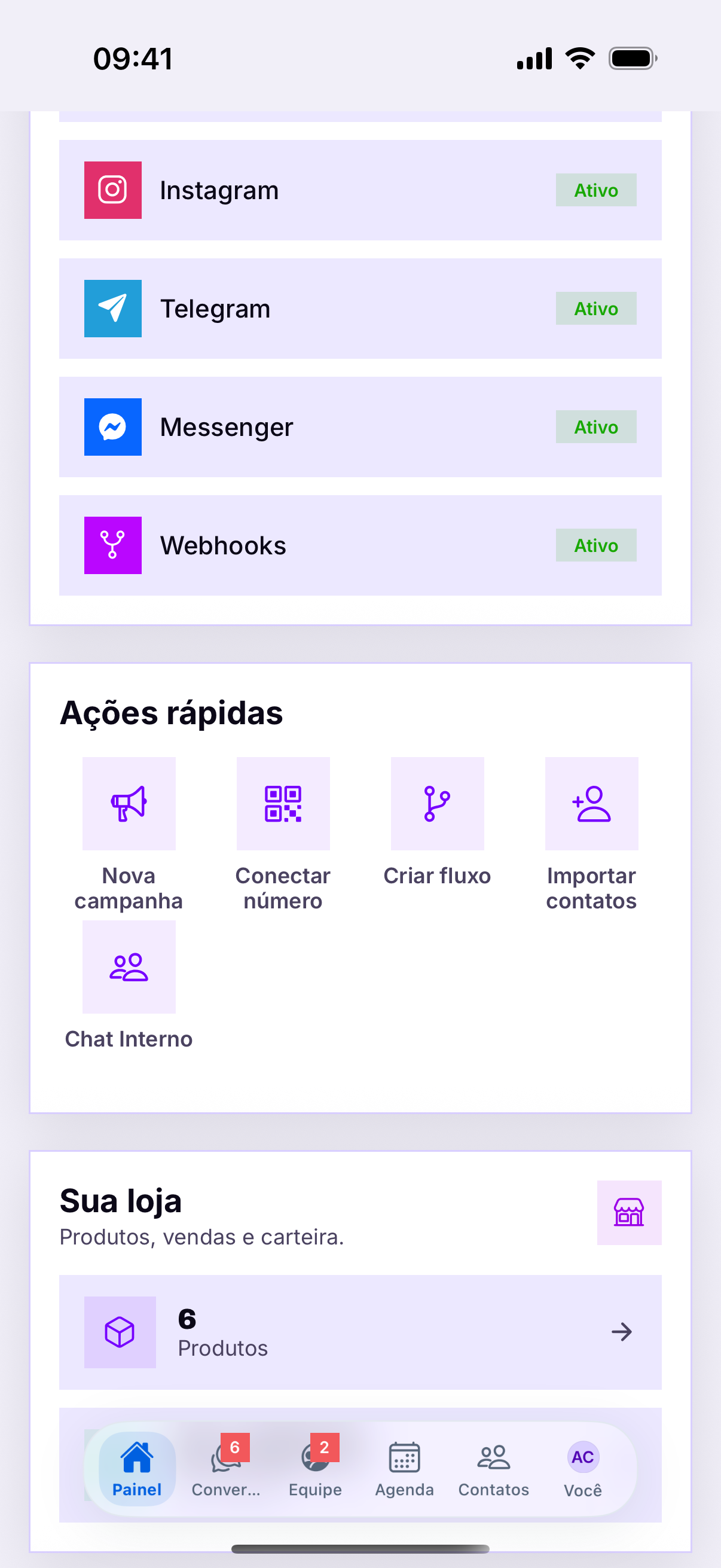
- Canais — conectar e acompanhar WhatsApp, Instagram, Telegram e os demais.
- Automação — fluxos, chatbots, formulários e enquetes.
- Vendas — catálogo, pedidos, carteira e Gestão de Crédito.
- Equipe — agentes, tarefas e relatórios.
Notifications
Without the app, you only find out about a message when you open your computer. If you declined the permission the first time, the phone will not ask again — you have to allow it in Settings › Notifications › Heyoo.
É o principal motivo de instalarBoth at the same time
Staying signed in on the computer and on the phone disconnects nothing. What you reply on one shows up immediately on the other — it is the same conversation, not two copies.
On a shared phone, sign out through You › Sign out. Closing the app does not end the session: it stays valid for whoever opens it next.
Sair com segurançaEm telefone compartilhado, saia pelo menu Você › Sair. Fechar o aplicativo não encerra a sessão: ela continua válida para quem abrir depois.