Every time the artificial intelligence works on your account, it consumes AI credits. Your plan comes with a monthly quota; if it runs out, you can buy more without changing plan.
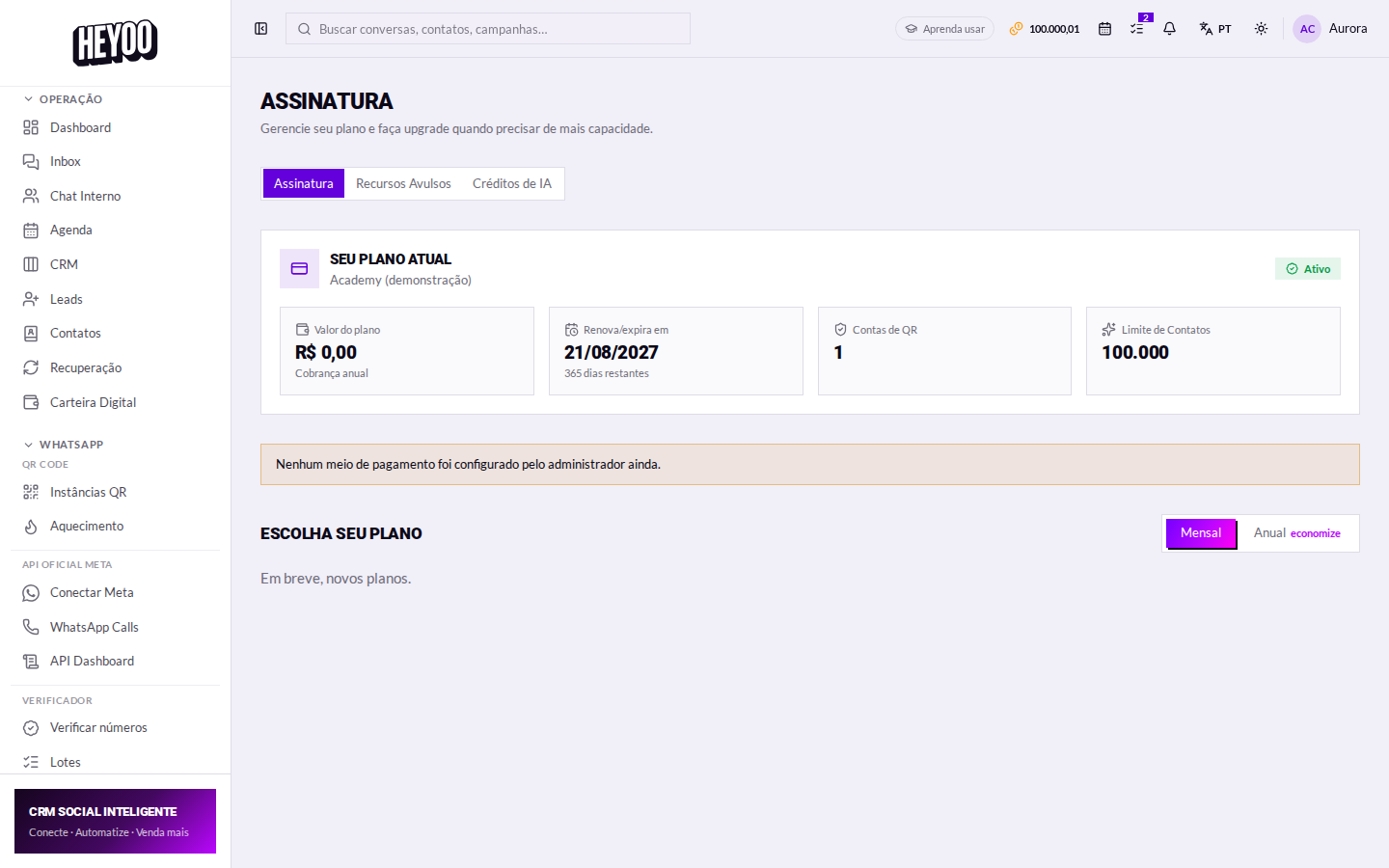
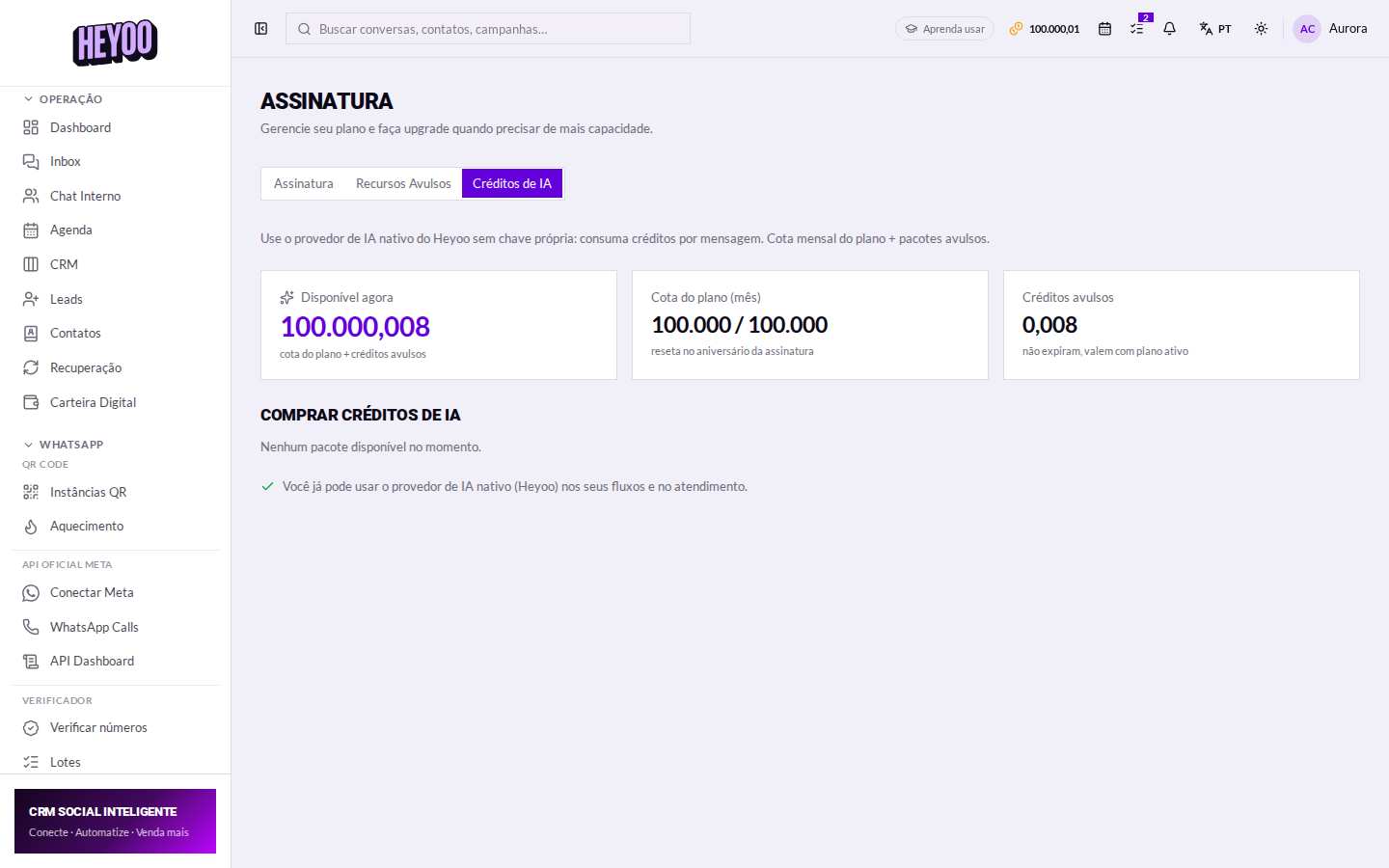
Reading the balance
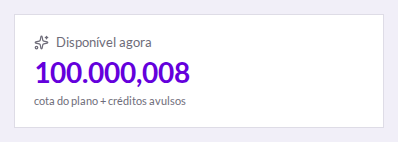
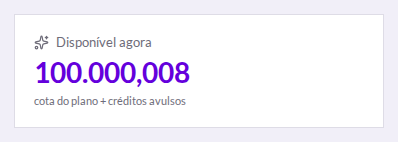
The monthly quota does not roll overWhatever is left of the plan quota resets on the new cycle — it does not roll over. One-off credits, on the other hand, stay until you use them. That is why consumption eats the quota first and the one-off credits only after.
What consumes credit
- AI answering in the chat — when the conversation is handed to the assistant.
- Reply suggestion — the AI button inside the conversation.
- Message translation.
- Recovery — when the AI writes the follow-up message.
- A flow with an AI node — including when it sells from the catalogue.
- Generating a flow with AI — the Generate with AI button in the builder.
- Audio transcription and voice generation.
A long conversation costs moreThe AI rereads the history on every reply — so the tenth message in a conversation costs more than the first. Asking in the prompt for answers in three sentences or fewer cuts consumption and reads better on WhatsApp too.
Buying more
- One-off — a single purchase. Good for covering a spike.
- Monthly — renews on its own and works out cheaper per credit for daily use.
At checkout — outside Heyoo
The purchase goes through the payment provider's screen:
- Pick the package and confirm the amount.
- With PIX, use the QR code or the copy-and-paste string in your banking app.
- With a card, enter the details and, if the bank asks, authorise it in their app.
Back in Heyoo: the balance updates as soon as the payment clears — nothing to reload.
When the balance runs out
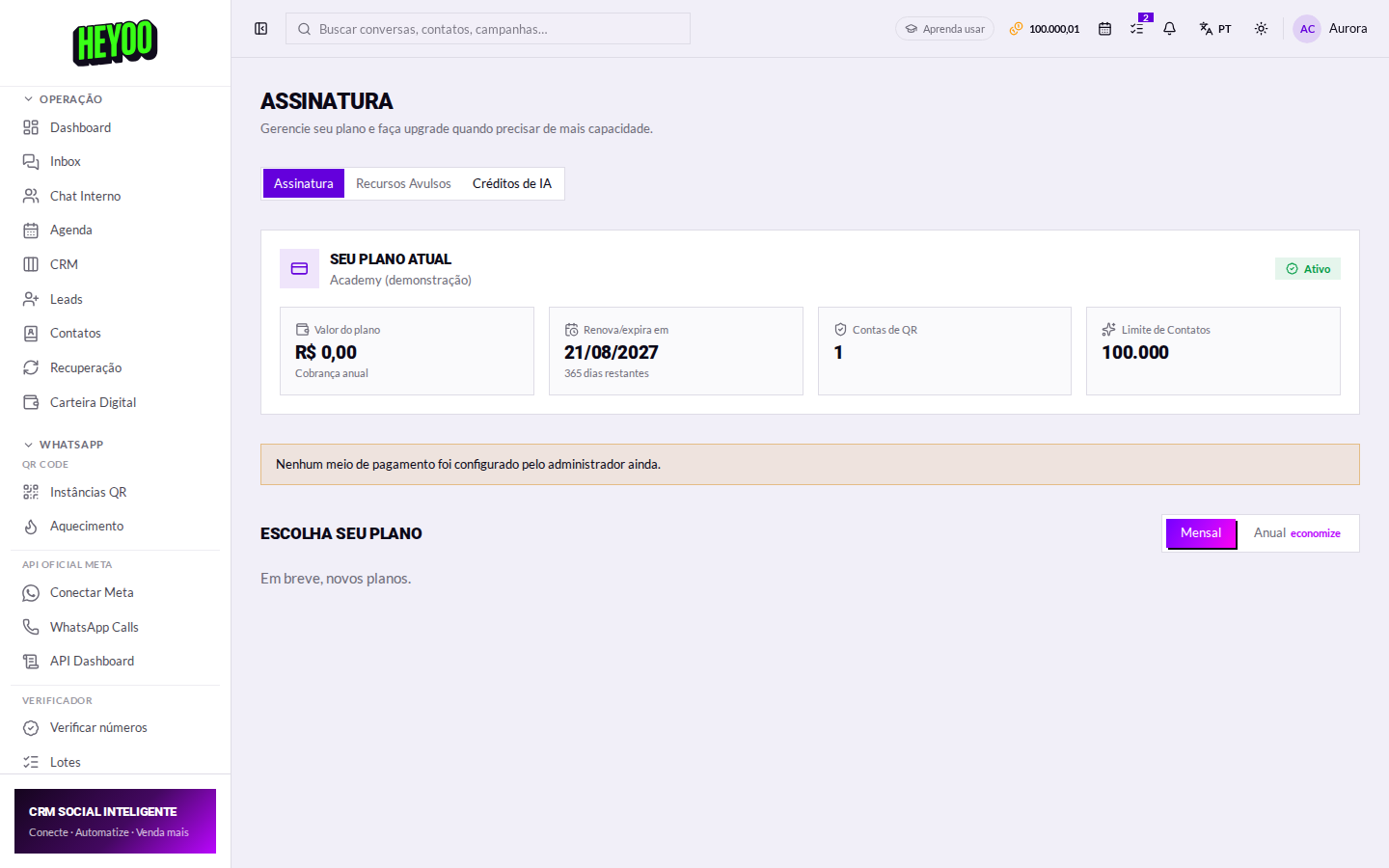
The AI stops replying and the conversation carries on manually — nothing is lost, but the bot goes quiet. The platform warns you before it hits zero, through the bell and by push.

With no balance, the conversation dies halfwayIf you rely on automated service, build a fallback path in the flow that calls a human when the AI does not answer. It is the difference between a bad day and a customer lost on a Sunday.
Your own provider (BYOK)If you already have an account with OpenAI or another provider, you can use your own key. Consumption is then billed there directly and does not spend Heyoo credits — it is covered in the lesson AI credits and your own provider.