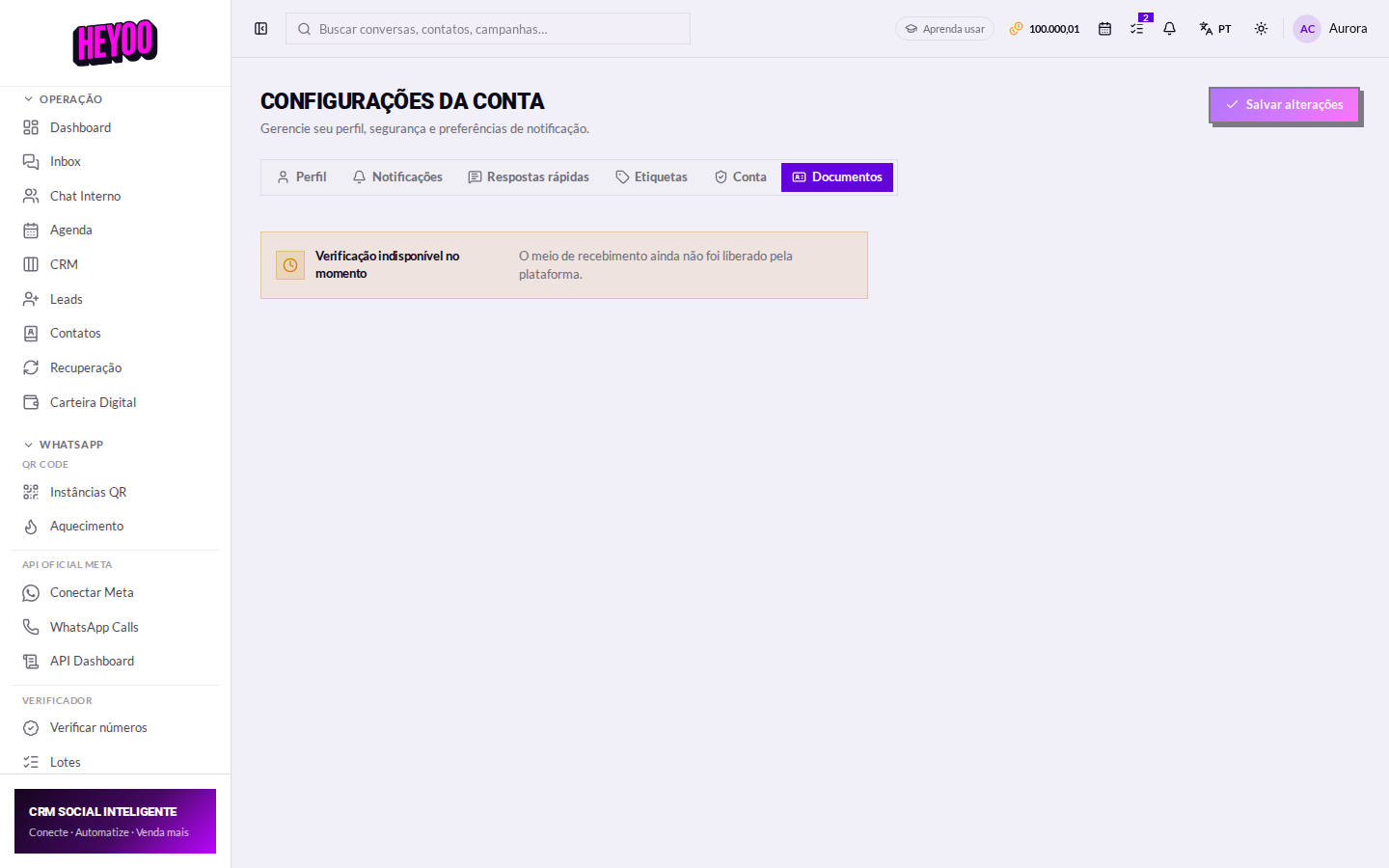
To receive money through Heyoo — digital wallet, PIX in the chat, catalogue sales — the account has to be verified. That is what the law calls KYC: proving who the account holder is.
1. Account type

| Tipo | O que a Heyoo pede |
|---|---|
| Individual | Full name, tax ID, email, a photo ID (national ID, driving licence or passport) and a selfie holding the document. |
| Company | Everything asked of an individual, plus the company's articles of incorporation. |
2. The holder's details
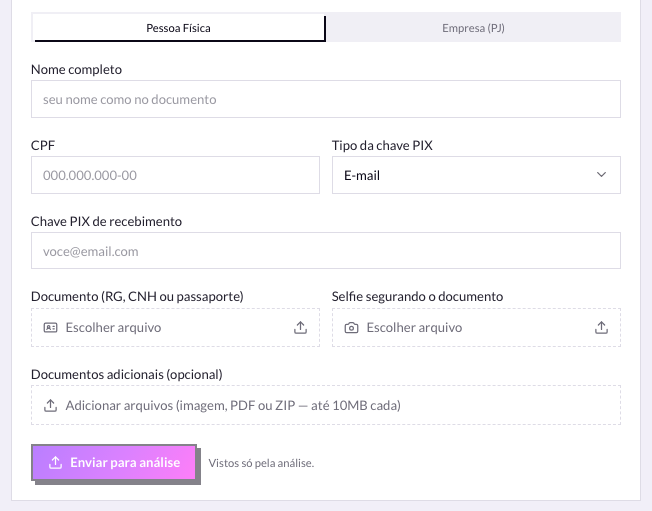
Name identical to the documentA nickname, an unregistered preferred name or an abbreviation gets the review rejected. Copy exactly what is printed on the ID, licence or passport.
On your phone — outside Heyoo
Both photos are taken on your phone, before you come back to this screen:
- Photograph the photo ID (national ID, driving licence or passport) on a flat surface, with no glare and all four edges visible.
- Take a selfie holding the document: your face and the document have to be in the same photo, both readable.
- For a company, also have the articles of incorporation as a PDF or photo.
- Move the files to your computer (or upload them from the Heyoo app, straight from the phone).
Back in Heyoo: use Choose file on each field and click Send for review.
3. The files

- Photo ID — national ID, driving licence or passport, readable and with no clipped edges.
- Selfie holding the document — your face and the document have to be in the same photo.
- Articles of incorporation — companies only.
- Blurry photos, glare, or a finger covering the details are the second biggest cause of rejection.
4. Sending
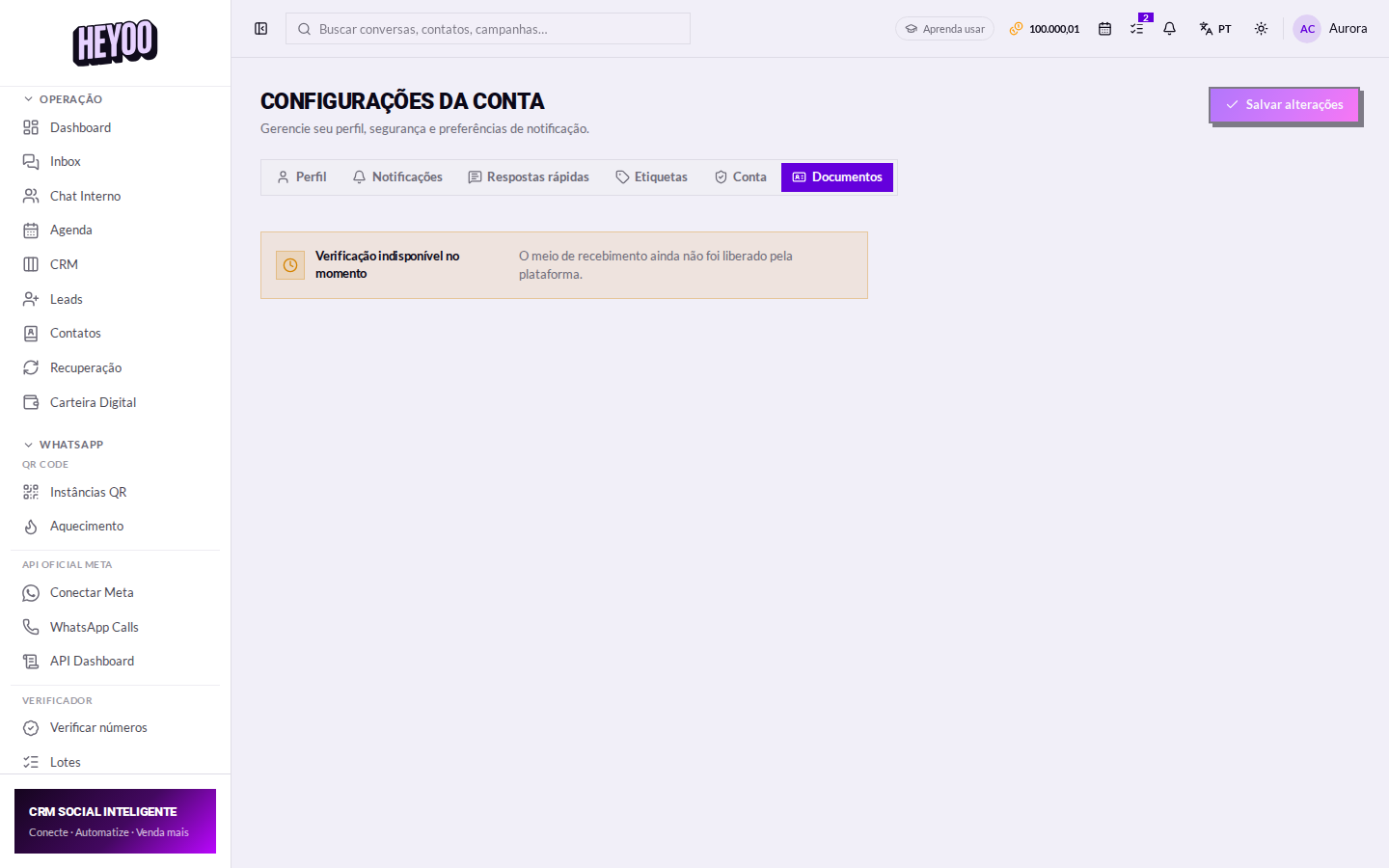
Your documents are privateThey are used only to verify the account and are never shown to agents or customers.
When the verification is approved, the Digital Wallet stops asking you to register and starts showing the balance, the statement and the options to charge and withdraw.