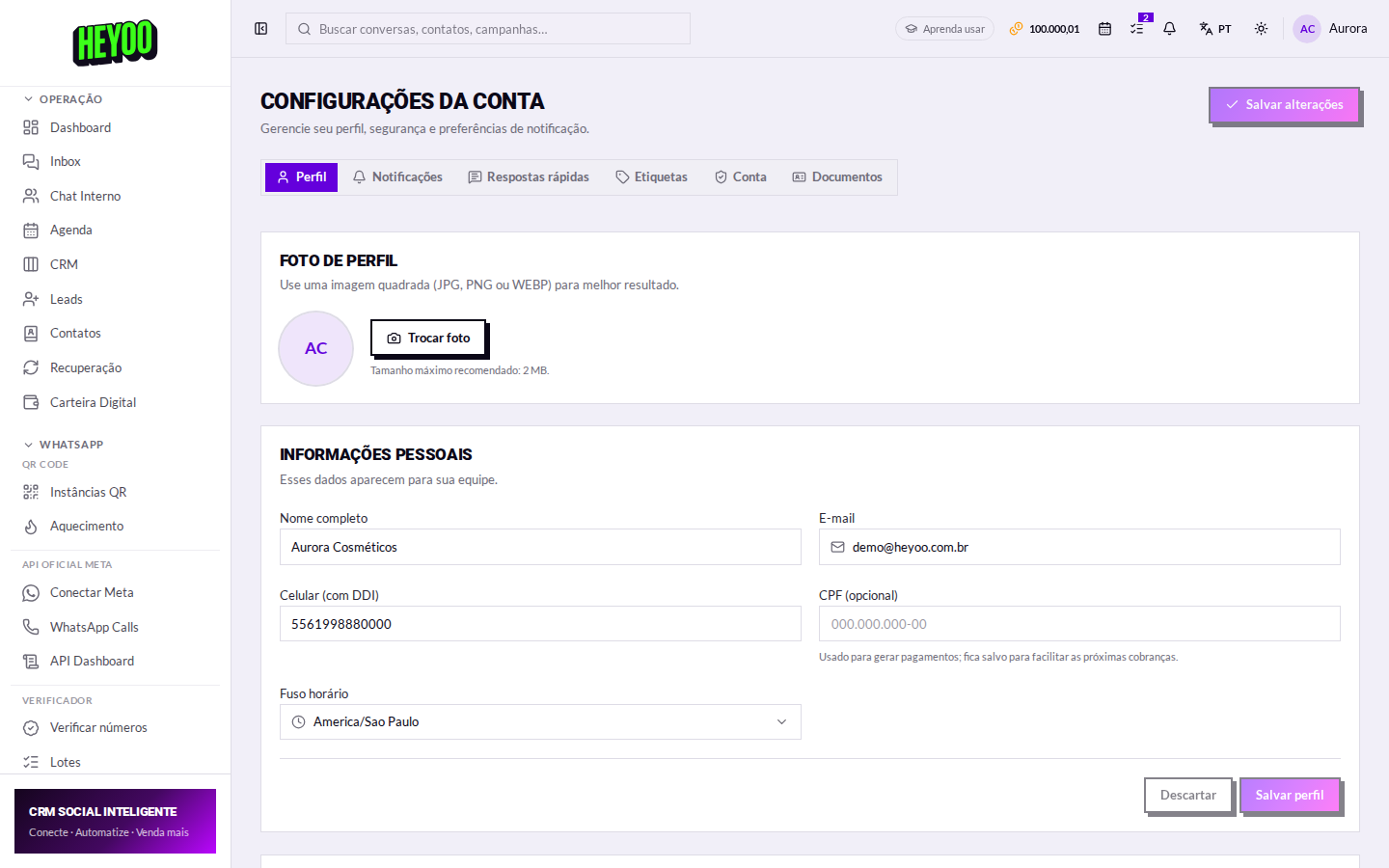
Account settings gathers what is yours: profile, security, alerts and the shortcuts the whole operation uses. There are six tabs — this lesson covers the first, and each of the others has a lesson of its own.
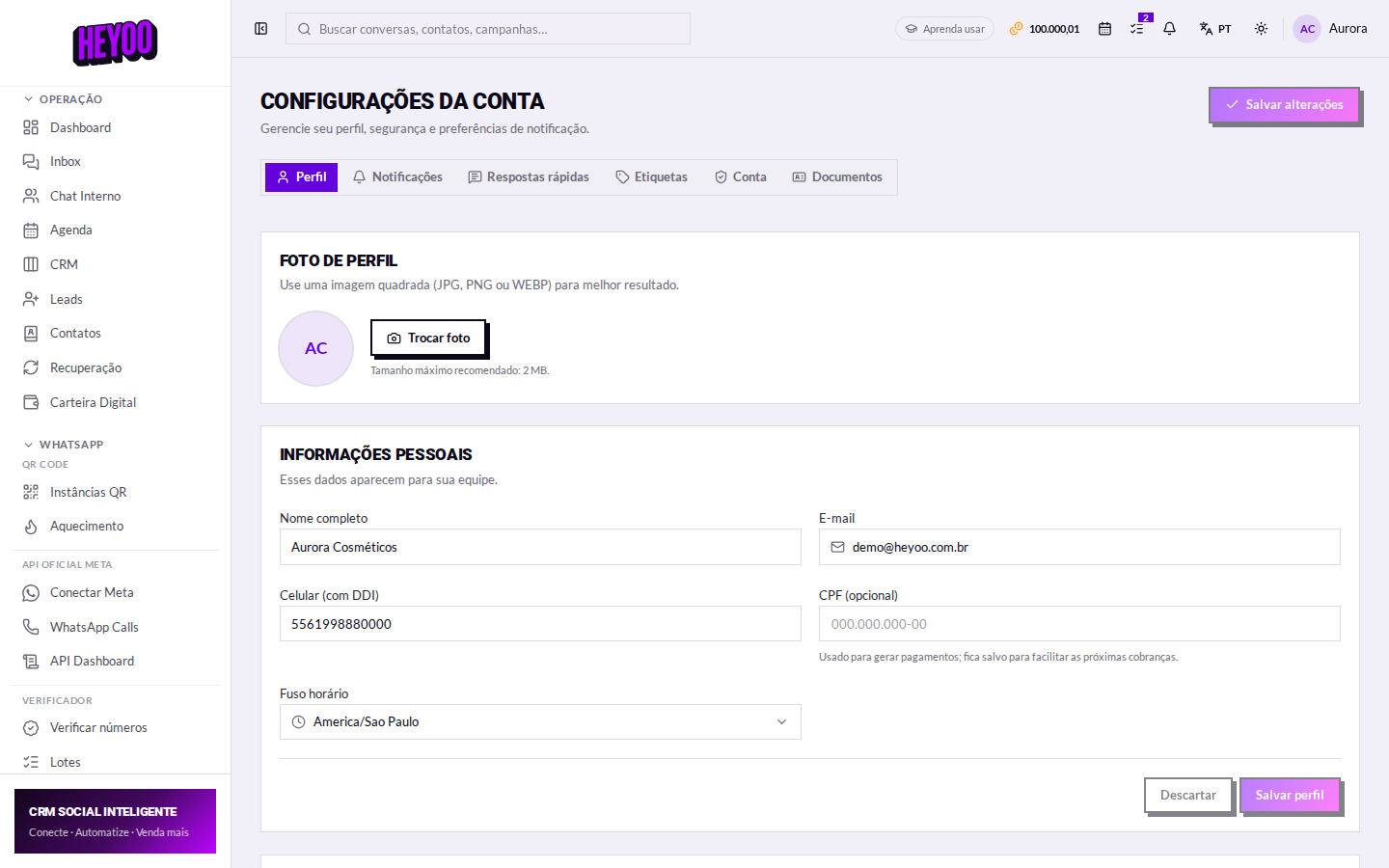

The photo

The fields, one by one
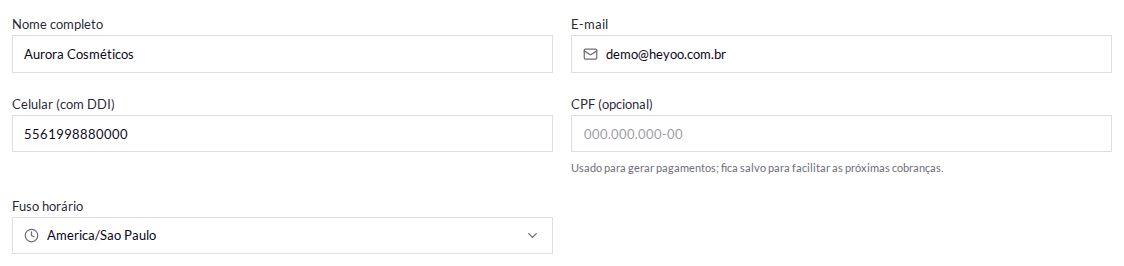
| Campo | Para que serve |
|---|---|
| Name | How you appear to your team, in conversations and in assignments. |
| It is your sign-in and the address for account alerts. | |
| Phone | With the country code, in the same format as your contacts. |
| Tax ID | Saved so you can raise charges without retyping it. |
| Time zone | It decides the timing of scheduled campaigns, reminders and programmed messages. |

The time zone

Check it before scheduling anythingA campaign set for 9am goes out at 9am in the time zone on this screen. If the account is in one zone and your operation in another, every schedule fires at the wrong hour — and you only find out after it has gone.
Saving

Language and theme
They are not on this screen: they are controls on the top bar, next to your name. The choice applies only to you — everyone on the team has their own.
The other tabs
- Notifications — what reaches you, by push, email and daily digest.
- Quick replies — the ready-made texts the team inserts with
/. - Labels — the classifications used by the Inbox and the Kanban board.
- Account — password change, two-step verification and API key.
- Documents — the verification that unlocks the digital wallet.