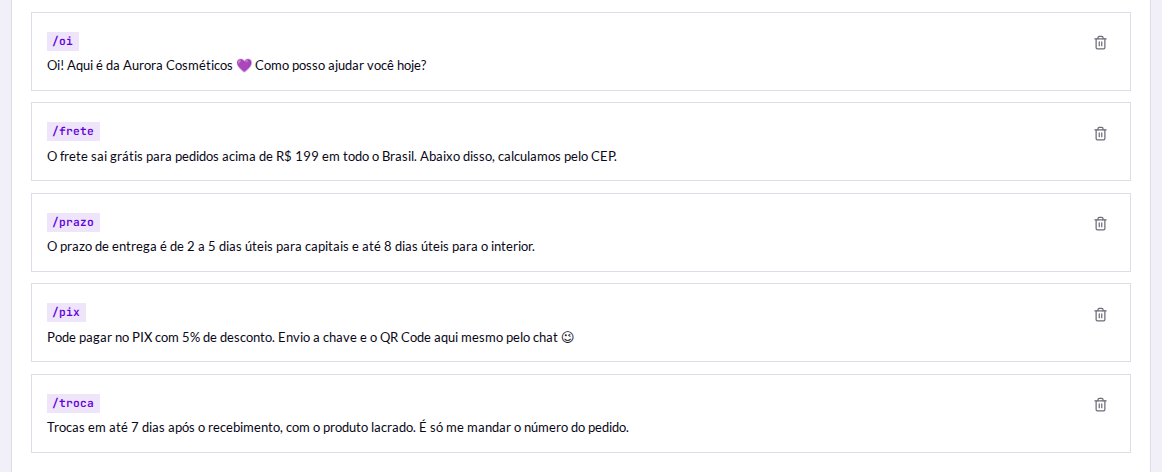
Every operation repeats the same sentences: delivery times, shipping, payment methods, return policy. Quick replies store those texts and put any of them into the conversation in two taps.
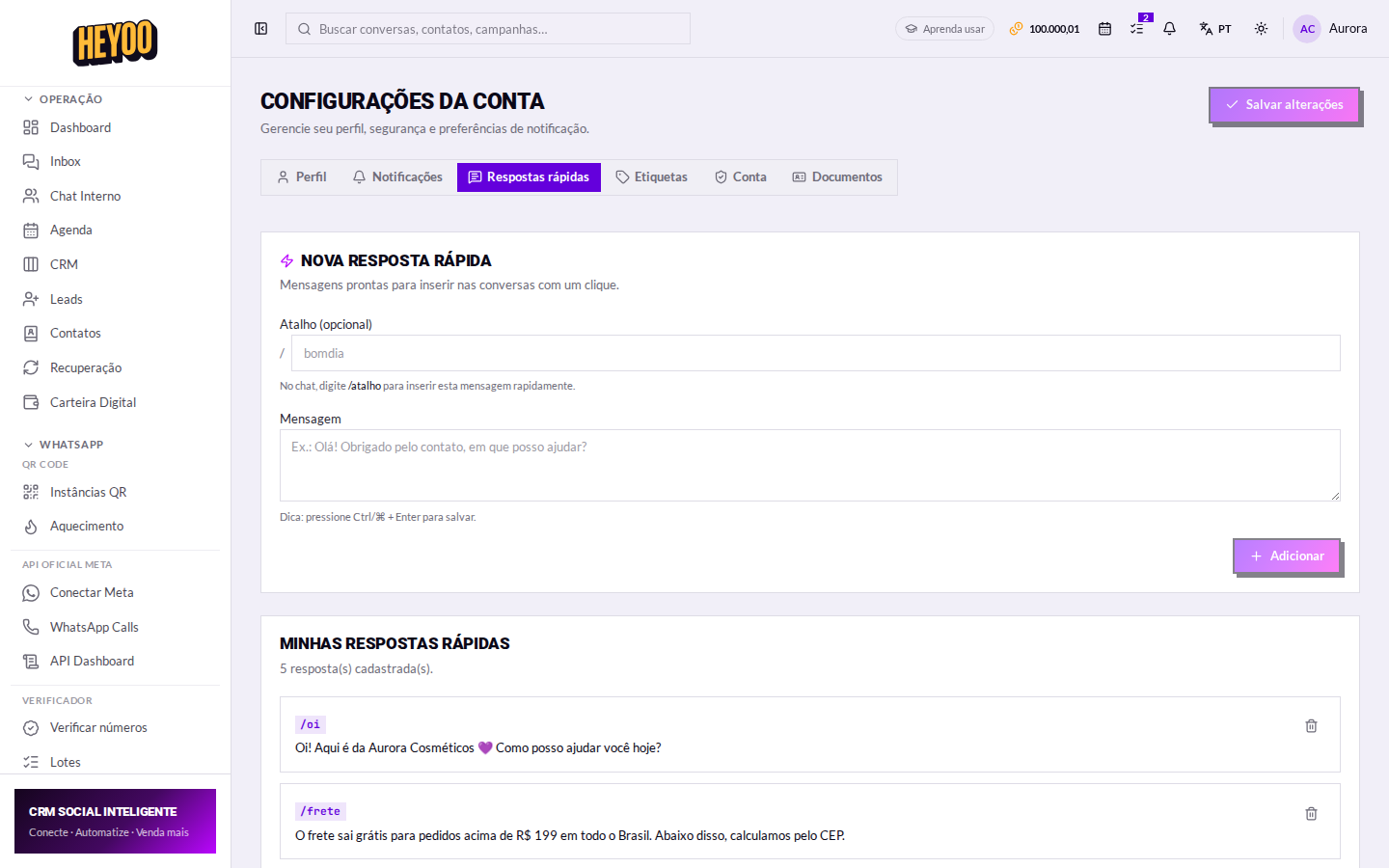
Creating a reply
| Campo | O que é |
|---|---|
| Shortcut | The short nickname, no spaces — shipping, hours, pix. It is how you find the reply inside a conversation. |
| Message | The full text that goes to the customer, exactly as it should arrive. |

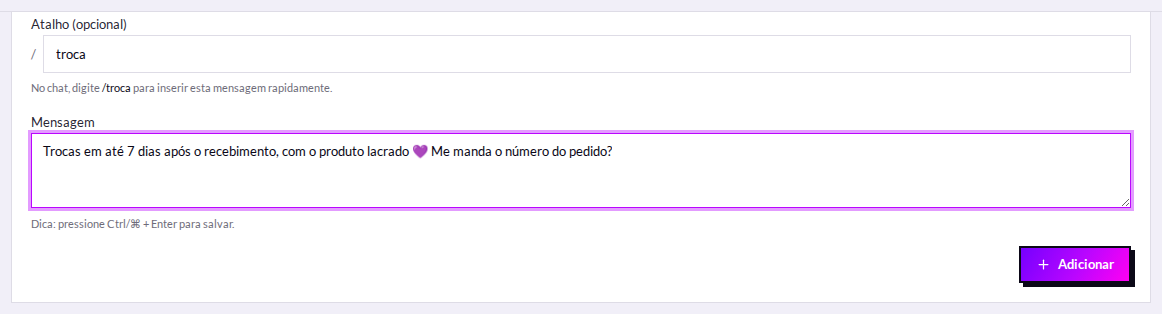
Do not put the slash in the shortcutSave it as
shipping, not /shipping. The slash is what you type in the conversation to open the list — if it is in the shortcut too, the name shows up doubled.Keyboard shortcutInside the message field, Ctrl + Enter (or ⌘ + Enter) saves without reaching for the button.
Using it in a conversation
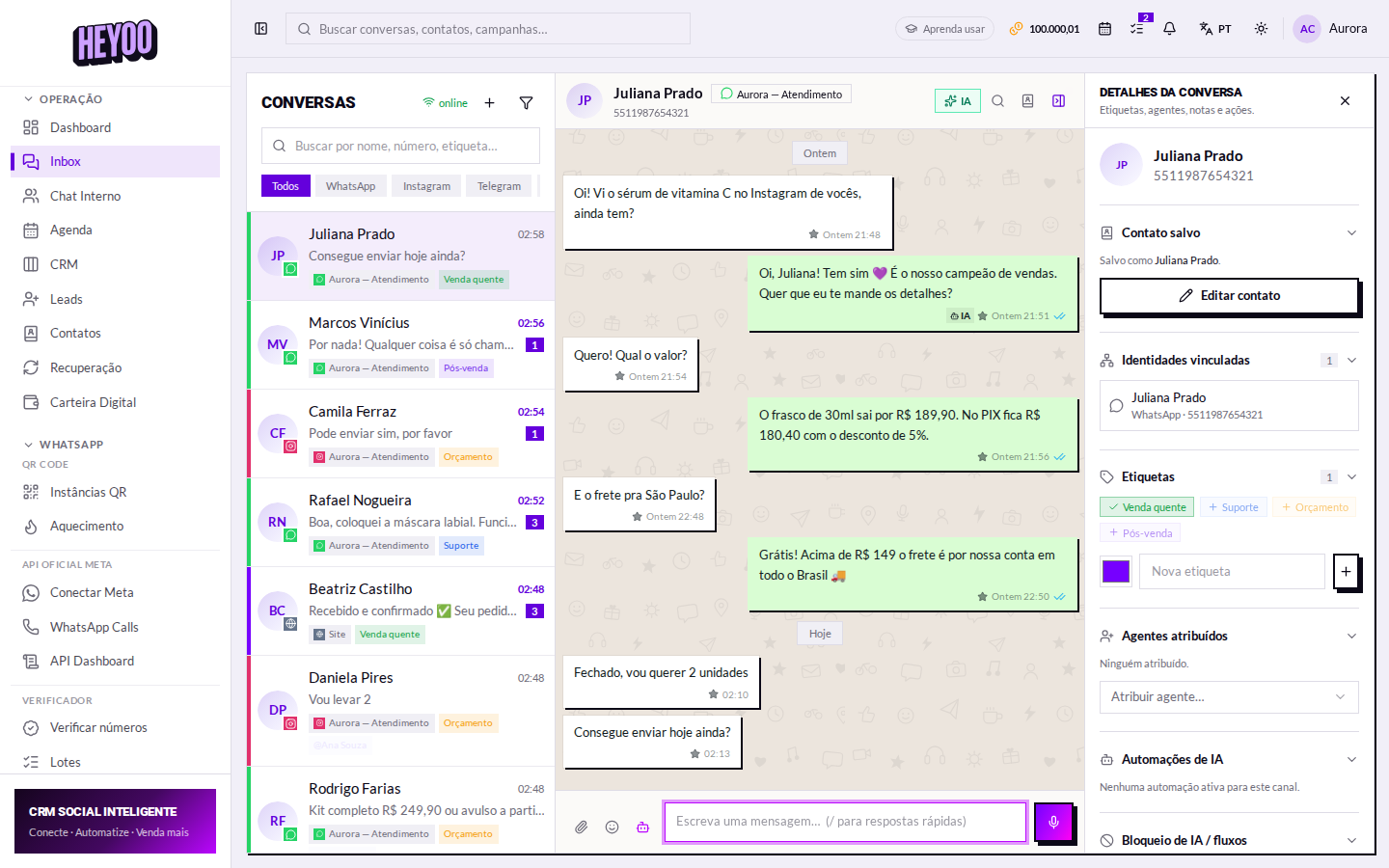
- Open the conversation and click the message field.
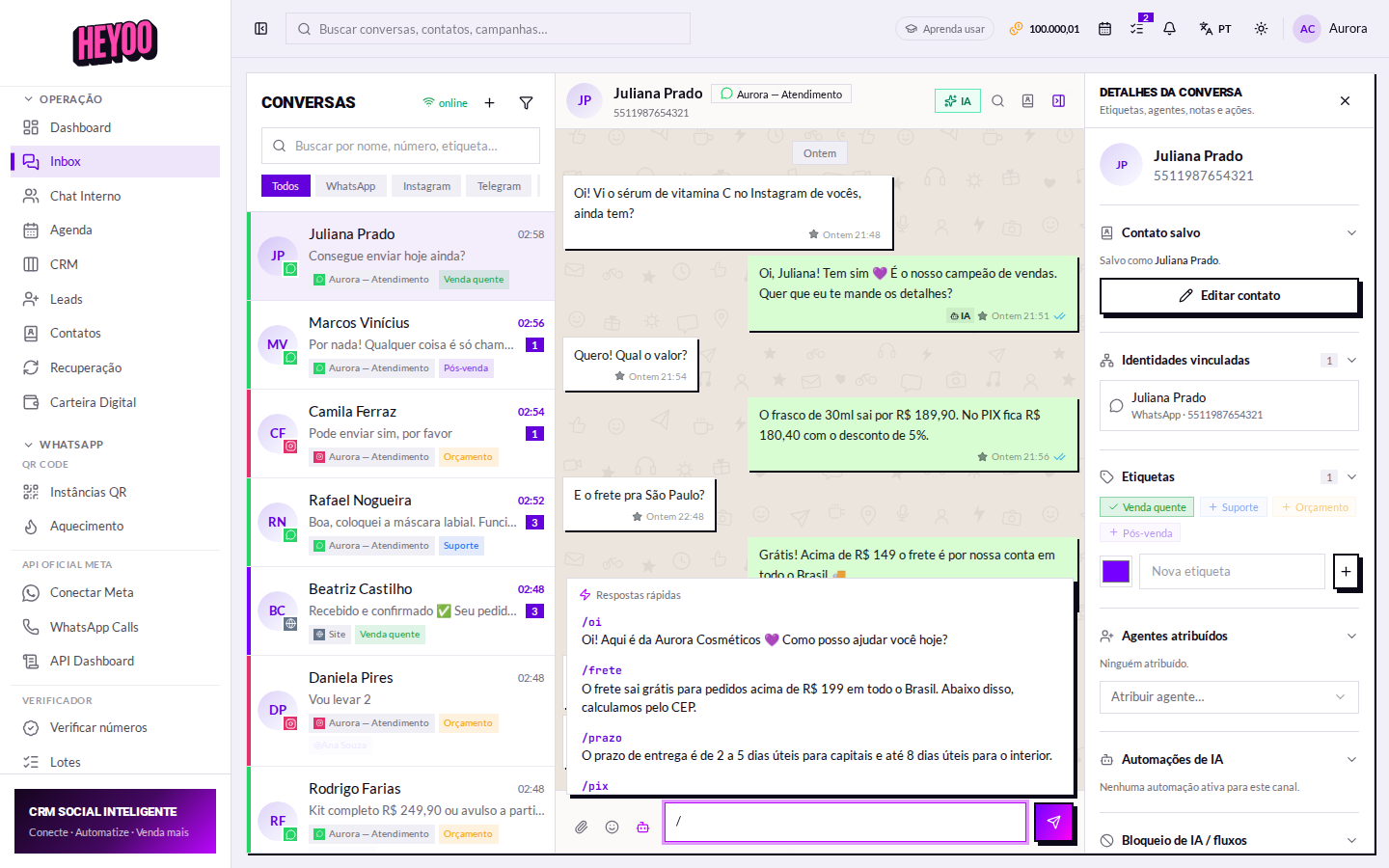
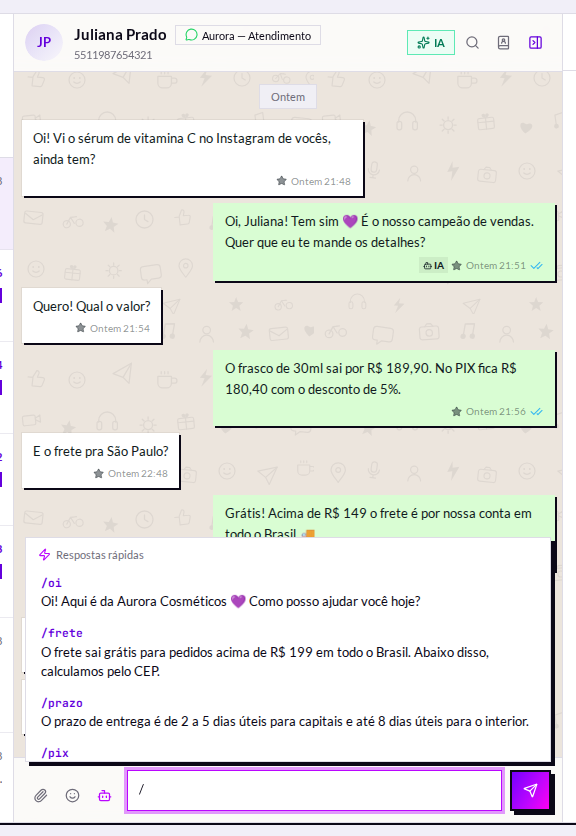
- Type / — the list appears above the field.
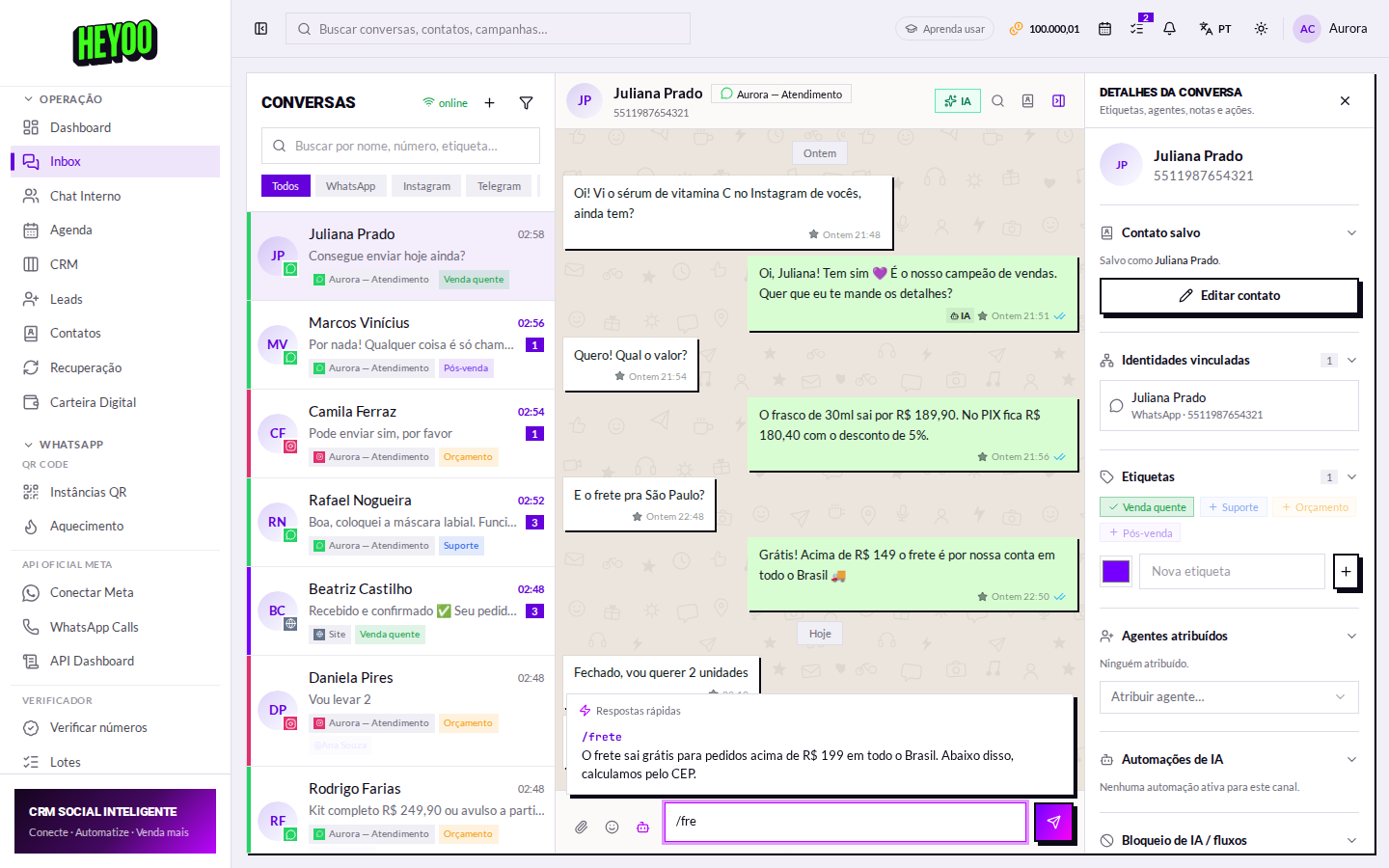
- Keep typing to filter (
/shifinds shipping). - Pick one: the text lands ready in the field.
- Adjust whatever you like and send.
Write like a personA quick reply does not have to sound automated. Swapping “Hello!” for the name of the person on the other side takes two seconds, and nobody can tell it came from a shortcut.