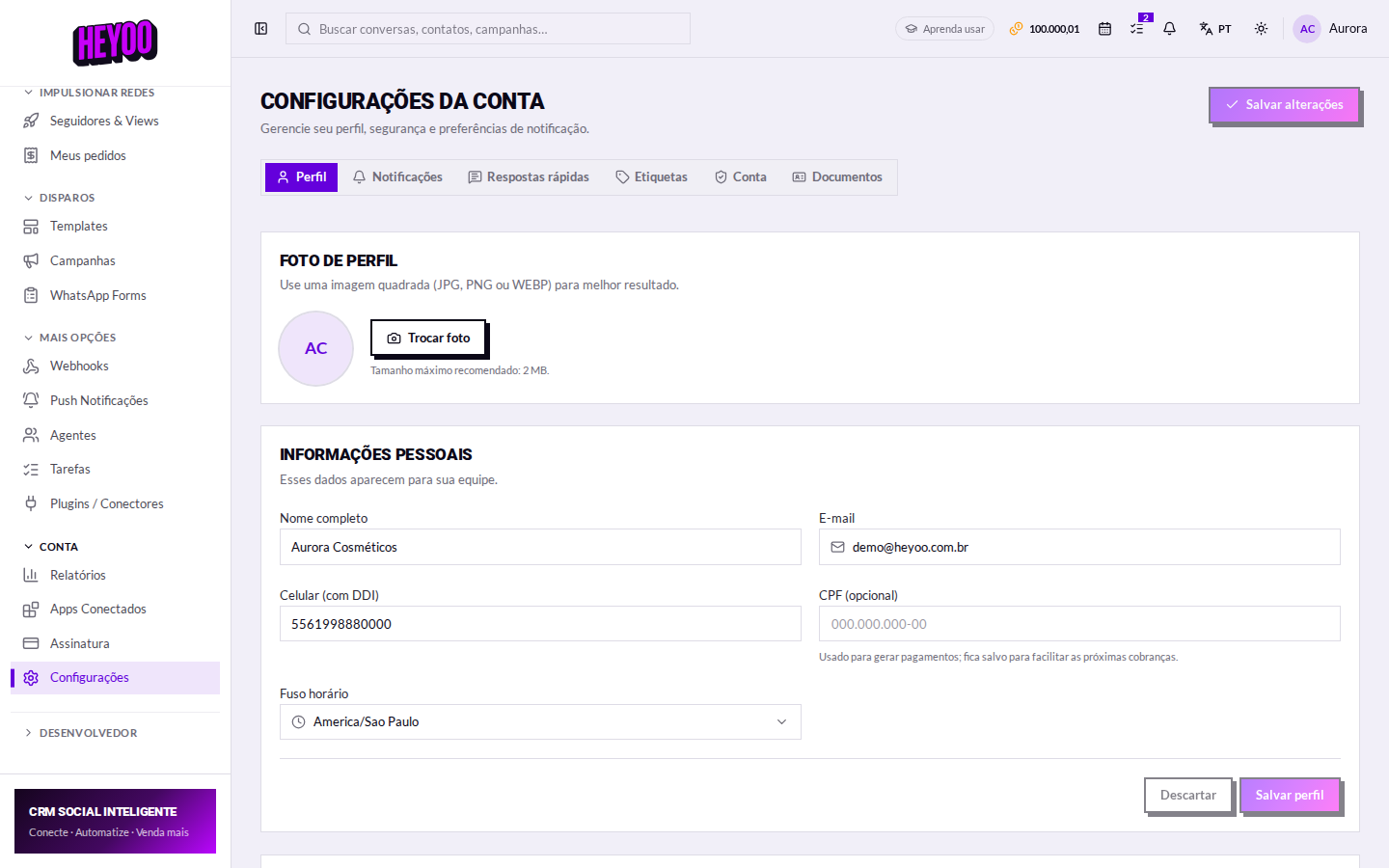
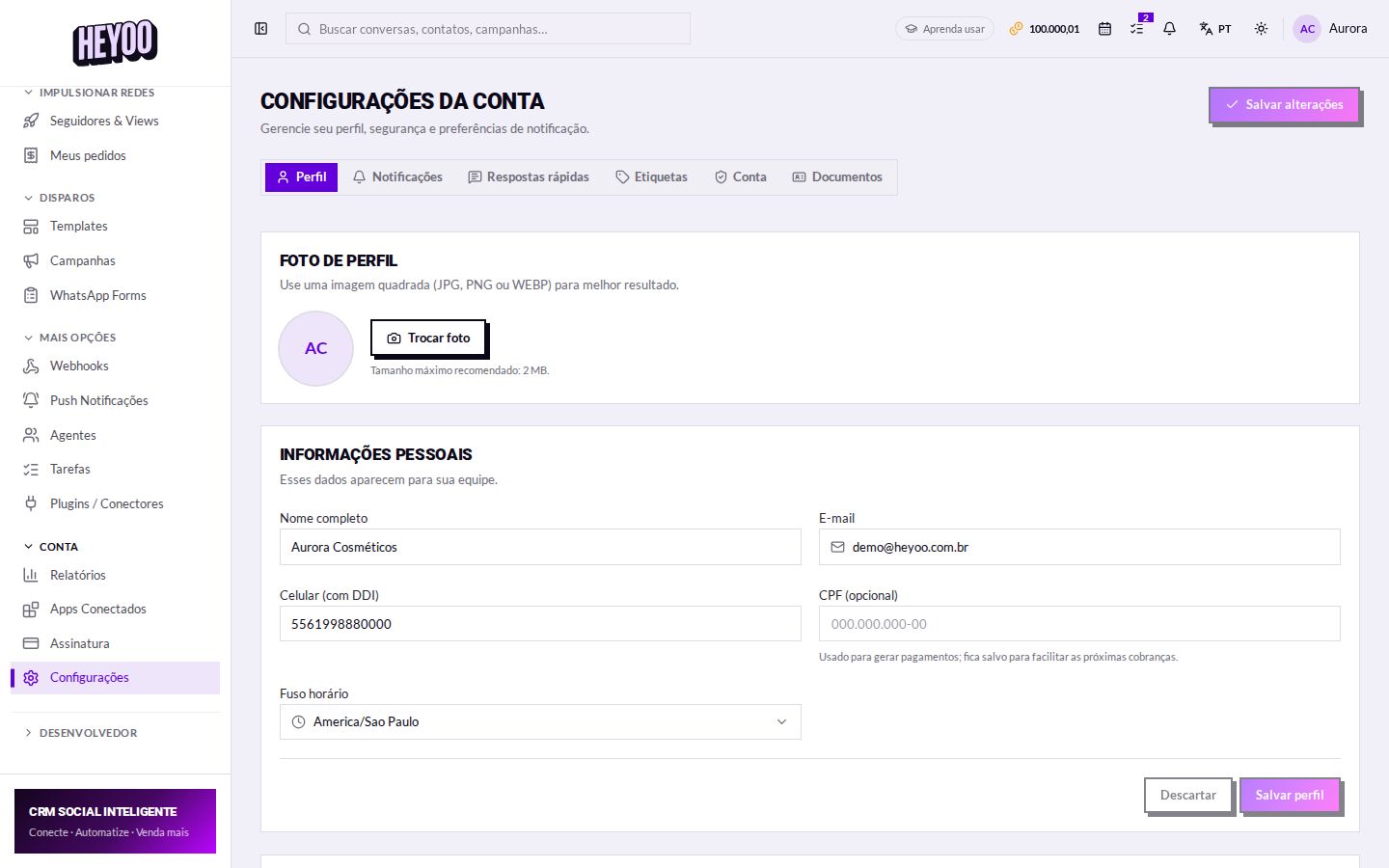
The account password is the key to everything: customer conversations, the digital wallet, contact data. Change it from time to time, and always when someone who had access leaves the company.
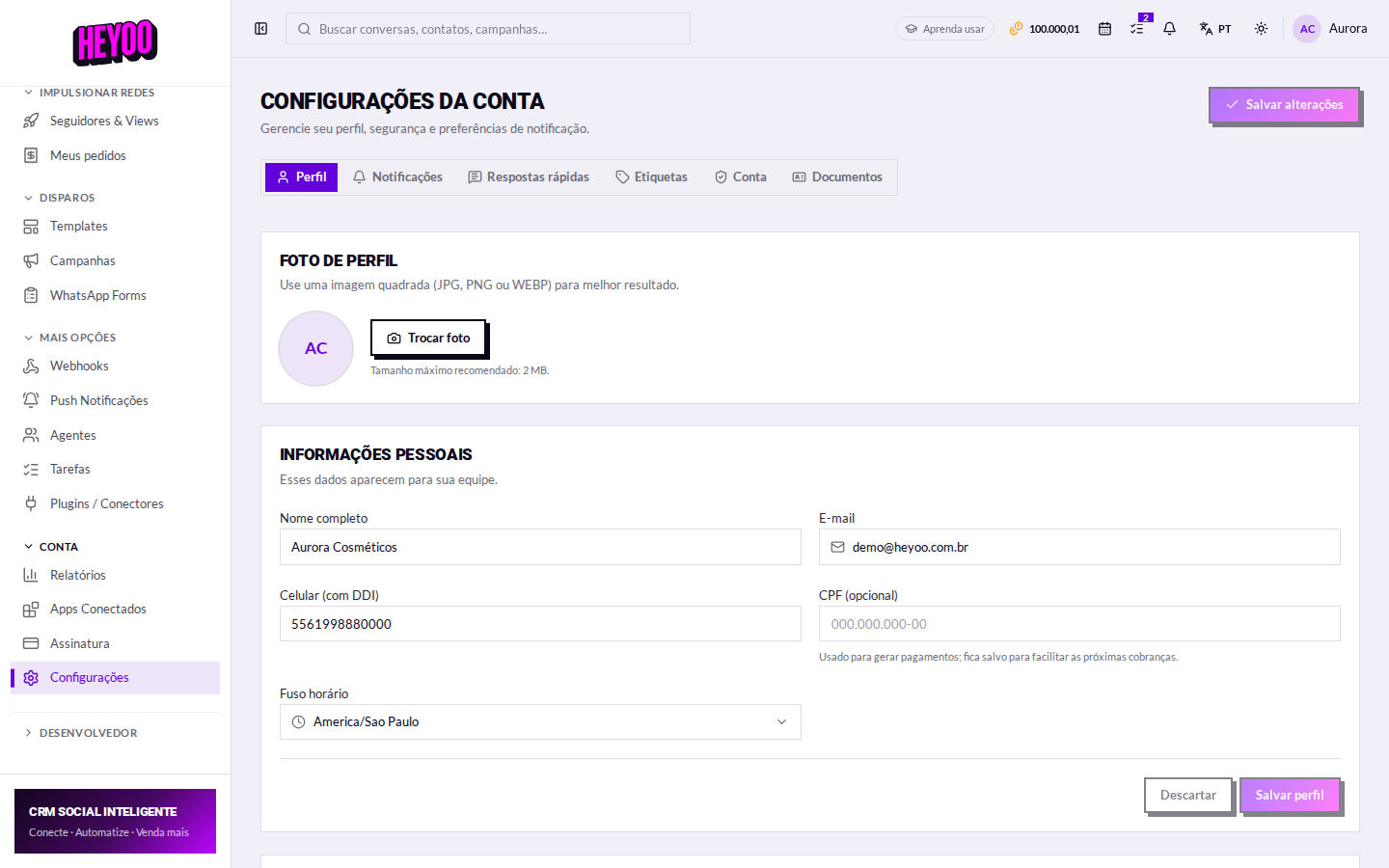
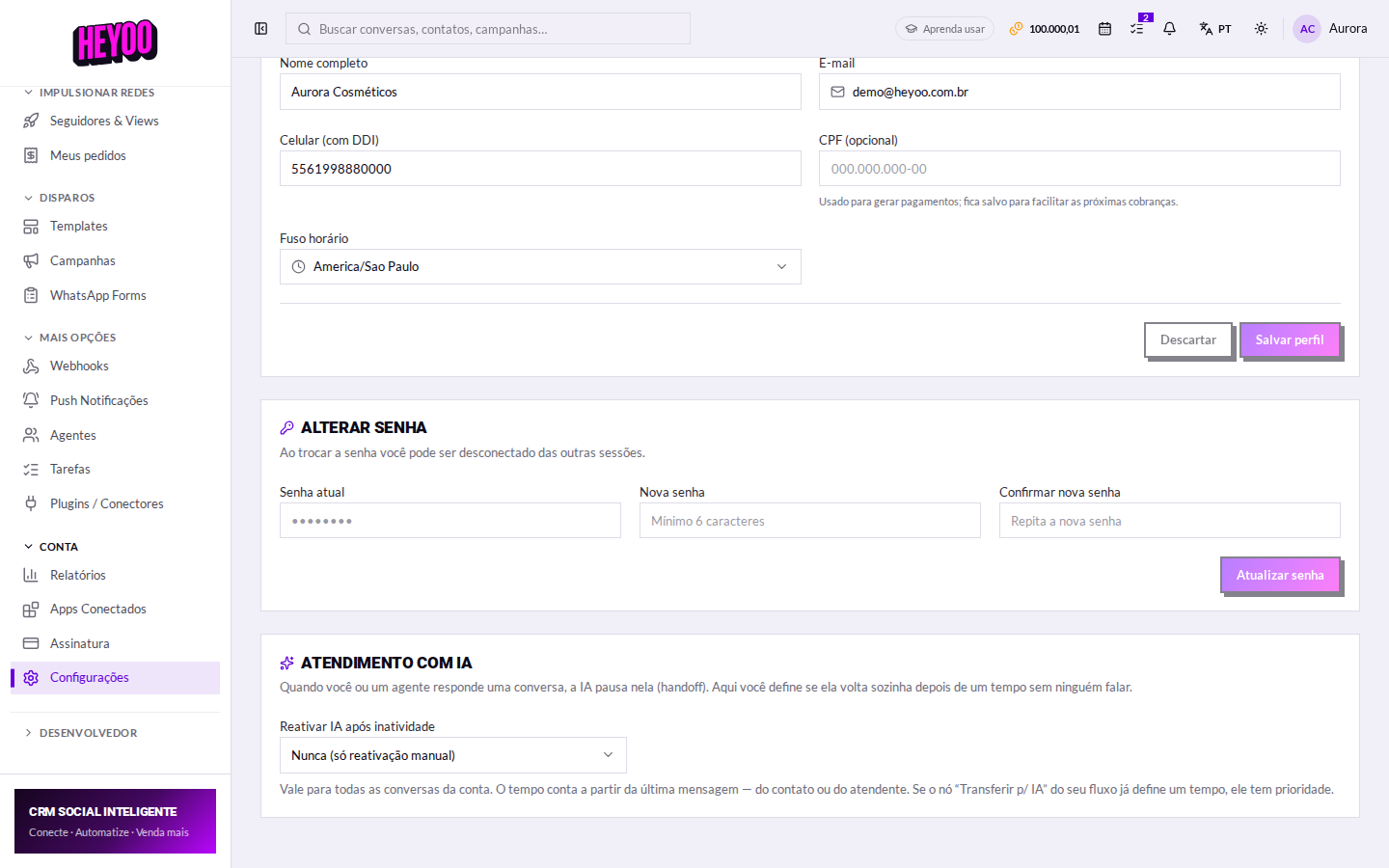
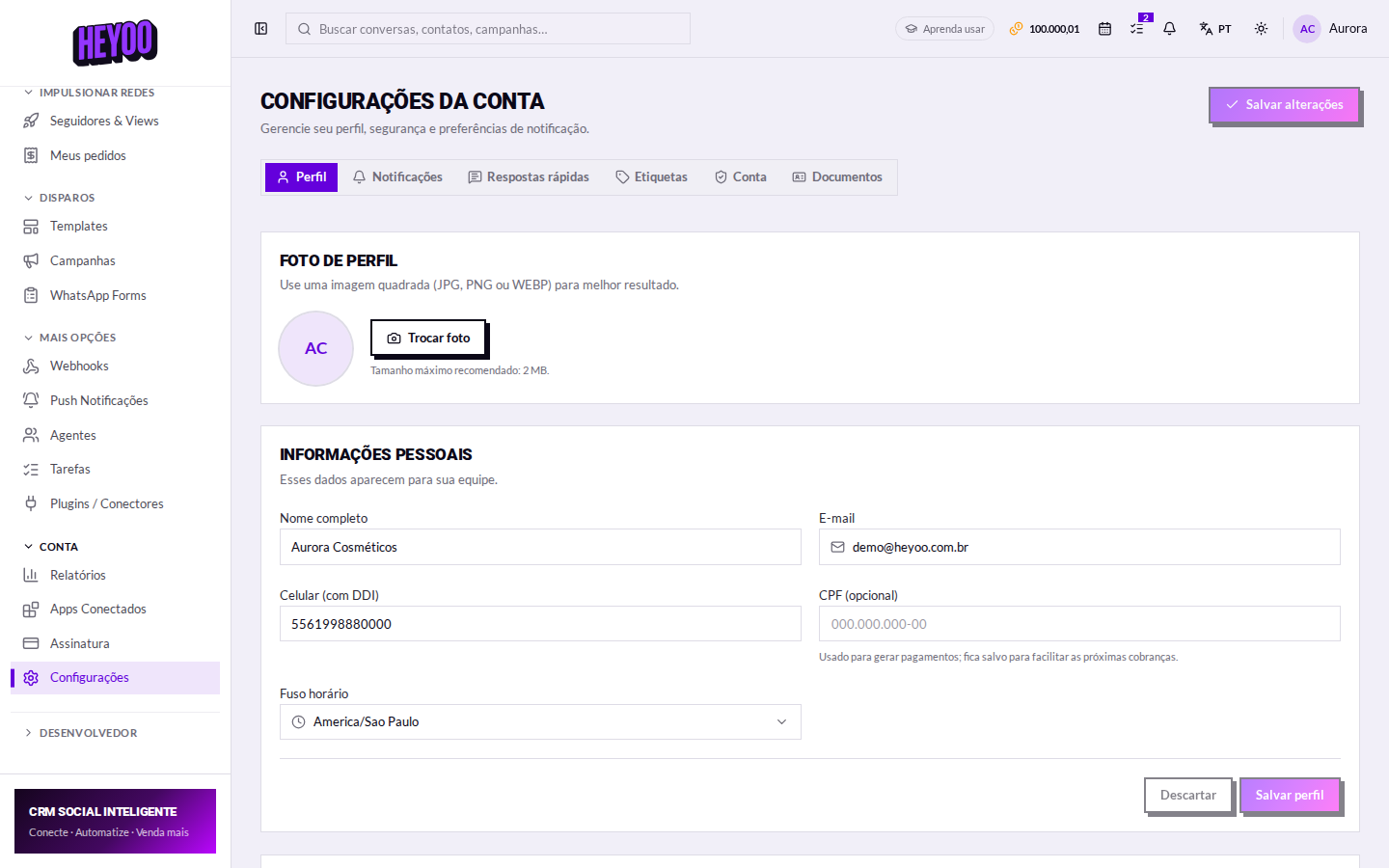
- Go to Account settings › Account.
- Type your current password.
- Type the new password (at least 6 characters) and repeat it.
- Click Update password.

What makes a good passwordPrefer a phrase only you use, with a number and a symbol in the middle. It is easier to remember and harder to guess than
Company2026!.Forgot the current password?Without it you cannot change the password here. Sign out and use Forgot my password on the sign-in screen: you get an email with a link to set a new one.
Done? The natural next step is turning on two-step verification — that is the next lesson, and it is what protects the account even if the password leaks.