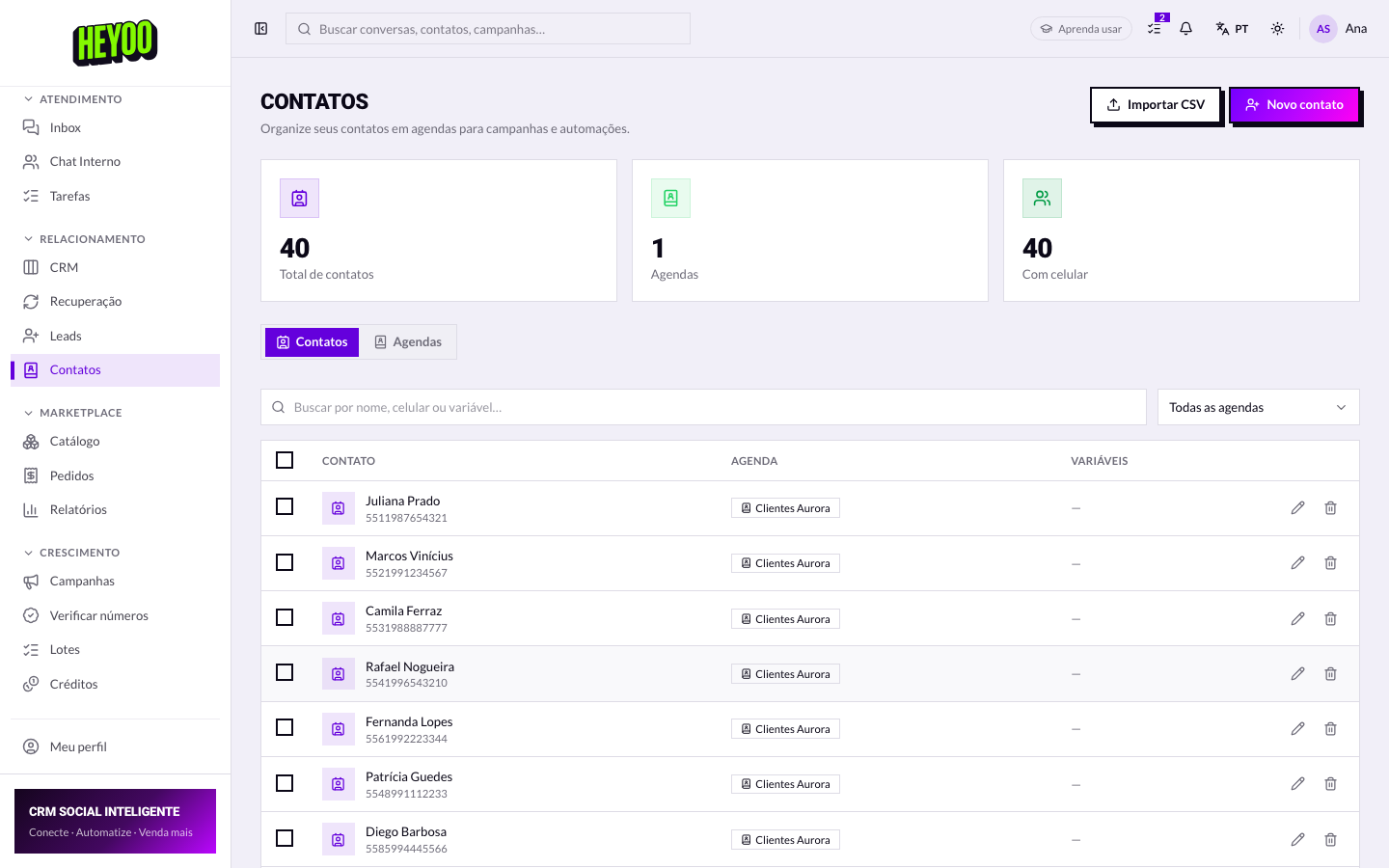
Contacts is the company's base: each person inside a phonebook. It feeds campaigns, recovery and the number verifier — which is why the way it is organized matters more than it seems.
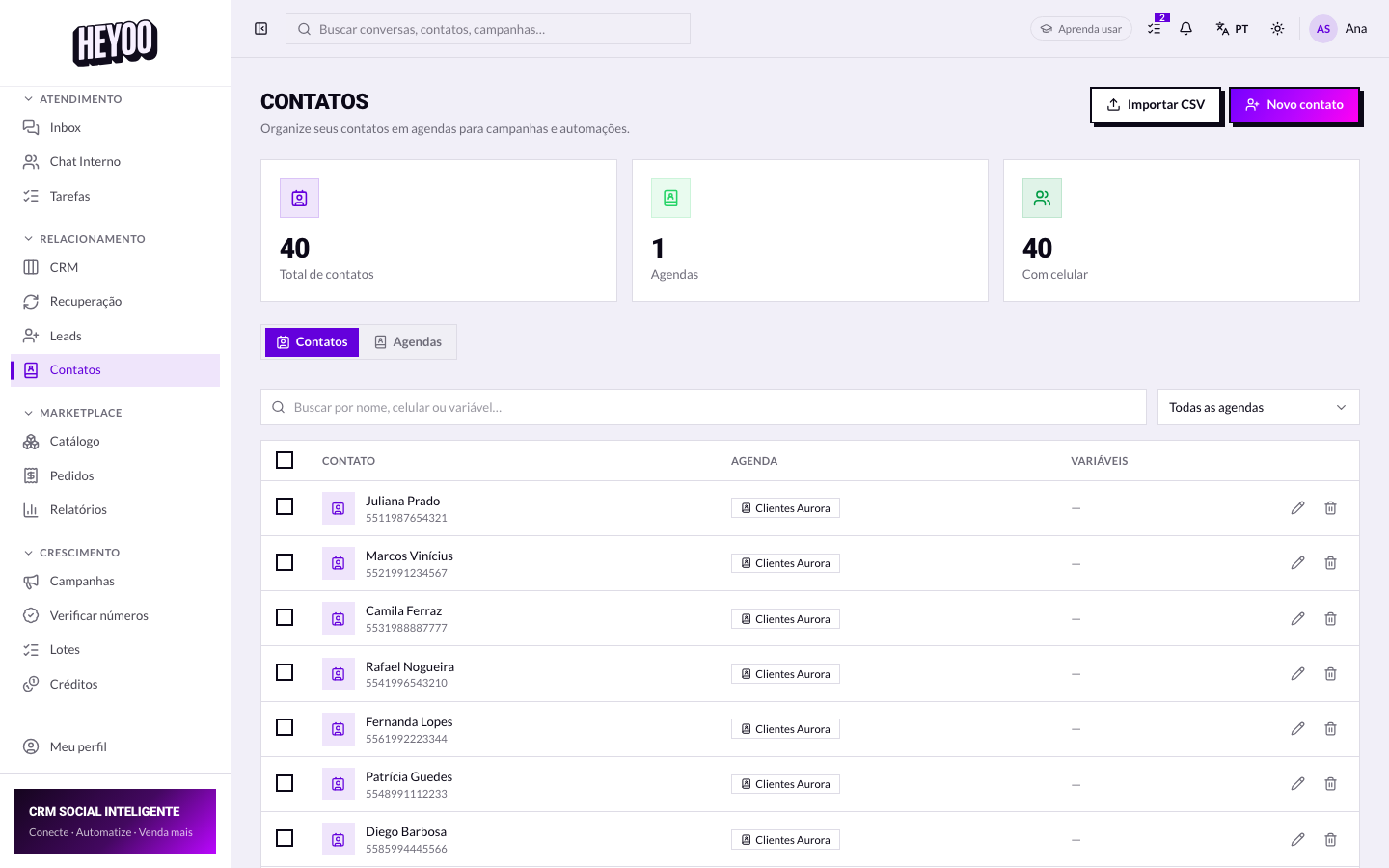

The variables tell the customer's storyPlan purchased, city, date of last order. Glancing at those columns before you reply usually saves two questions — and the customer notices you already knew who they were.
Phonebooks
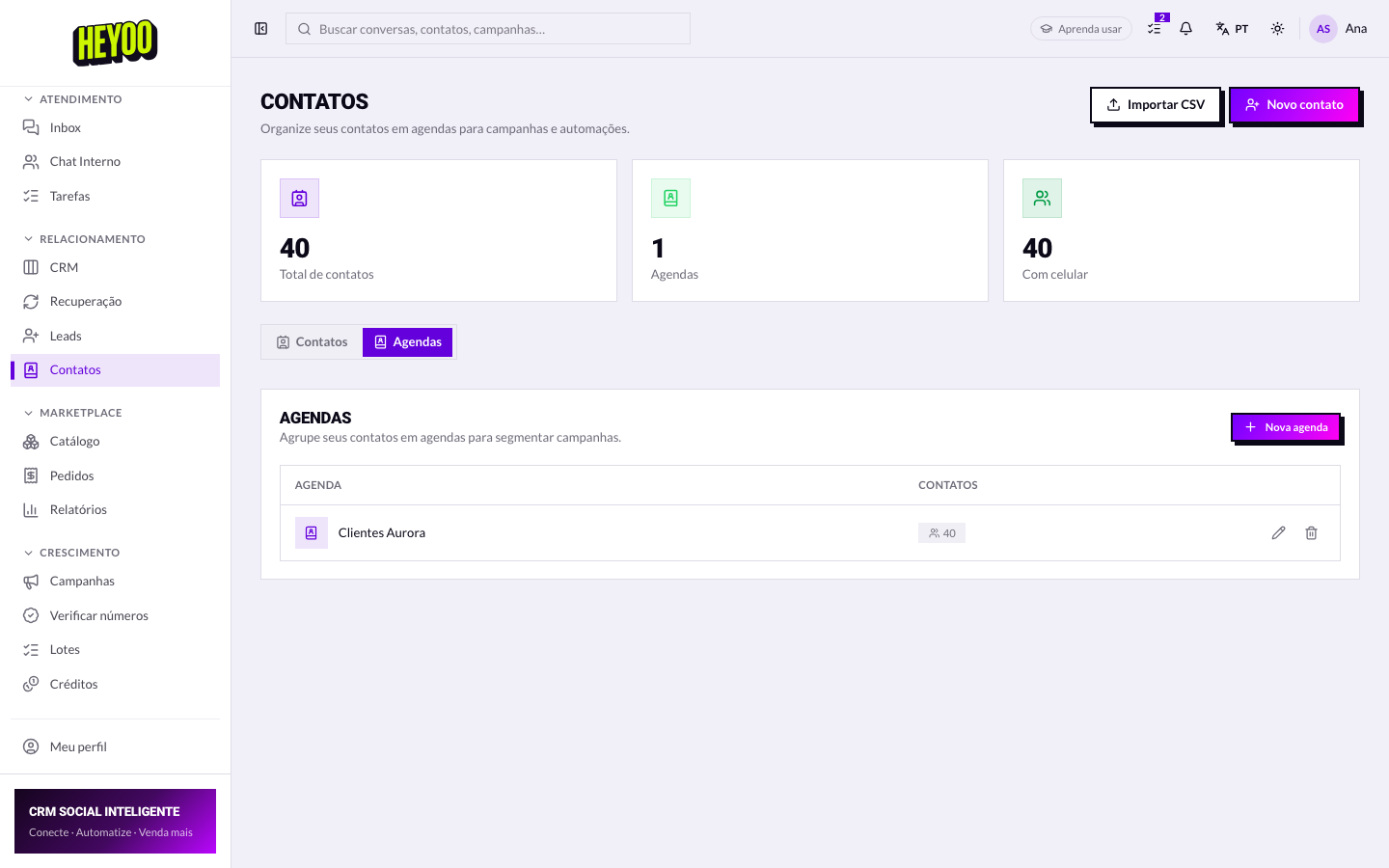
- A contact can be in more than one phonebook.
- They are split by intent, not alphabetically.
- Campaigns and the verifier always work on a phonebook.
Saving a new contact
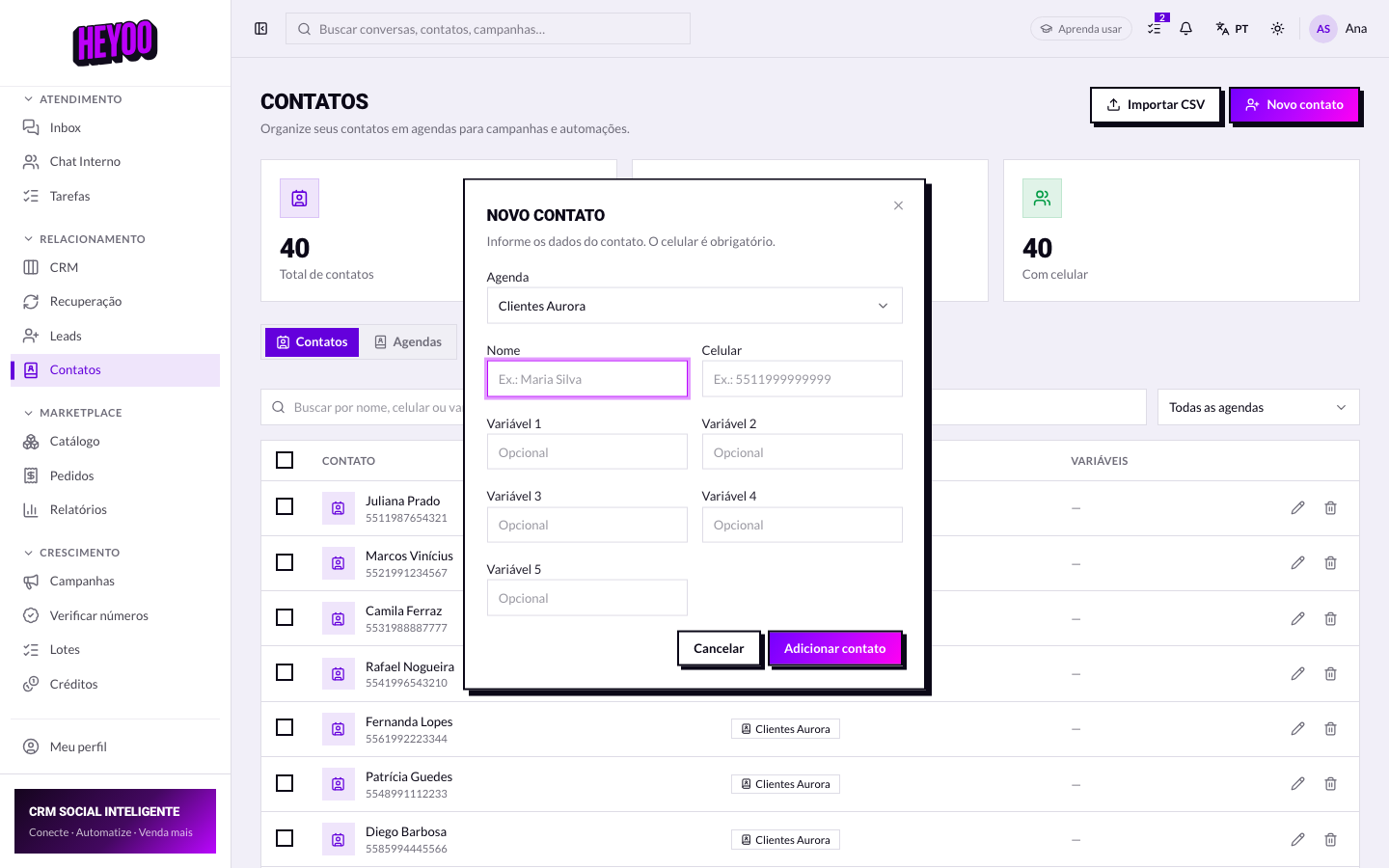
Always with the country code in frontSave it as
5561999990000. Without the country code the contact goes in but never receives a campaign — and the mistake only shows up on send day, when it is already too late.If the New contact button does not appear for you, your access does not have the Save contacts permission. It is an individual switch the administrator turns on in Team › Agents.