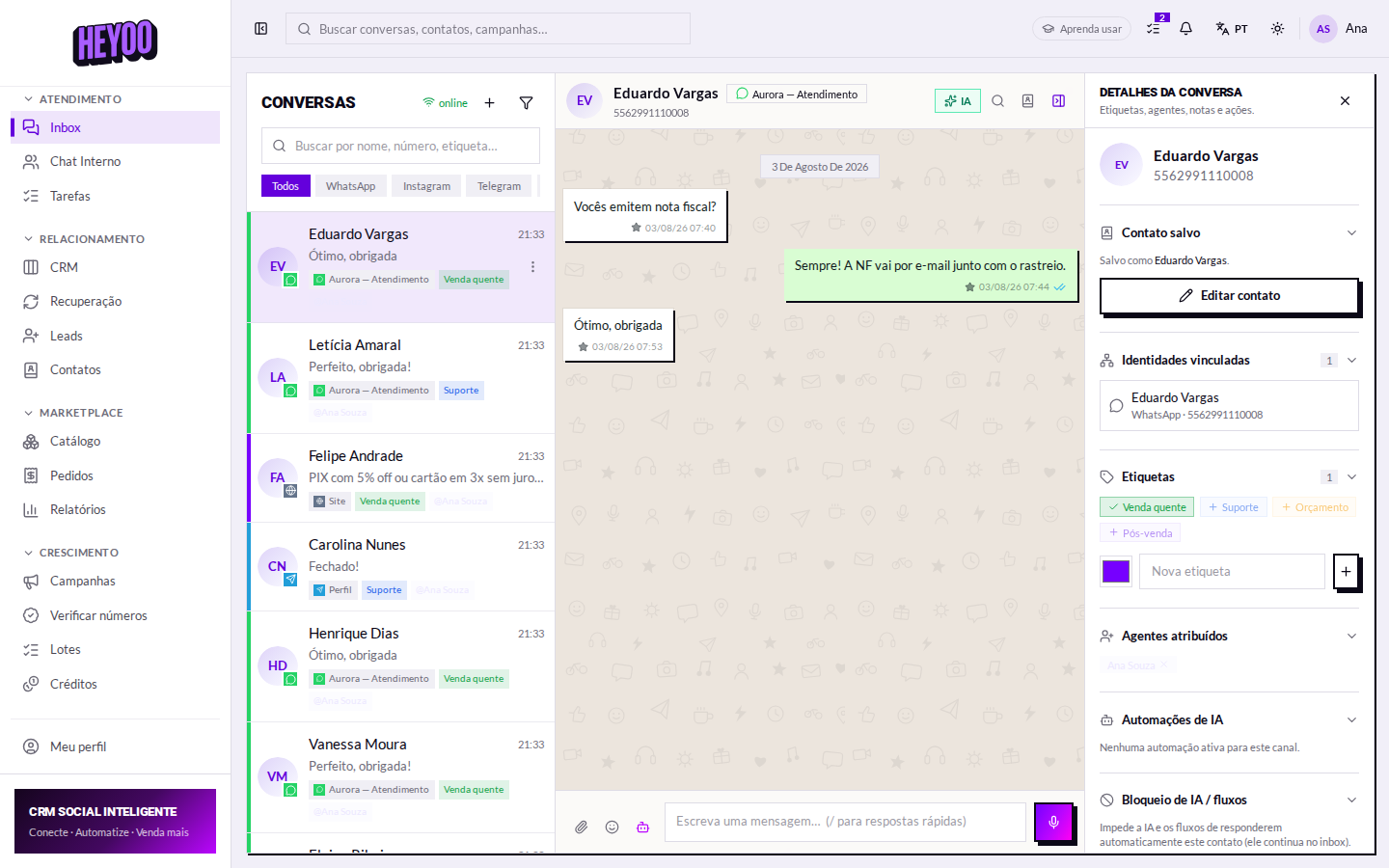
The Inbox is where you spend the day. Three columns: the queue on the left, the conversation in the middle, who you are talking to on the right.
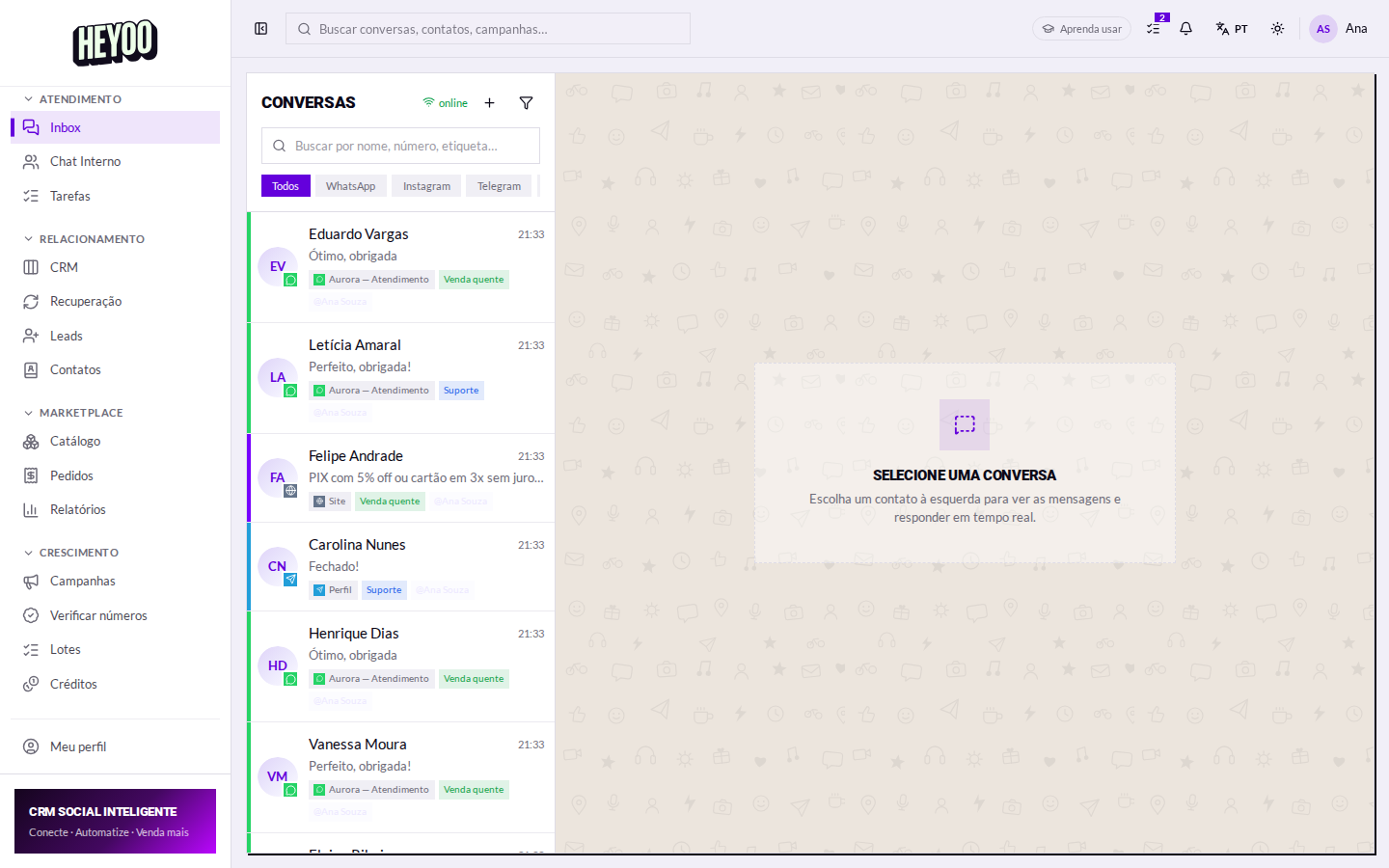

The conversation
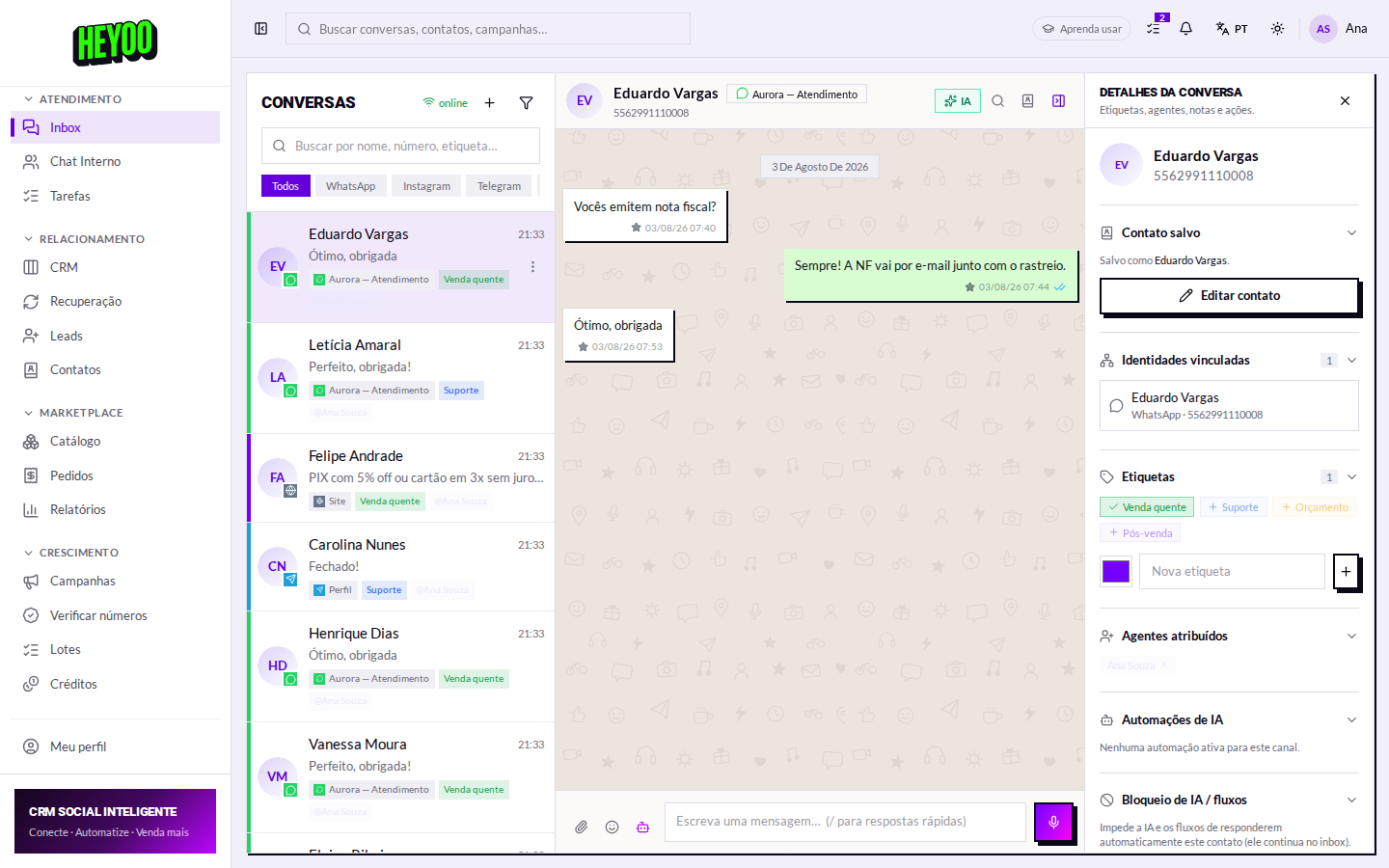
Read the notes before replyingThe internal note is where a colleague wrote down customer has complained about the delivery time twice. Replying without reading it is the fastest way to make the customer explain themselves all over again.
Taking it on
Two people in the same conversationIt is the most common team mistake and the most visible one to the customer — two different answers to the same question. Taking the conversation costs one click and settles it.
The order that works
- Your unanswered conversations — those are already your responsibility.
- Unread with no owner — take on whatever falls to you.
- Waiting on the customer — just check whether any of them stalled.
- End the day with your queue at zero.