Catalog and Orders are the agent's two sales screens: one answers how much is it and is it in stock, the other answers where is my order — the two most frequent questions in any operation.
Catalog
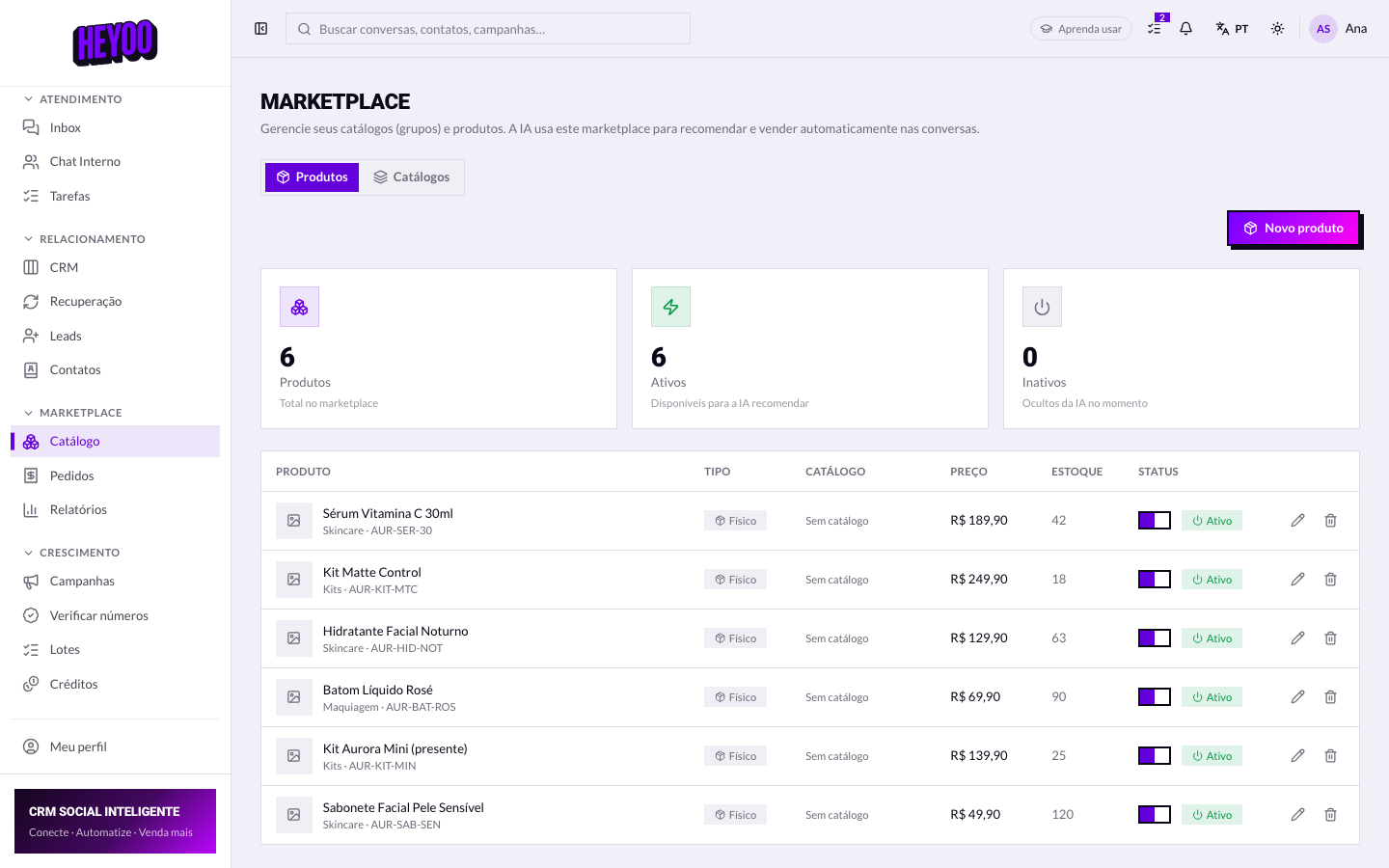

A wrong price becomes a wrong promiseWhat is here is what the AI uses to sell and what you repeat in the conversation. If a figure is out of date, tell the administrator before you reply — fixing it afterwards costs a discount.
Orders
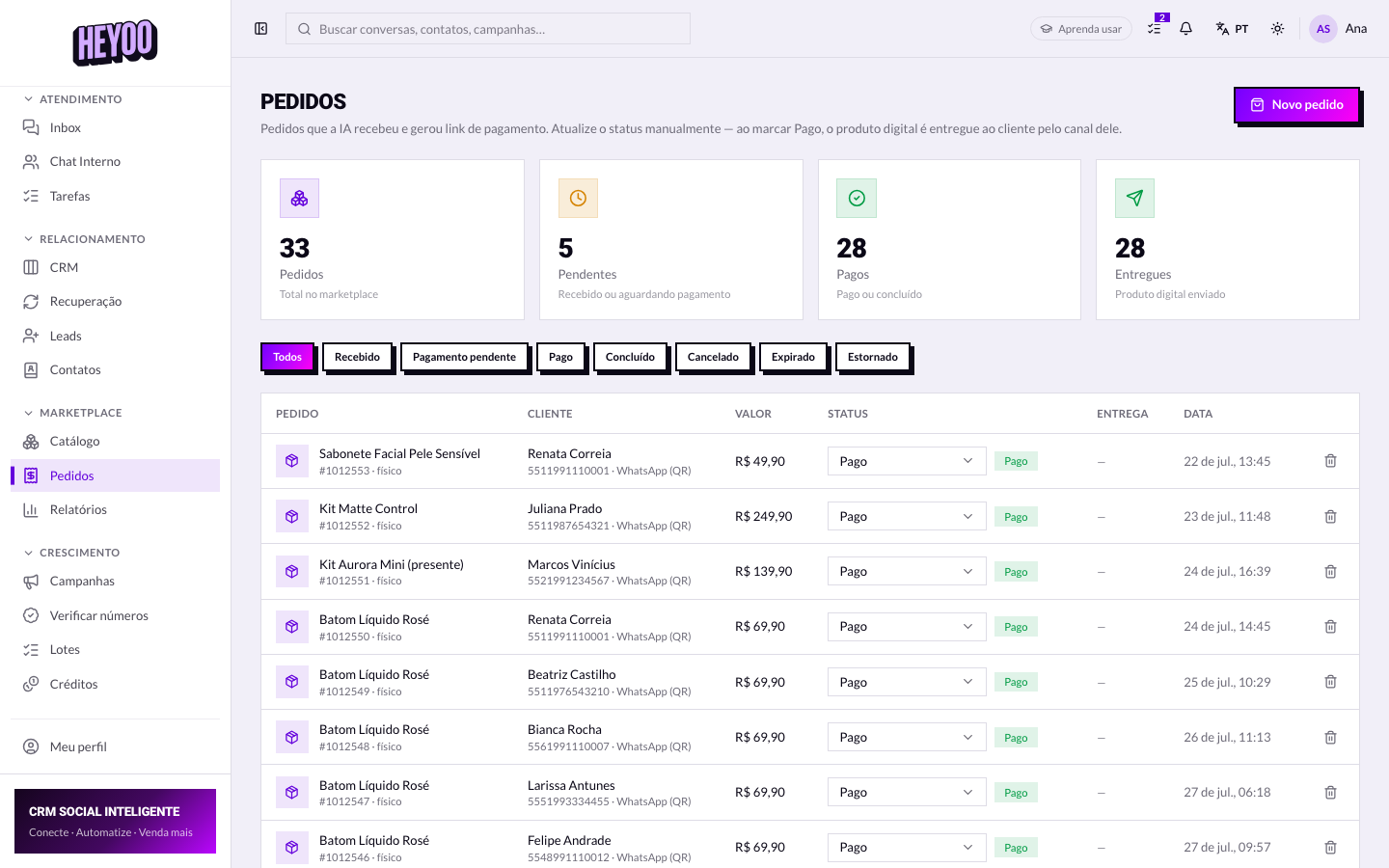

- Awaiting payment — the customer has not paid yet.
- Paid — the money is in; it can be picked.
- Being picked — the team is putting it together.
- Shipped — it has left, with a tracking code where there is one.
- Delivered — closed.
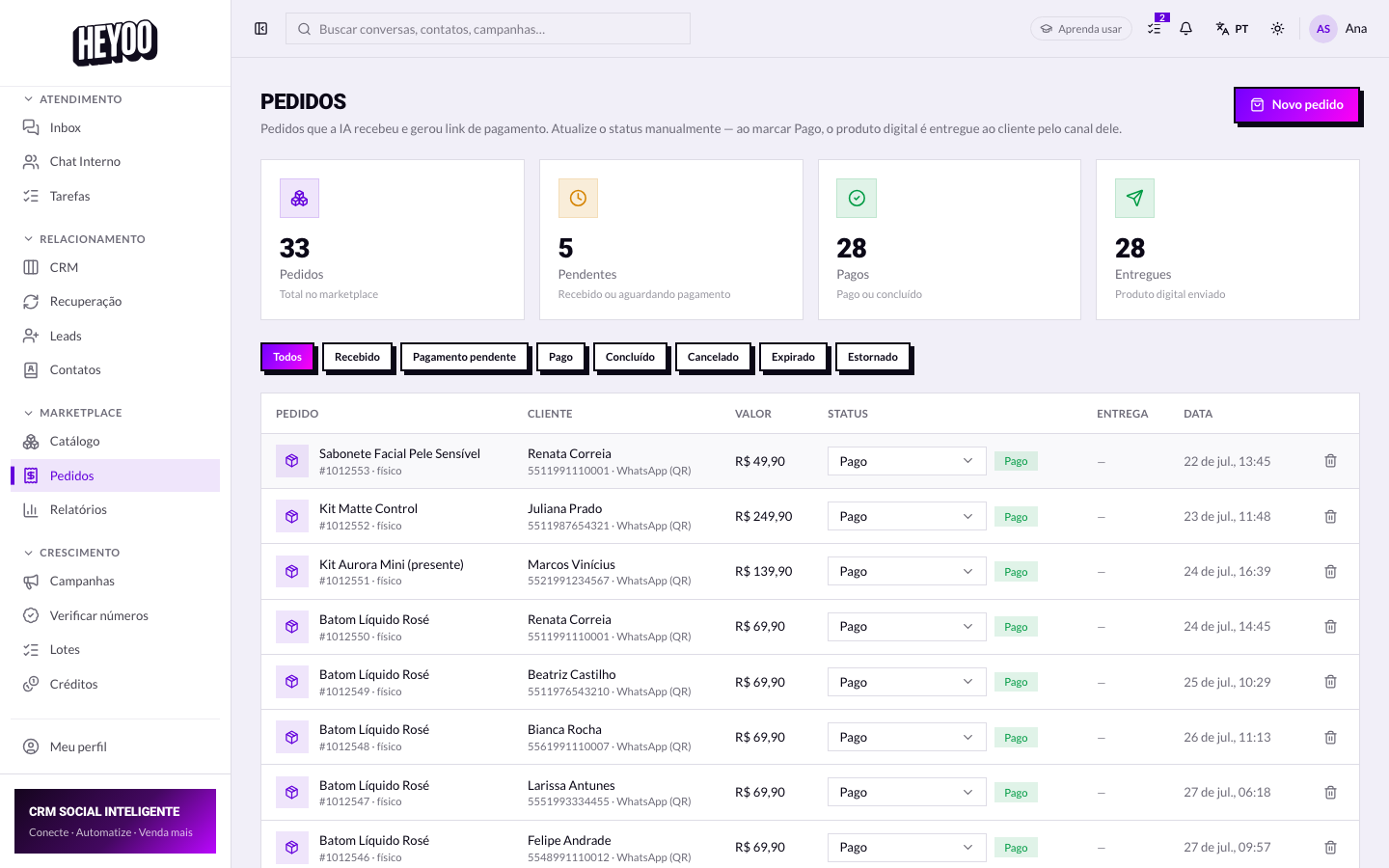
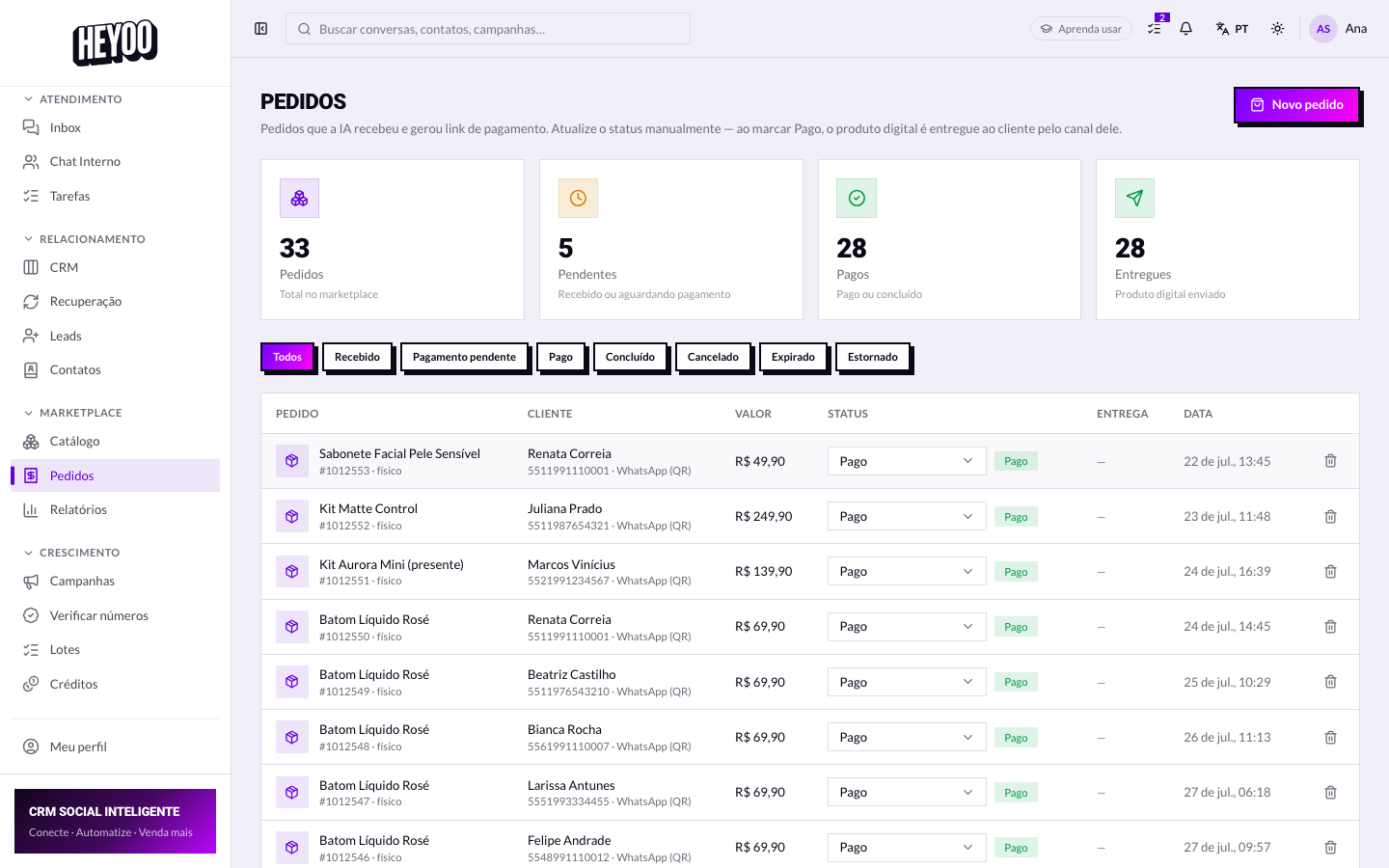
Answer before you askWhen the customer asks about their order, it is all already on screen: items, address and status. Asking for the order number and only then going to look gives the customer the impression they are a stranger — and they have just bought from you.