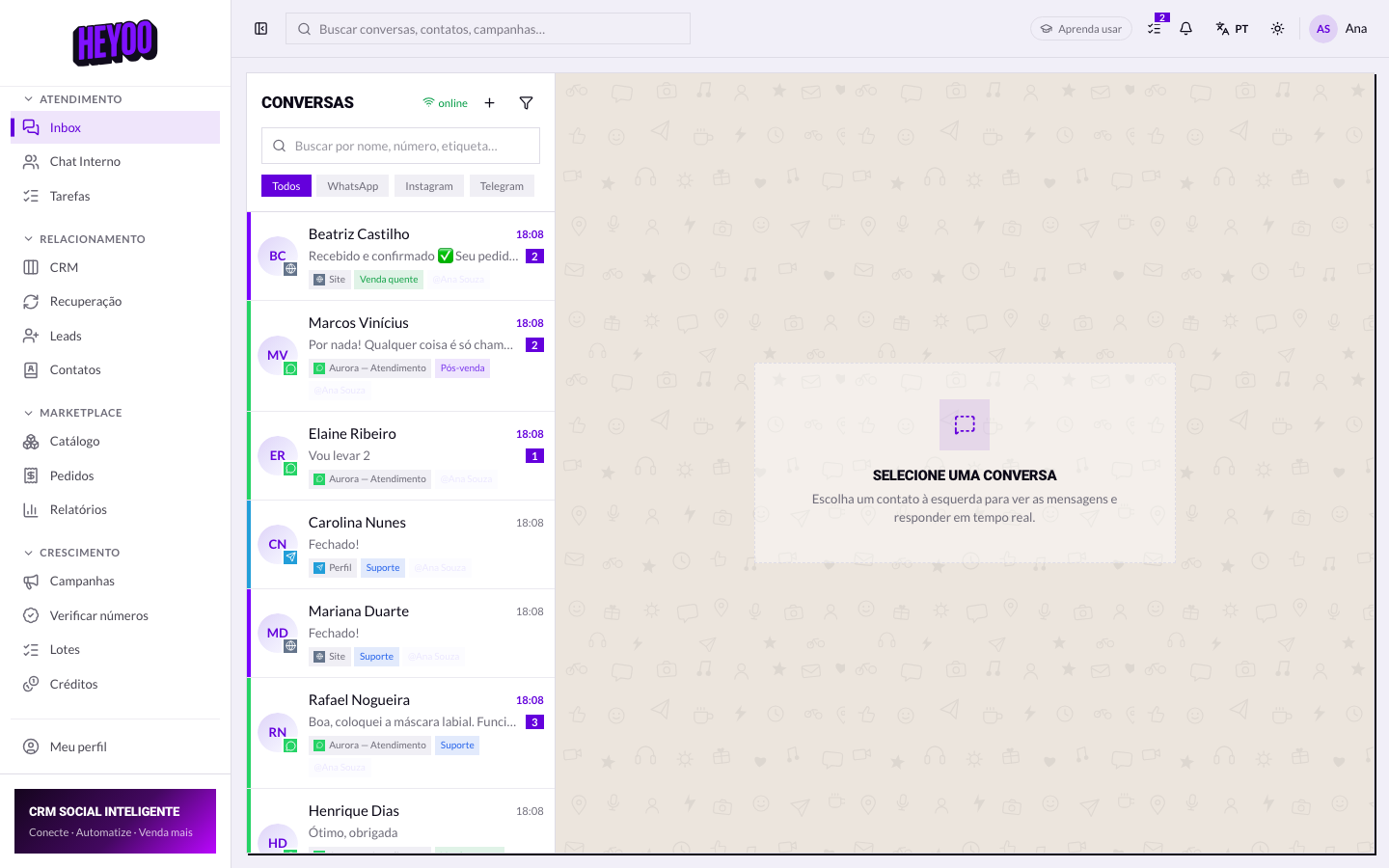
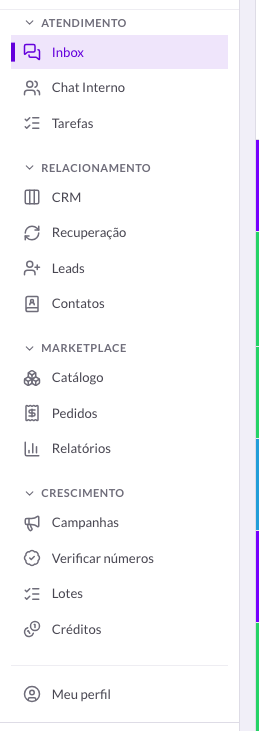
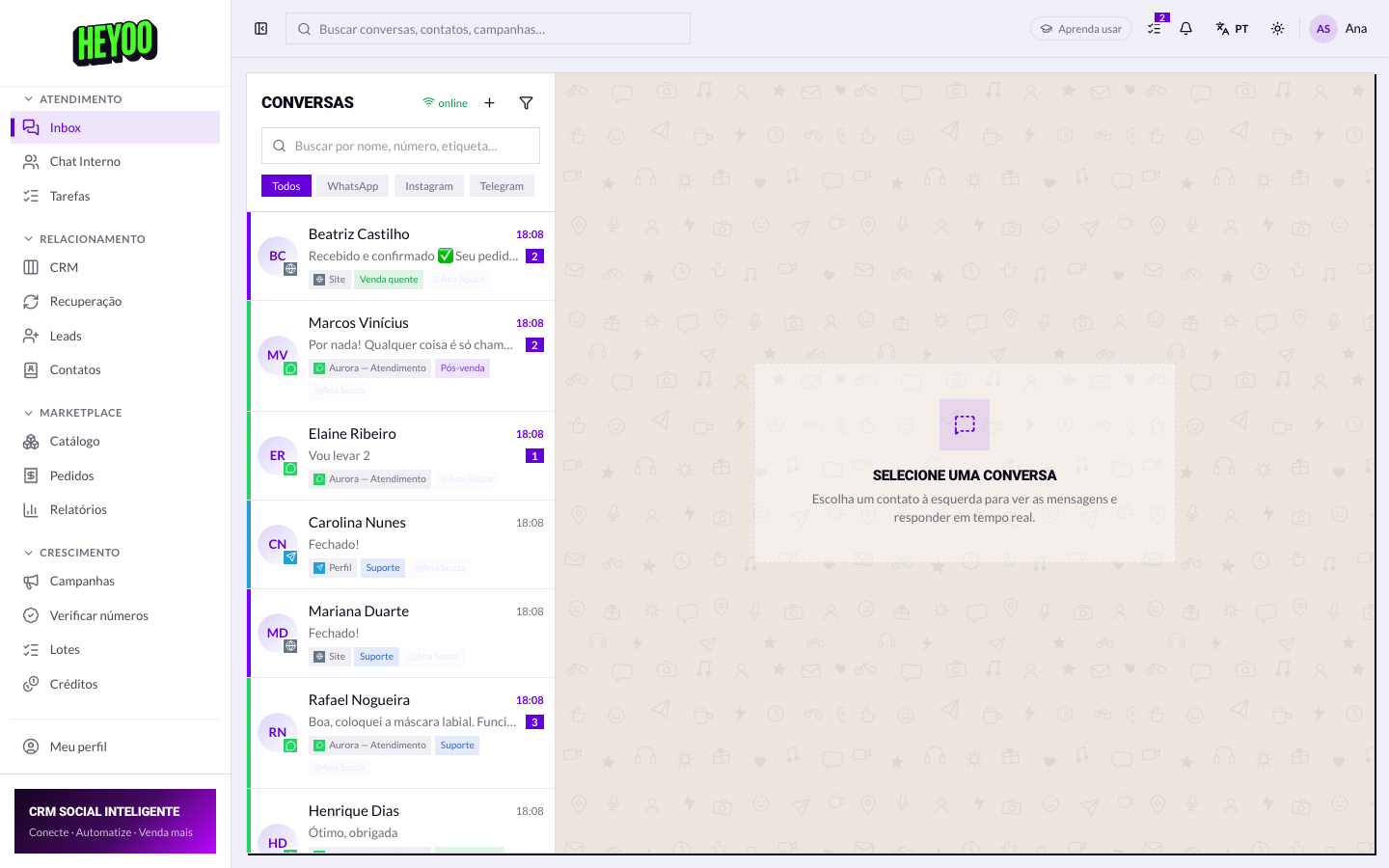
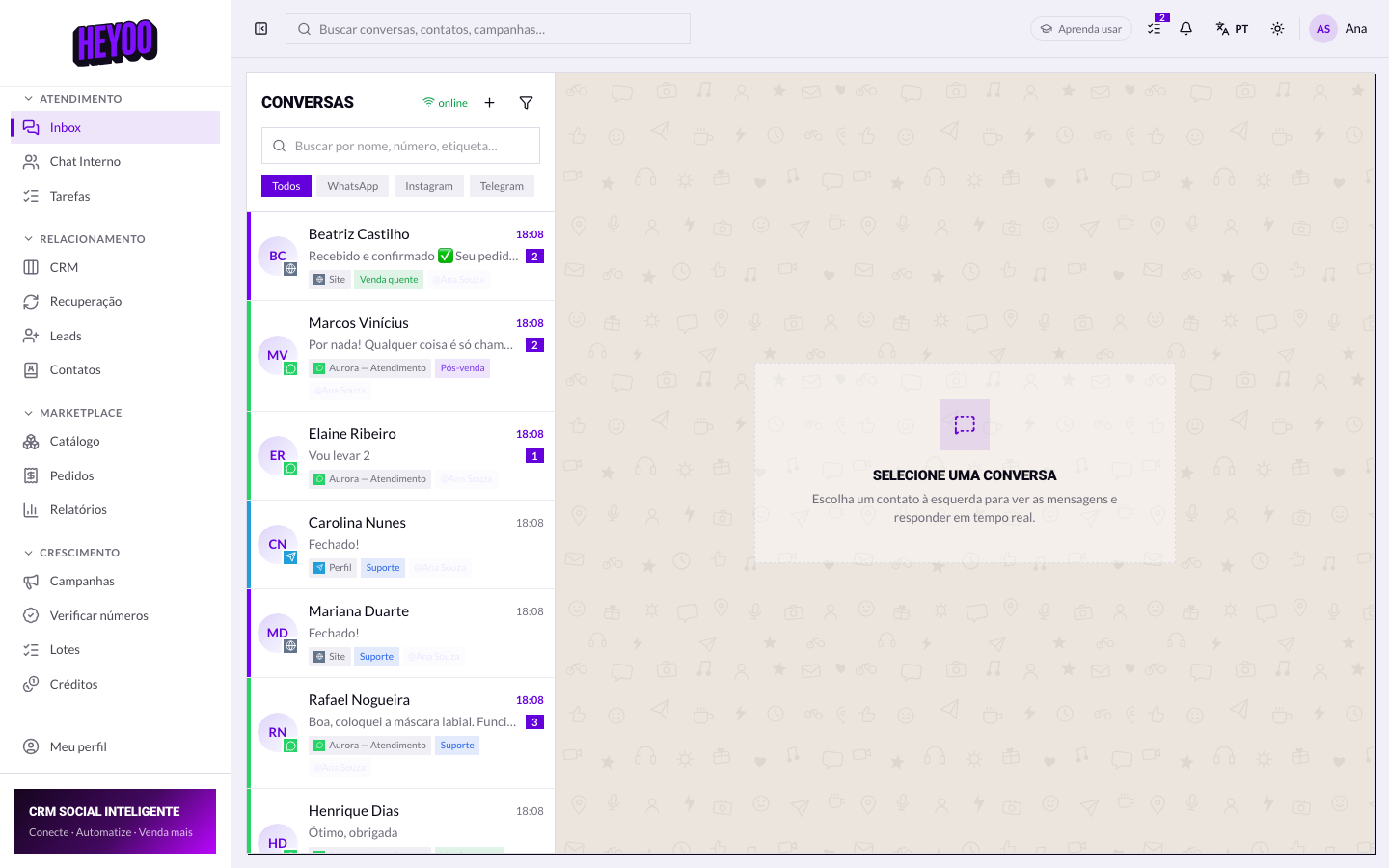
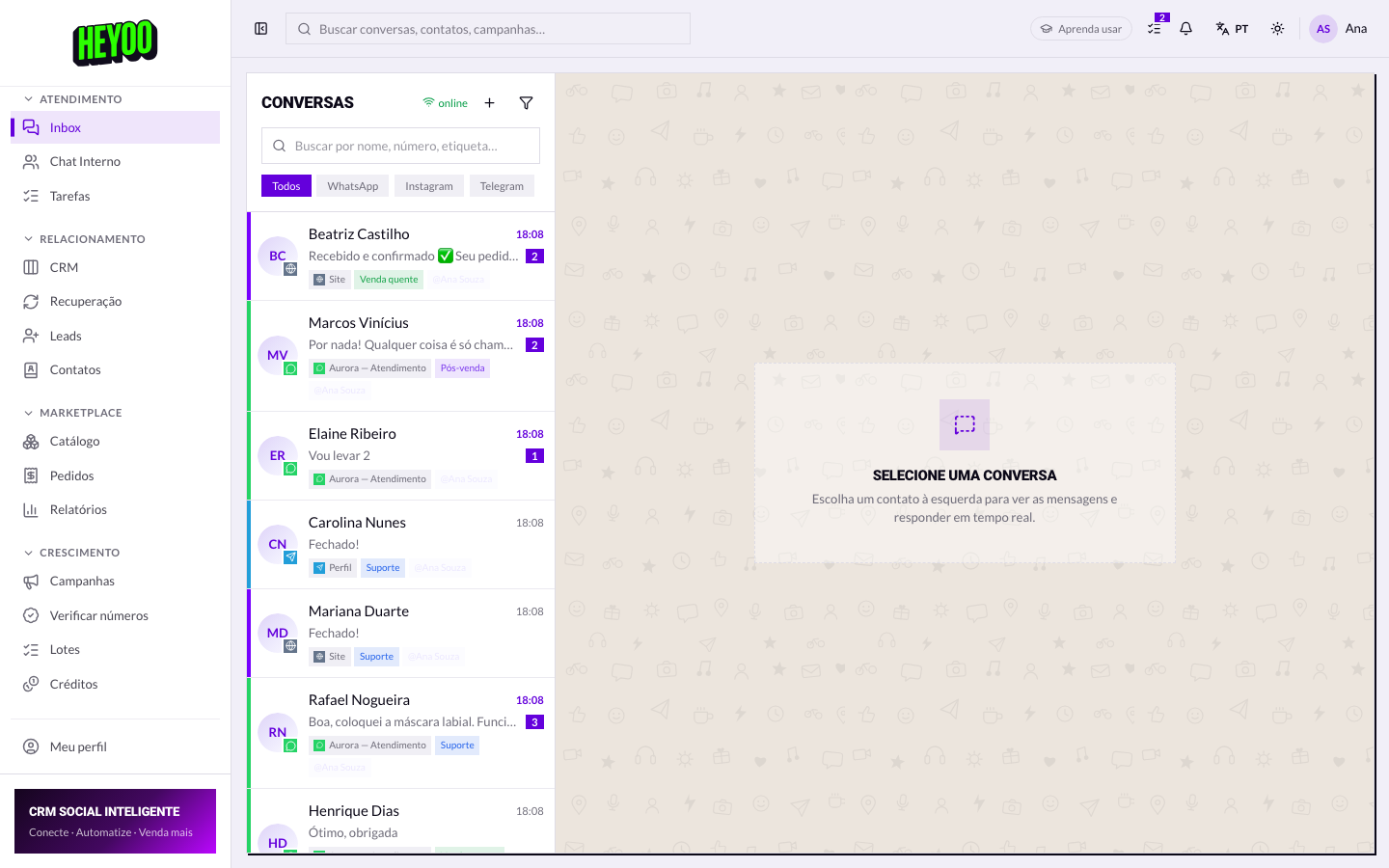
Your menu is a portrait of the role the administrator built. If a colleague sees an item you do not, the roles are different — there is nothing wrong with your access.
Three states per module
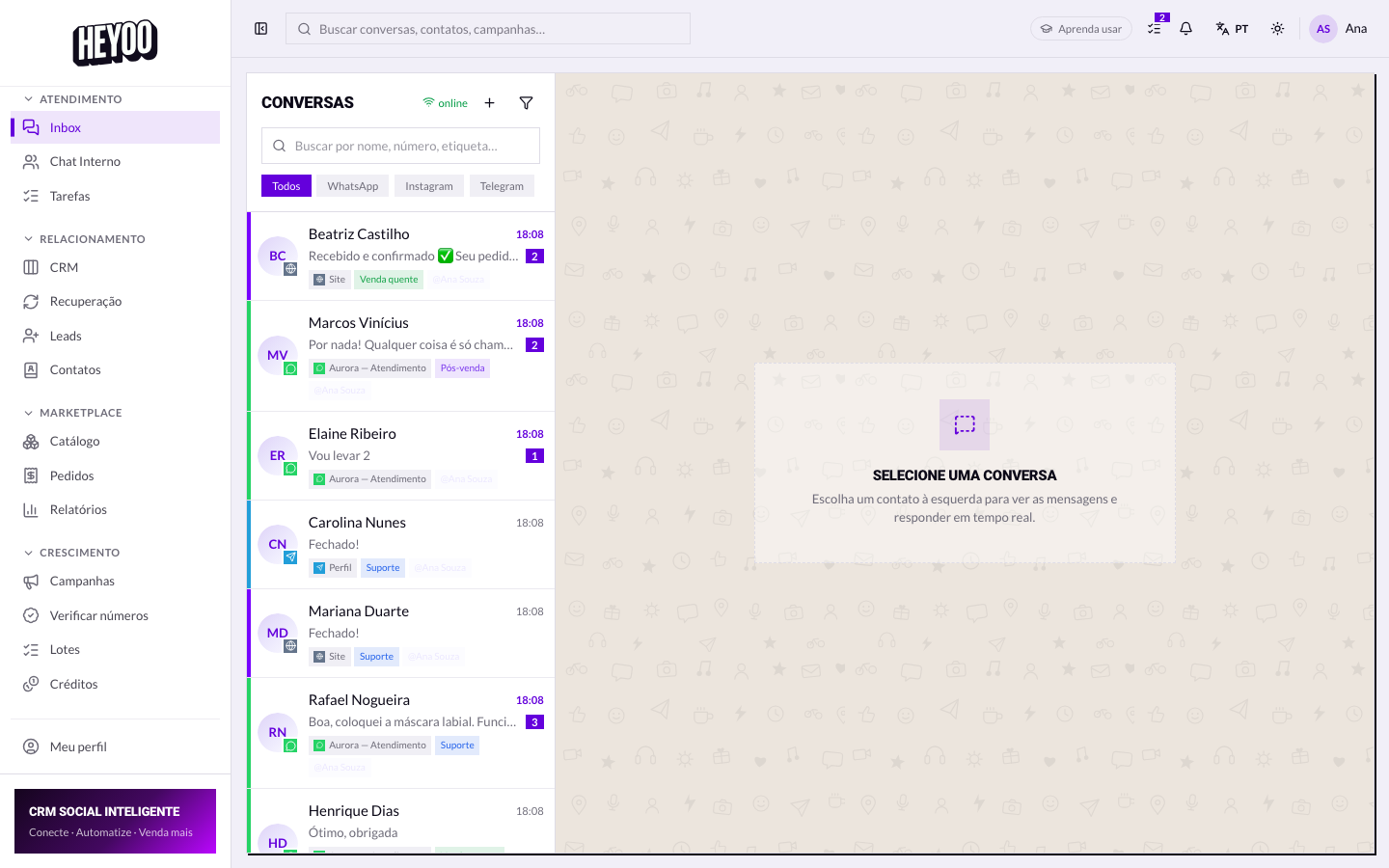
- Manage — create, edit and delete inside the module.
- View — follow along without changing anything; the action buttons do not appear.
- No access — the item disappears from the menu.
The three individual switches
- Mask numbers — contacts' phone numbers show up hidden to you.
- Start new conversations — write to someone who has never contacted the company.
- Save contacts — add people to the phonebook.
Masking is not distrustThe contact base is usually the company's most valuable asset. Masking is the standard protection for large or outsourced teams — and it does not get in the way, since the conversation works exactly the same.
When access is missing
- Note the name of the module you need.
- Explain what you need to do in it (view or manage).
- Ask the account administrator.
- They adjust it in Team › Agents › Roles.
- Reload the page: the item appears.
Do not ask for the administrator's accountThe right path is widening your role, not using theirs. Everything done through a sign-in is recorded under that person's name — including mistakes that were not theirs.