My tasks is your list of pending work inside Heyoo. The account administrator is who creates and assigns them; on your side, the job is to follow them, record what was done and close them.
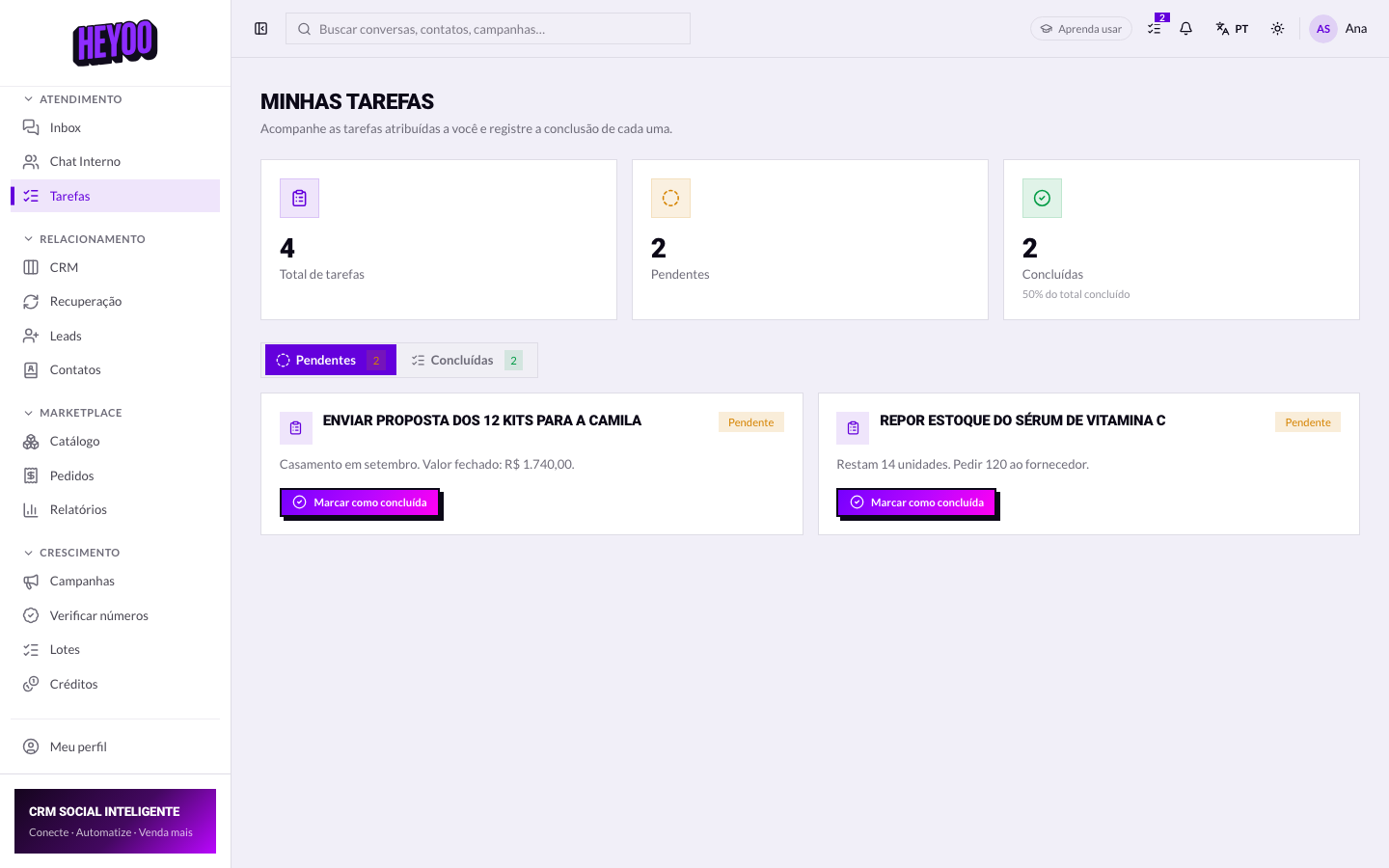

Pending and completed
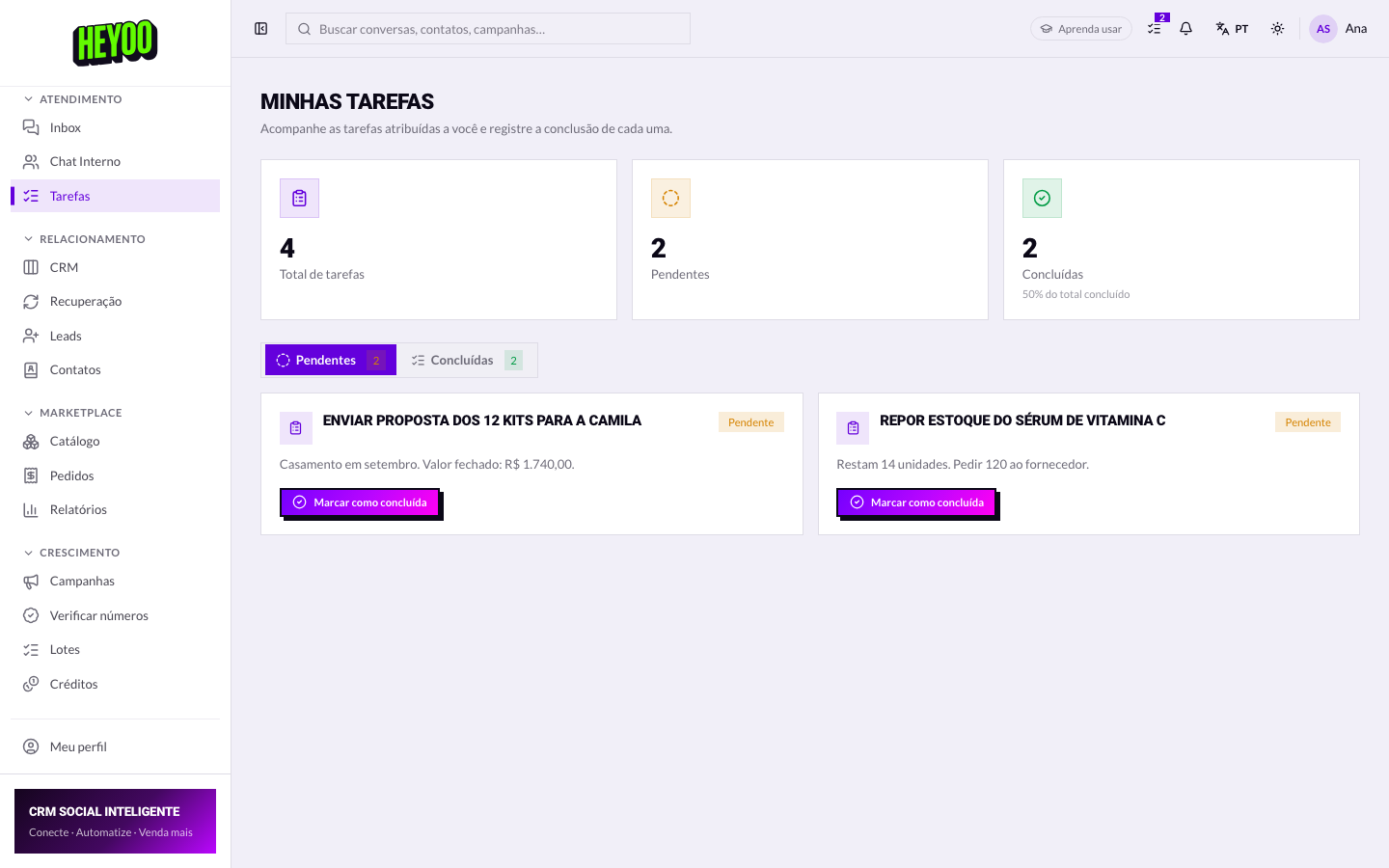

Read the description before you replyThe description is usually where what was agreed with the customer lives — amount, deadline, what was promised. Reading it after you reply is like checking the order after delivering it.
Closing a task
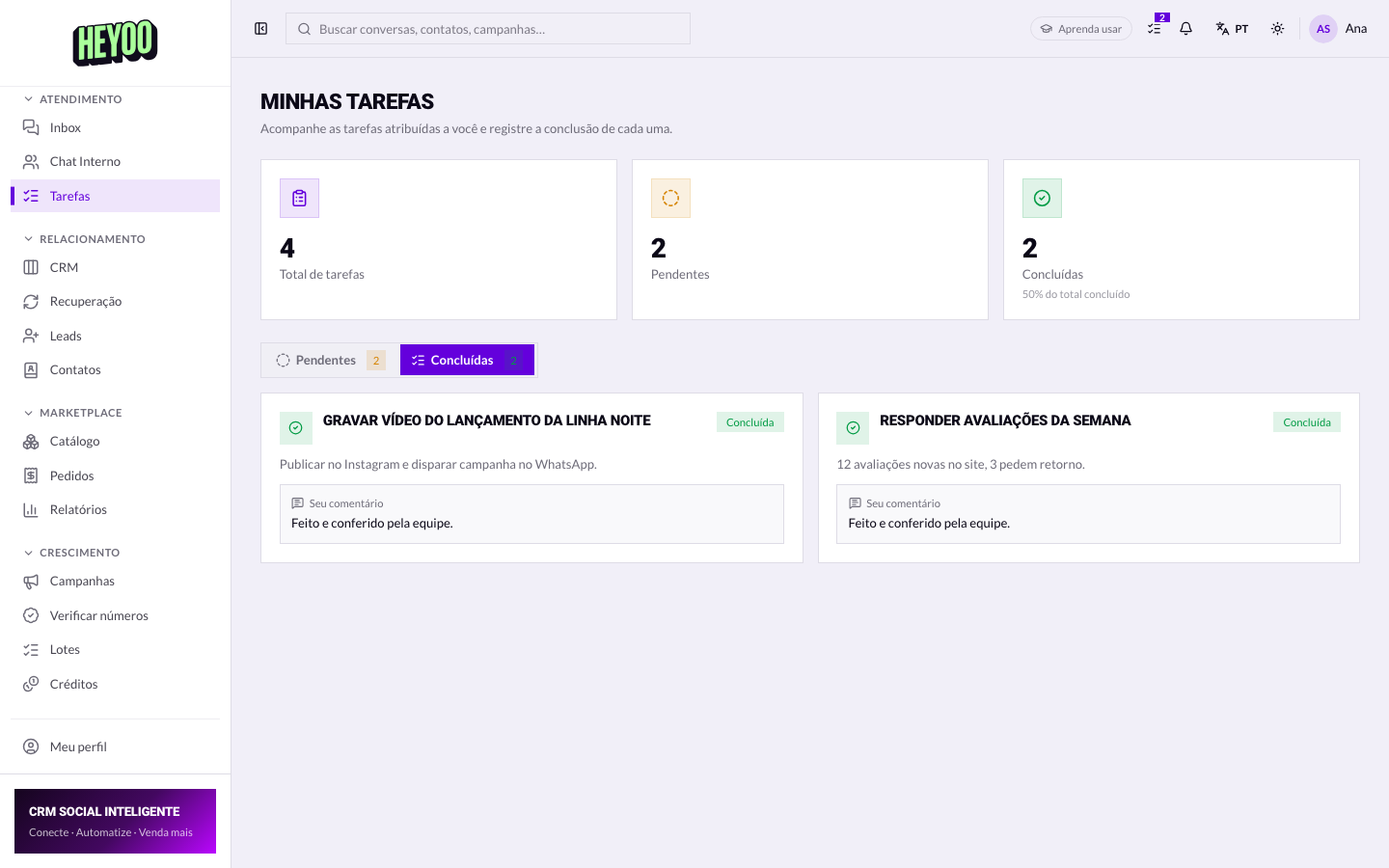
A generic comment helps nobodySorted forces whoever reviews it to go digging for what happened. Quote sent on WhatsApp at 2pm, customer asked to pick it up again Monday closes the subject by itself.
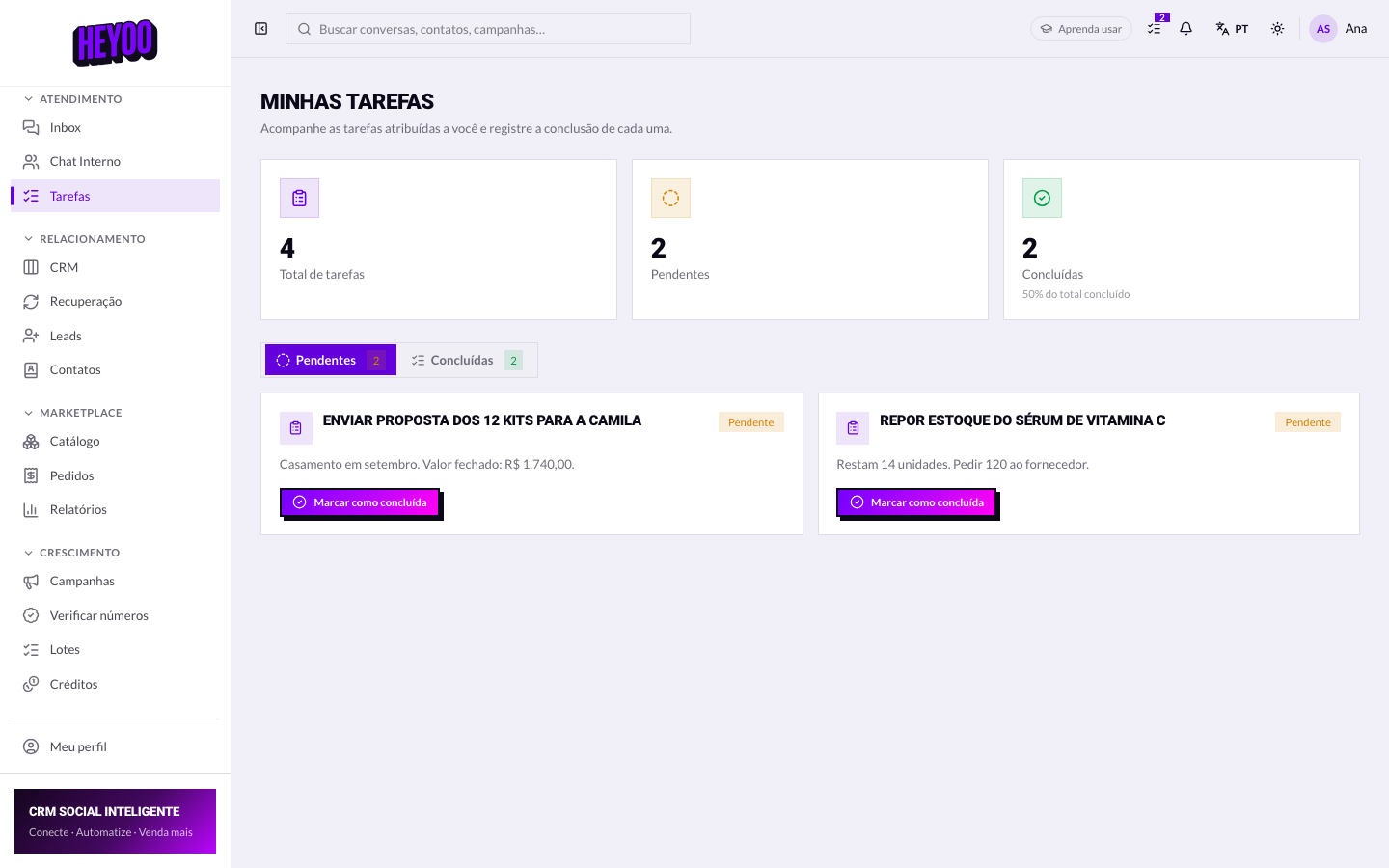
- Open Pending at the start of your shift.
- Read the description before talking to the customer.
- Record the outcome in Your comment.
- Close what you finished before you leave.