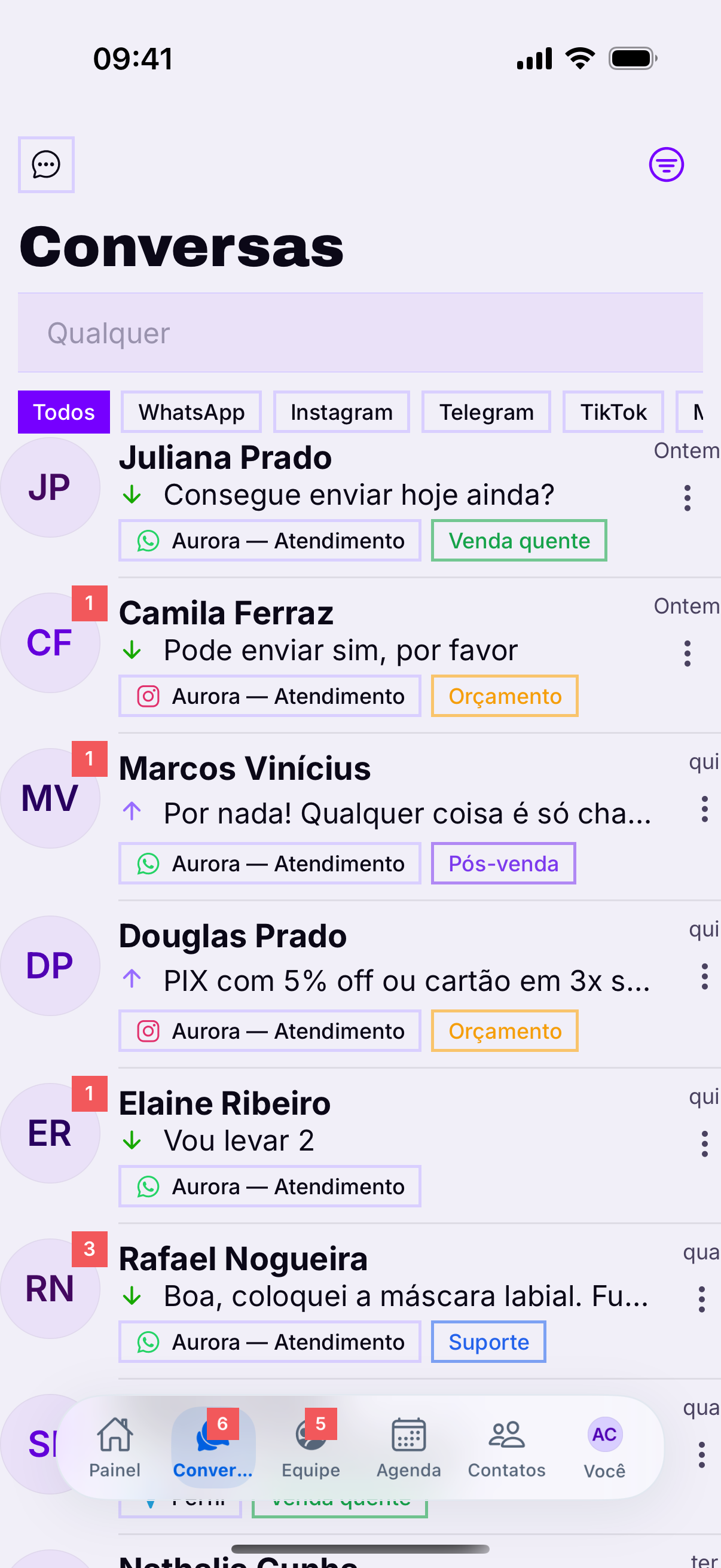
Tapping the row opens the conversation with the whole history — including what a colleague replied before you. It is the same conversation as on the computer, on a small screen.
The header
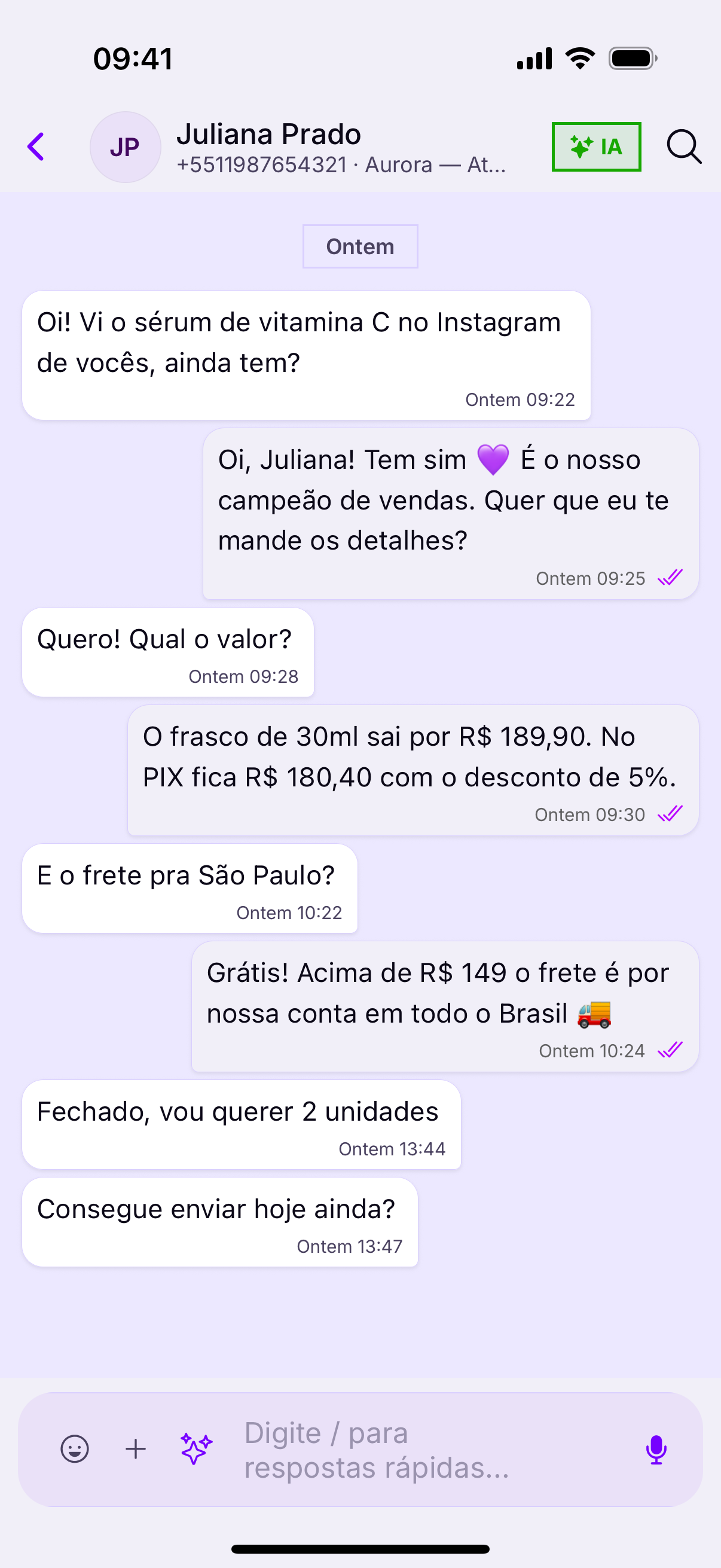
At the top sit the contact's name, the channel they are writing from and the shortcut to the details, where labels, notes and the owner live.
Writing
- Attachment on the left — photo, video, document, contact and location.
- Emoji — without leaving the conversation.
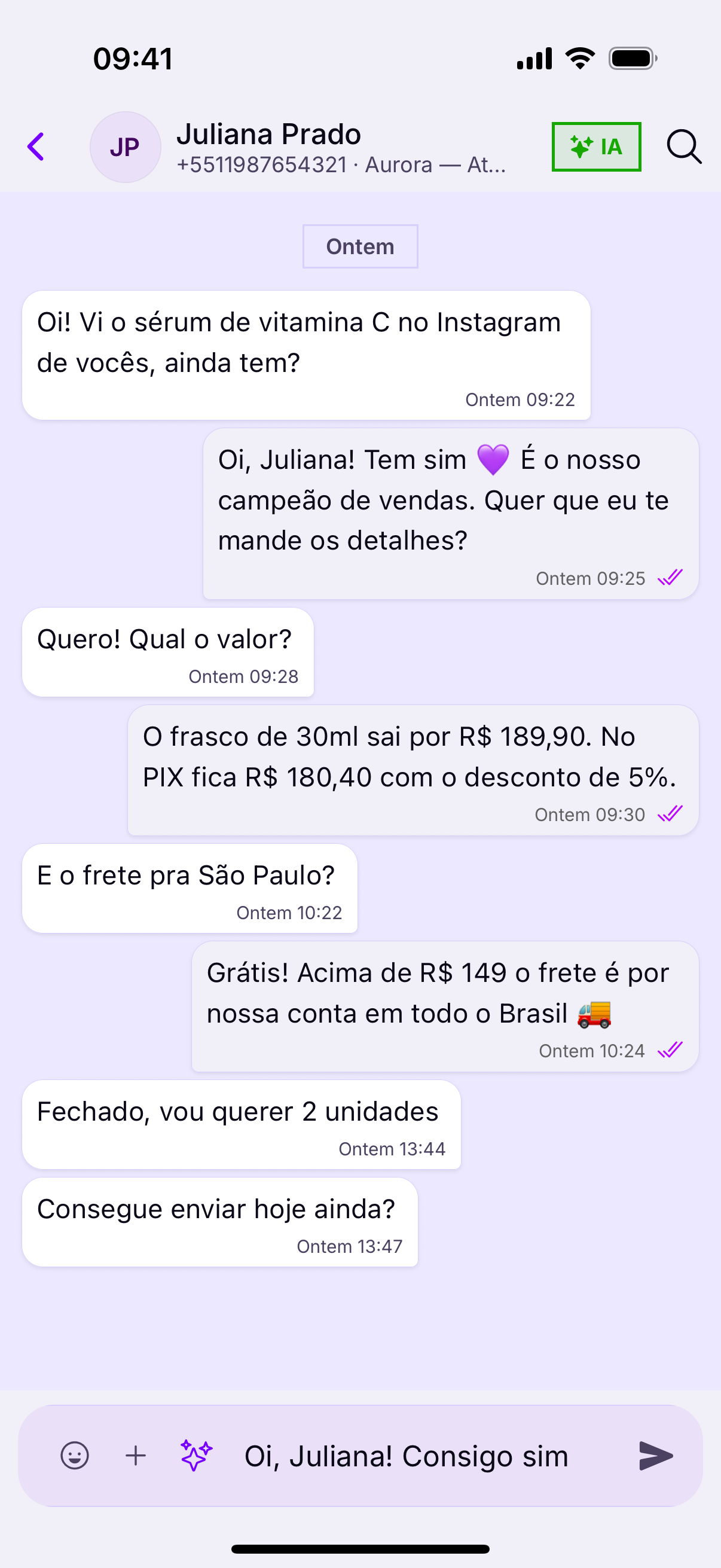
- Microphone — records audio; once there is text written, it turns into the send button.
- AI — suggests a reply or translates, when the plan includes it.
The per-message actions
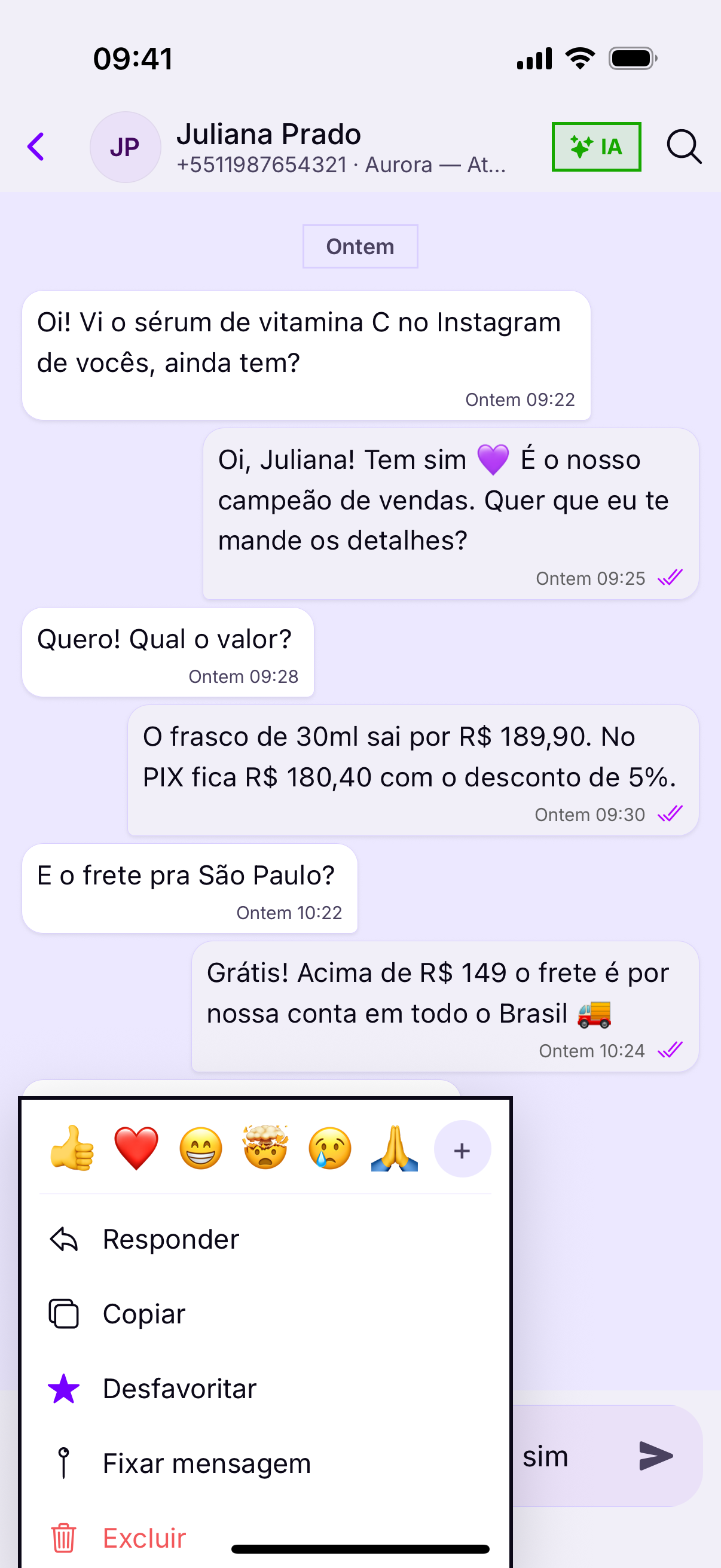
On a phone there is no hovering: the actions appear when you press and hold on the message.
- Reply — pins your answer to that message.
- React — confirms you saw it, without spending a message.
- Forward — takes the whole message to another conversation, media included.
- Pin — holds the message at the top of the conversation.
- Favorite — marks it so you can find it later.
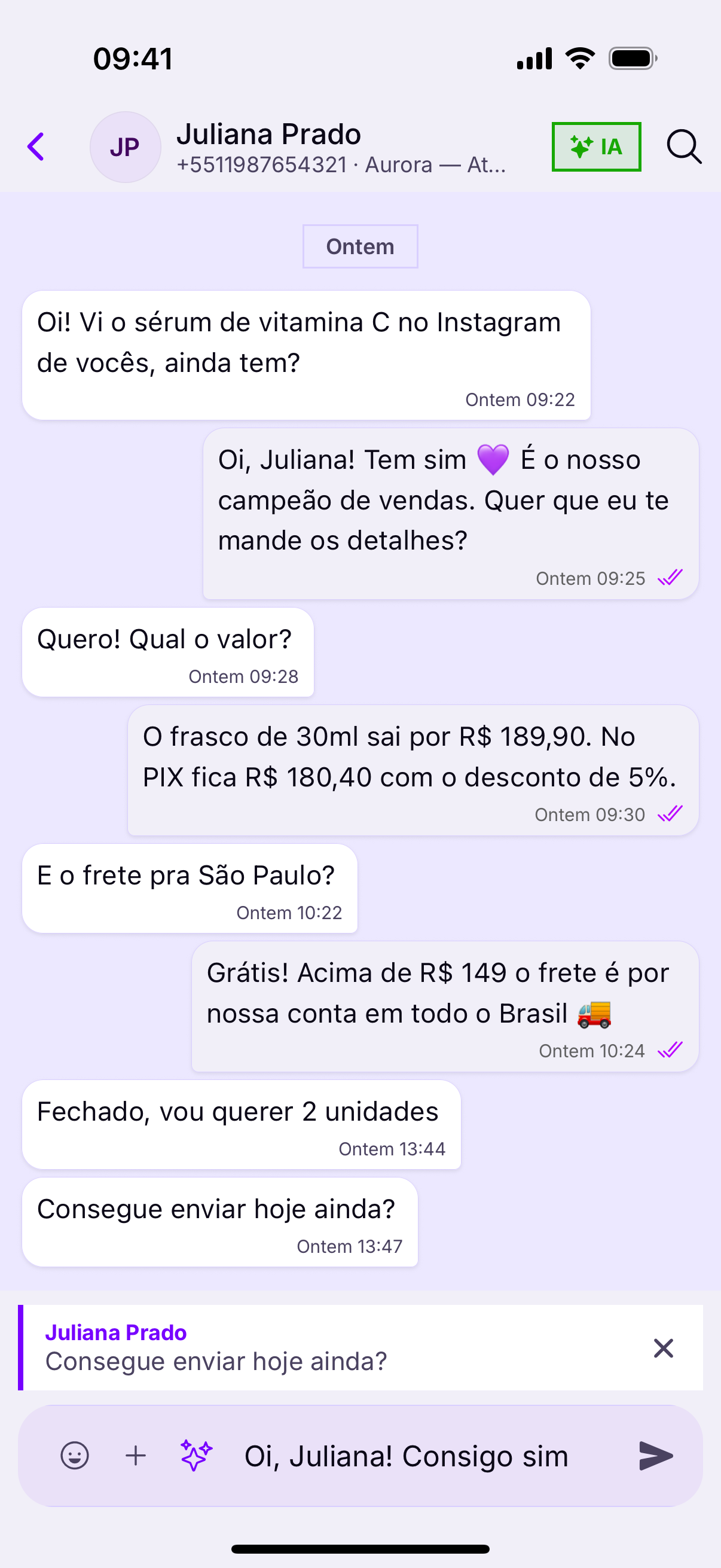
Quote when the customer sent several questionsThey write three messages in a row and you answer the second. Without a quote, they read it as an answer to the first — and the conversation derails for another ten messages.
Going back
The back button — or, on iPhone, the swipe from the left edge — returns you to the queue without losing your place in the list.
Audio does not always helpA customer at work, on the bus or in a meeting cannot listen. For an address, a code or an amount, text goes further — it can be copied.