A flow is the script the automation follows. On a phone you see, switch on and switch off; drawing a flow with branches remains computer work.
The list
- Name and description — what each flow is for.
- Source — which channel it answers.
- Status — active or switched off.
- Active sessions — how many conversations are inside it right now.
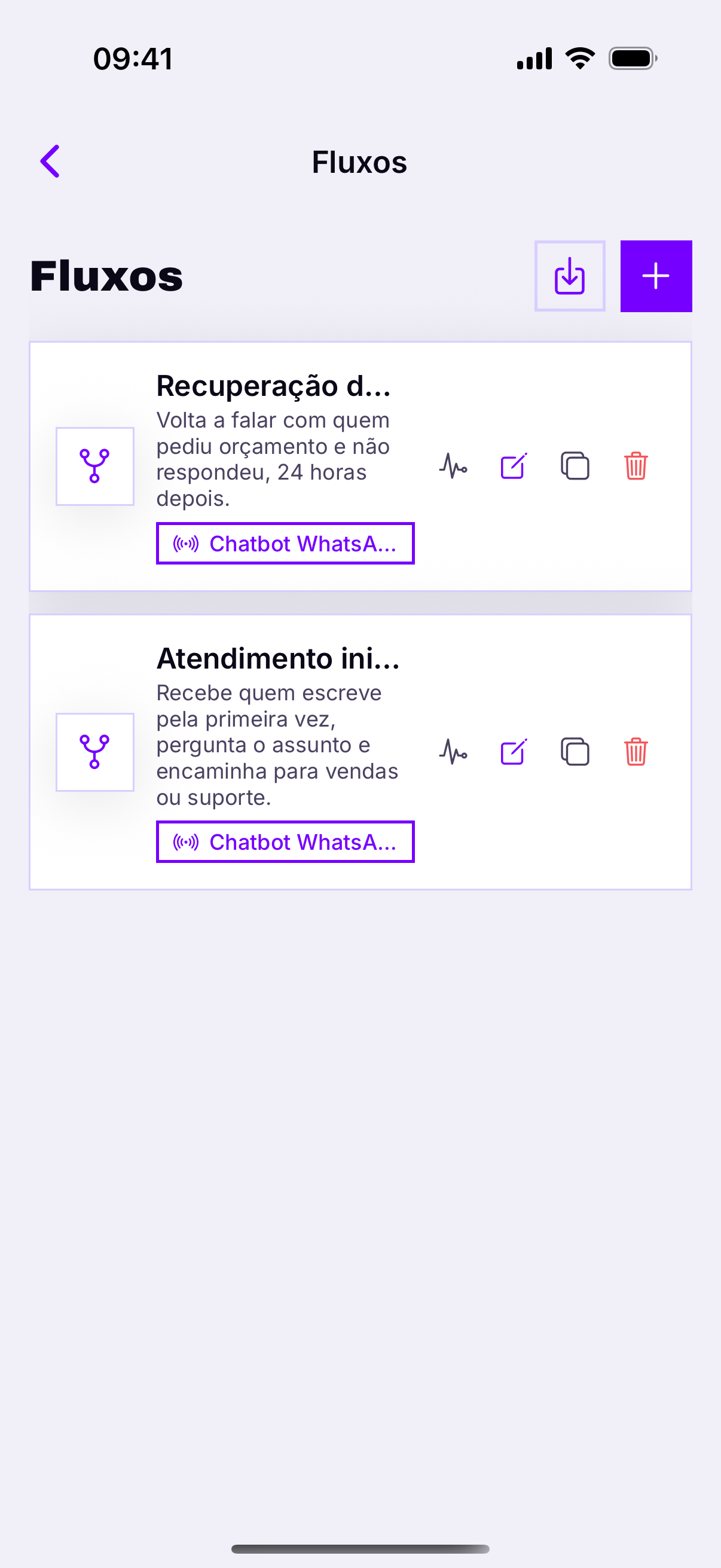
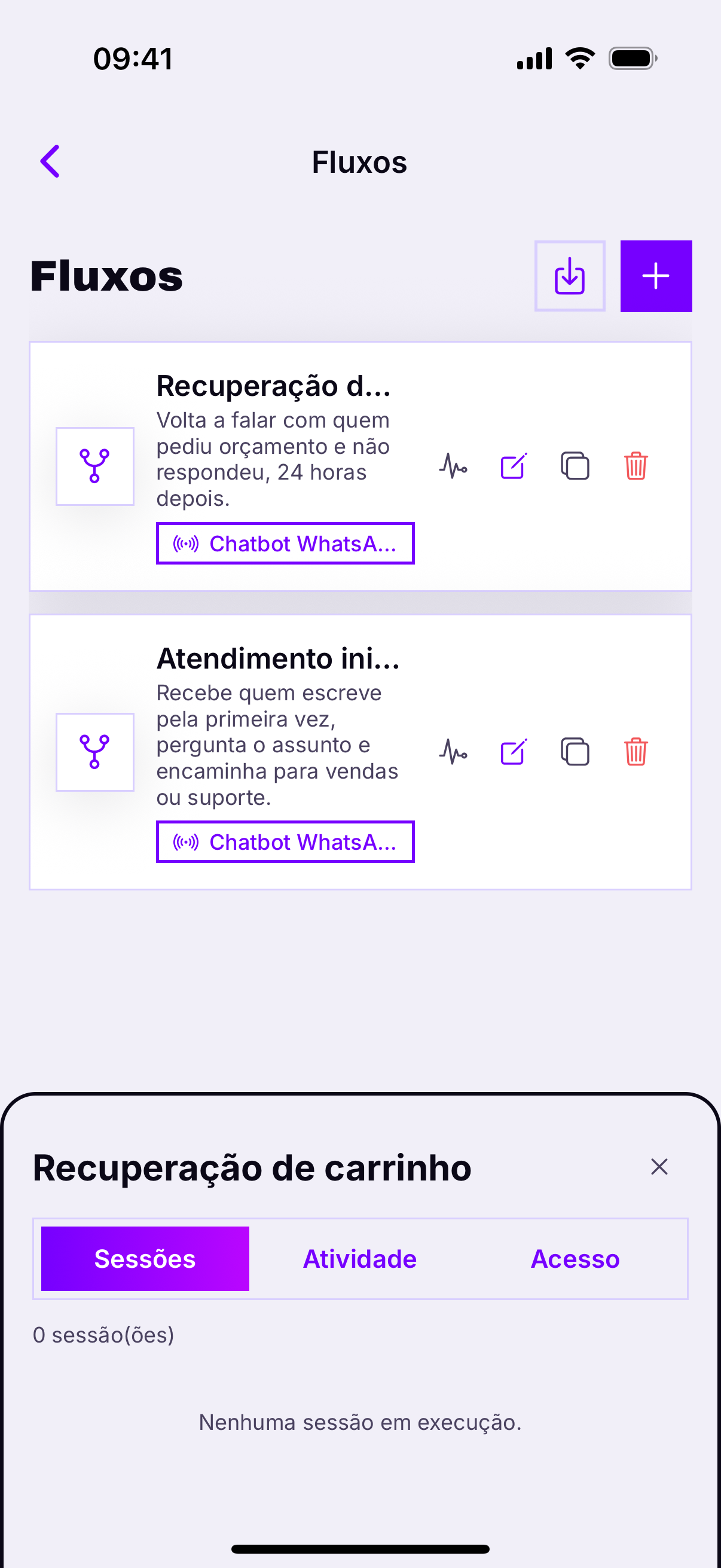
Active sessions is the x-rayIf everyone is stuck on the same node, that step's question is badly written or the otherwise exit leads nowhere. This screen shows that in seconds, from wherever you are.
Switching on and off
A saved flow answers nobodyIt has to be linked to a channel under AI / Chatbots. It is the forgotten step in practically every first automation — and from a phone you can check it in ten seconds.
The emergency button
When the bot starts answering real customers wrongly, you have seconds, not minutes. Deactivate all under AI / Chatbots stops everything at once — and it is the main reason to have the app installed if the account uses automation.
What requires the computer
- Drawing the flow — dragging nodes and connecting arrows.
- Editing conditions and variables.
- Generating a flow with AI — the result needs reviewing on a big screen.