The Conversations tab is the inbox. On a computer it is three columns at once; on a phone, one at a time — list, conversation, details. The content is the same.
The list
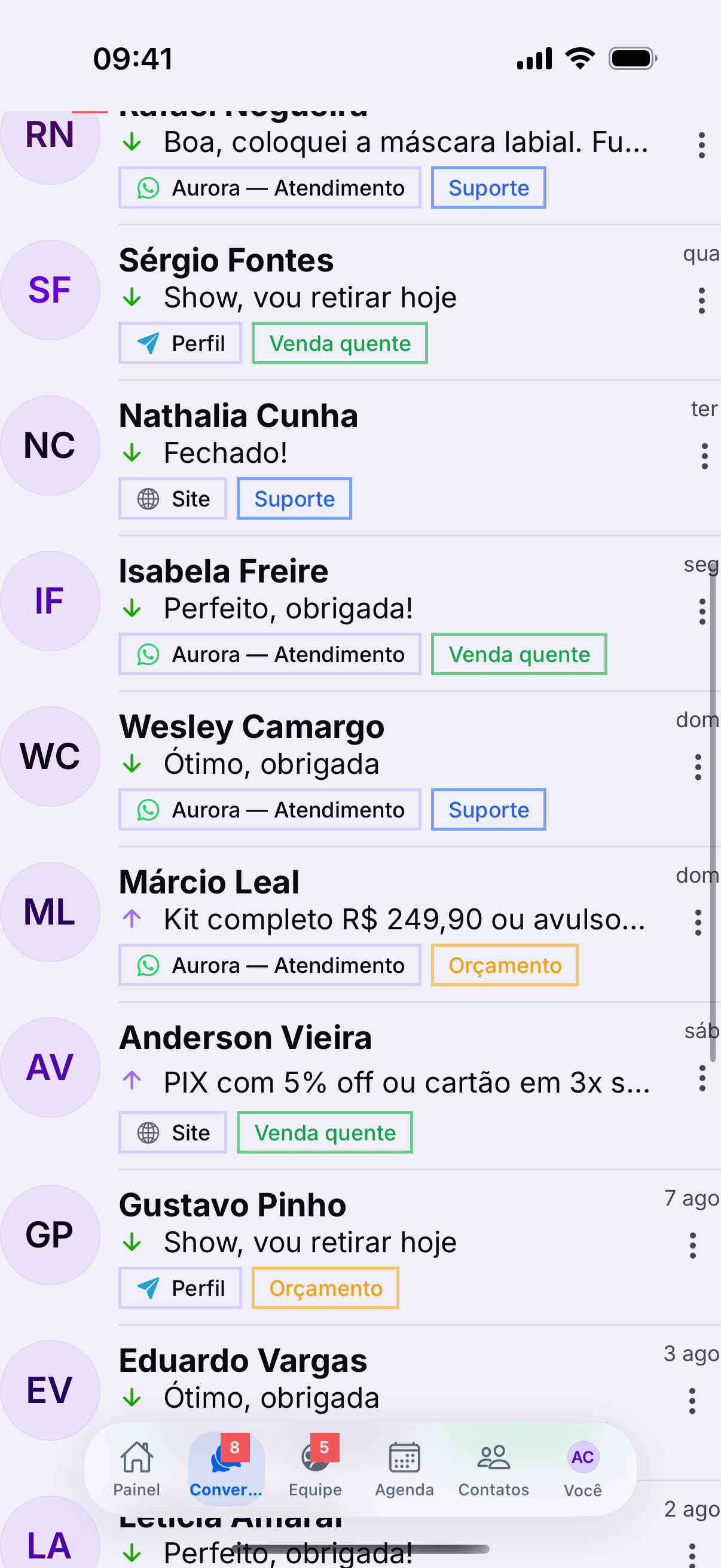
- Bold — nobody has read it yet.
- Colored badge — the channel the conversation came in through.
- Time — when the last message was.
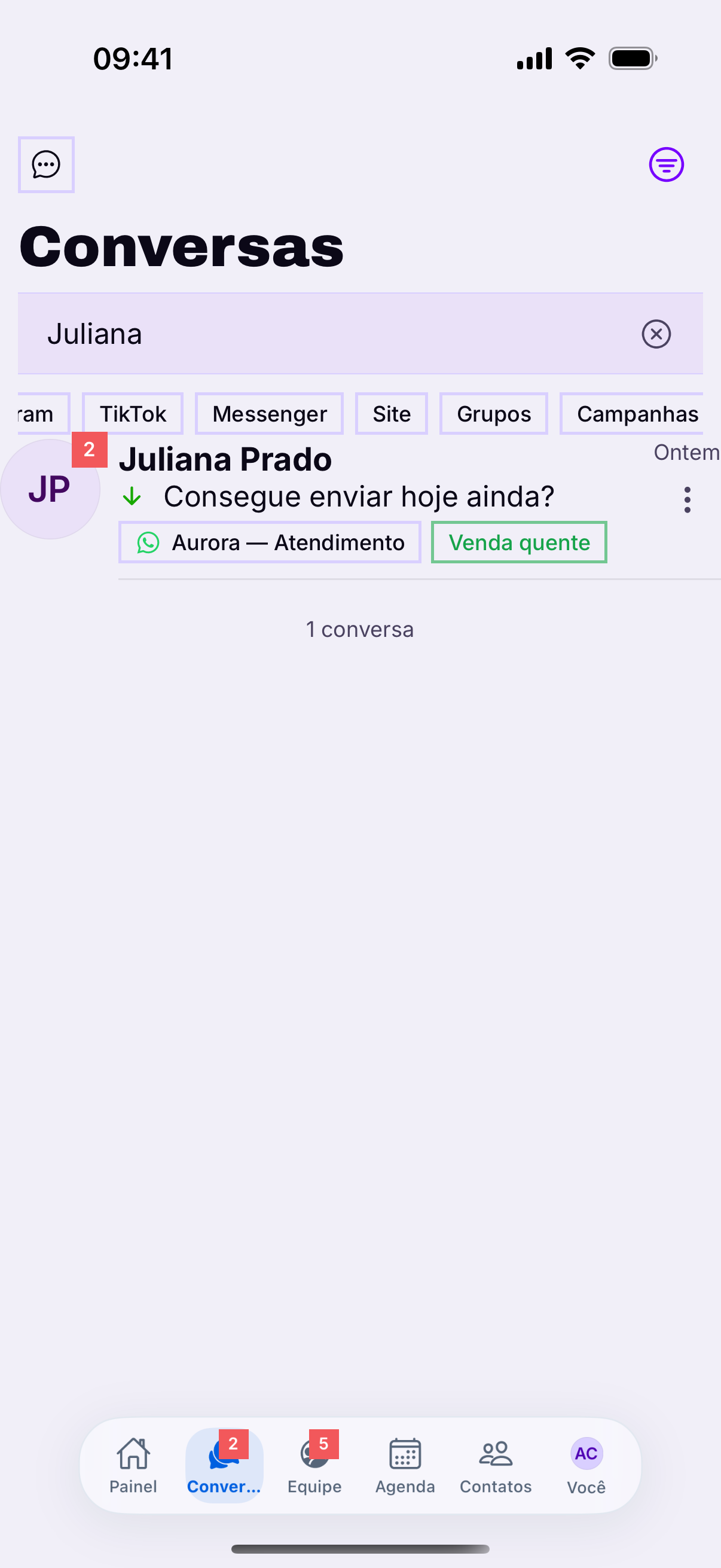
- Label — appears under the name, when there is one.
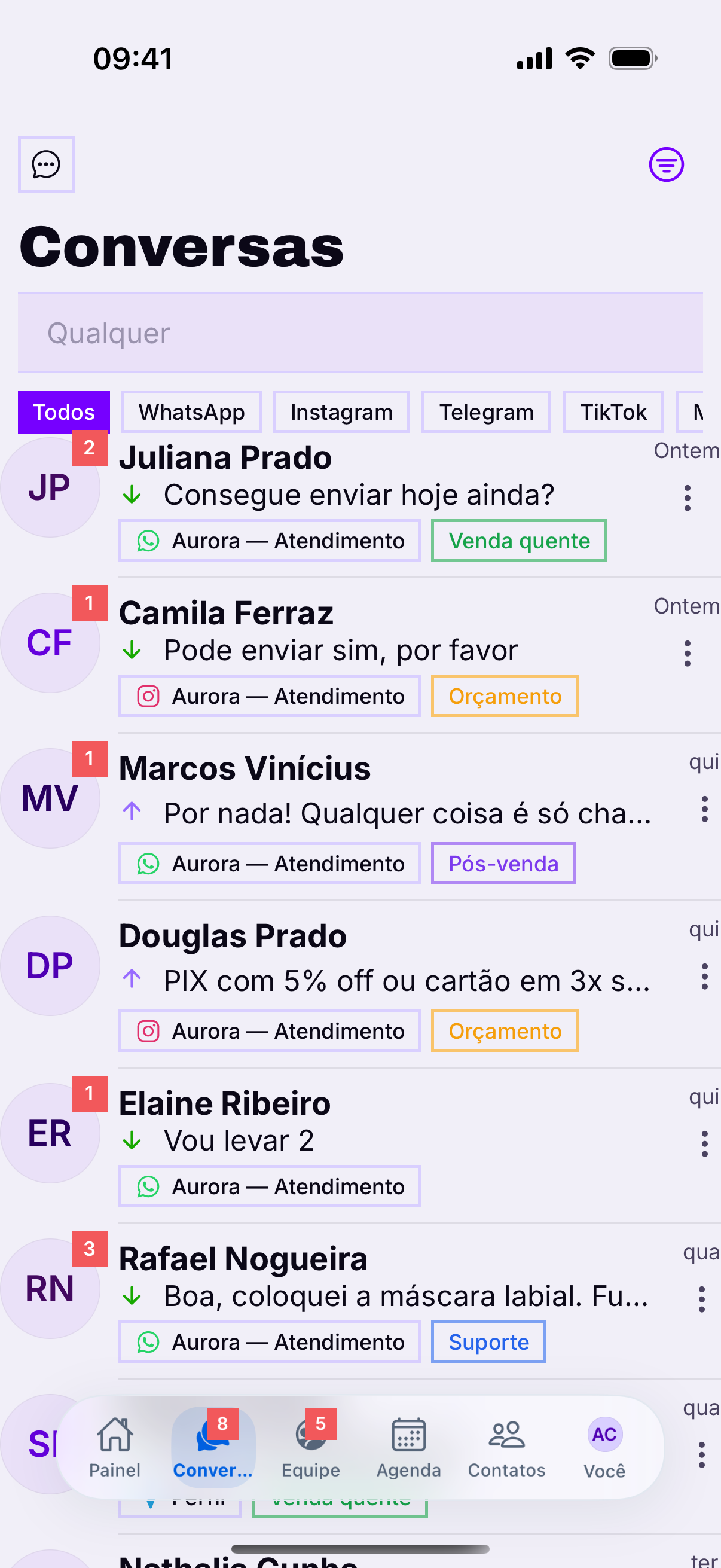
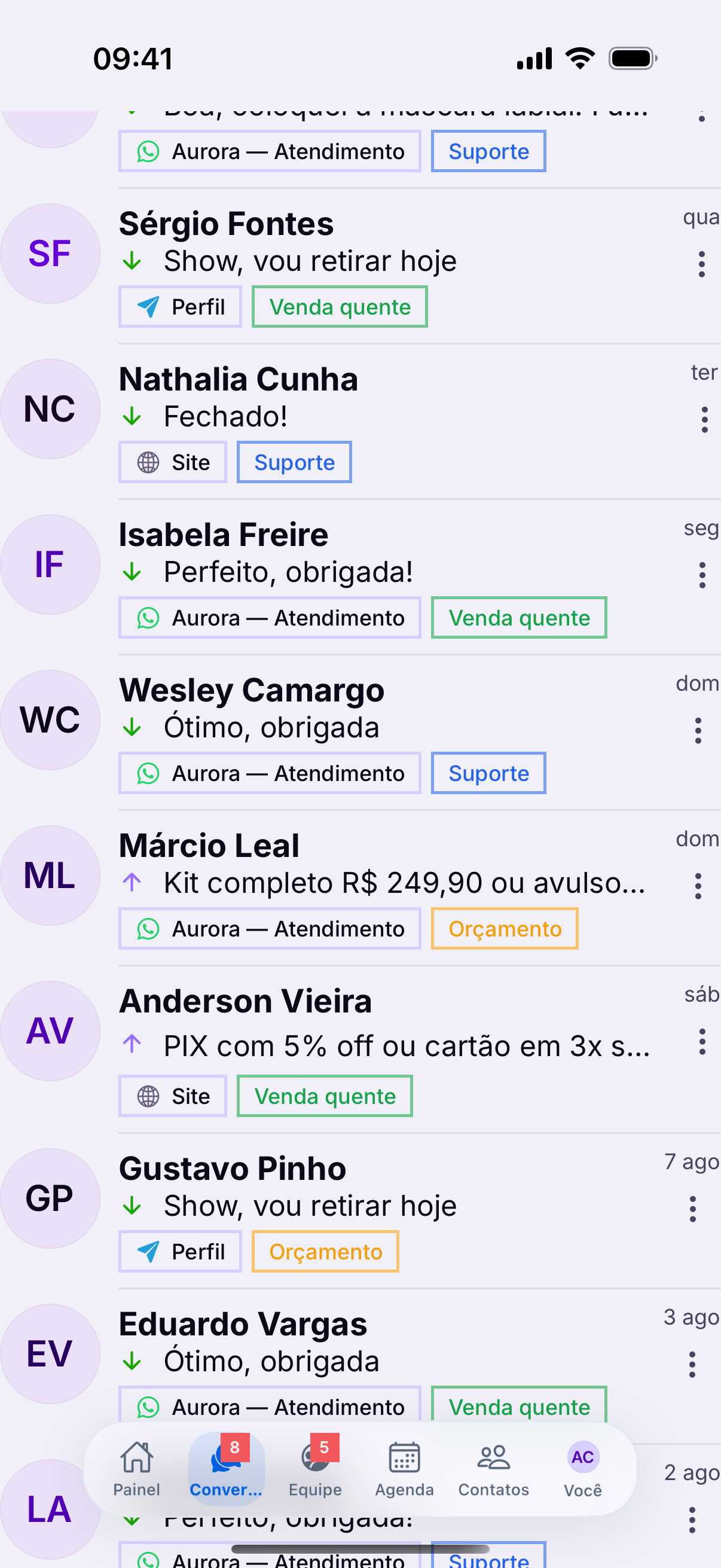
The channel badge prevents the most visible mistakeReplying on Instagram thinking it is WhatsApp changes the tone and sometimes breaks what you agreed. On a small screen, the badge is what holds that in place.
The filters
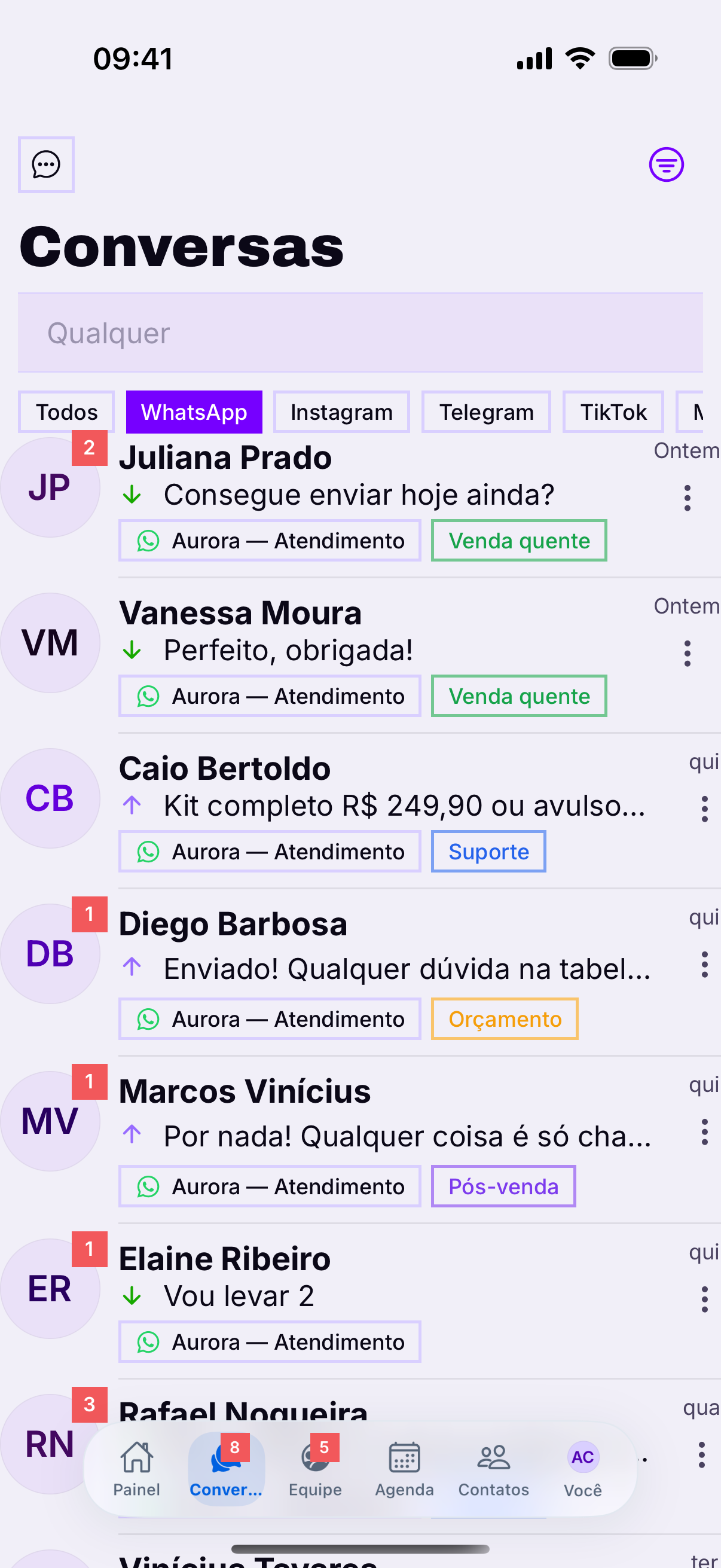
The strip above the list has two families: the channels (All, WhatsApp, Instagram, Telegram, TikTok, Messenger, Website) and the states (Groups, Comments, Campaigns, Favorites, Archived).
What sits in one tab does not show in anotherIt is the number one cause of a conversation disappeared: it was archived, or it is a group, or it came from a comment. Before hunting for a bug, swipe through the filter strip.
Searching
Search finds by name, by number and by label. Searching by label is the shortcut to find everyone on one subject — quote sent, awaiting payment.
The order that works
- Your unanswered conversations — they are already your responsibility.
- Unread with no owner — take on whatever falls to you.
- Waiting on the customer — just check whether any of them stalled.
- End the day with your queue at zero.
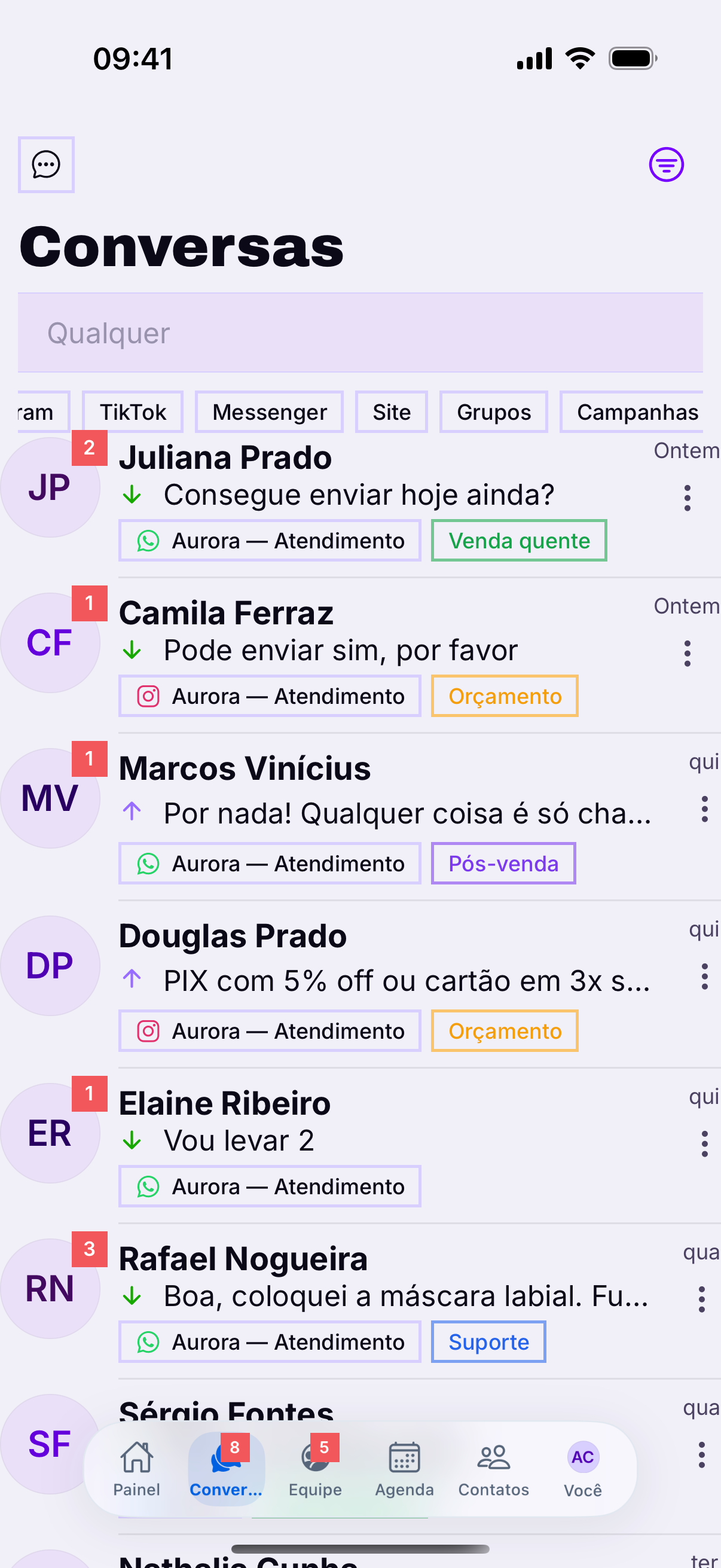
On a phone, the queue vanishes fastThe screen shows fewer rows than the computer, so it gives the impression there is little there. Scroll to the end before concluding you are done — or use the unread filter.