The attachment sits to the left of the message field. On a phone it gains an option the computer does not have — and one that changes how you serve customers: the camera.
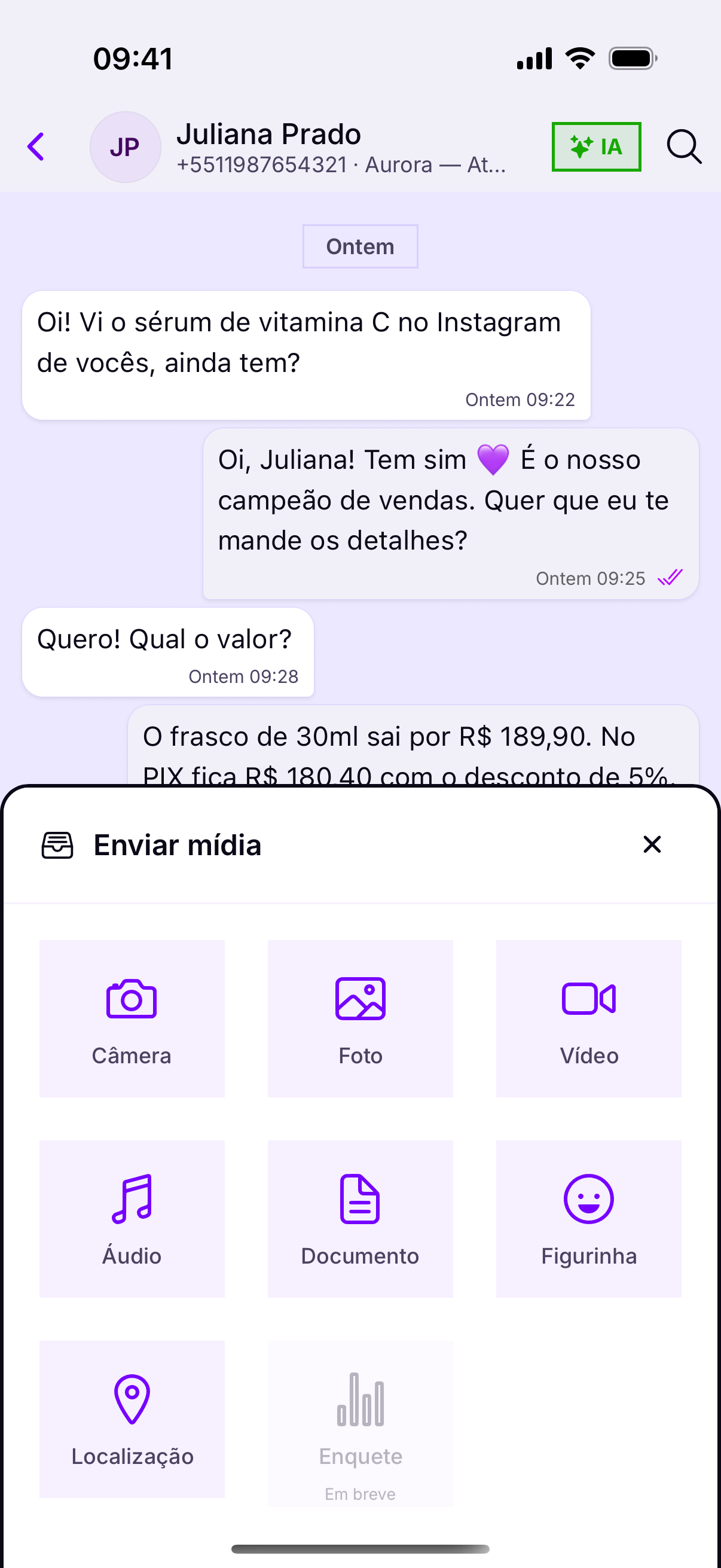
What you can send
- Camera — a photo or video right now.
- Photo and Video — what is already on the device.
- Audio — a sound file that already exists (different from recording on the spot).
- Document — PDF, spreadsheet, receipt.
- Sticker — the account's stickers.
- Location — the point on the map.
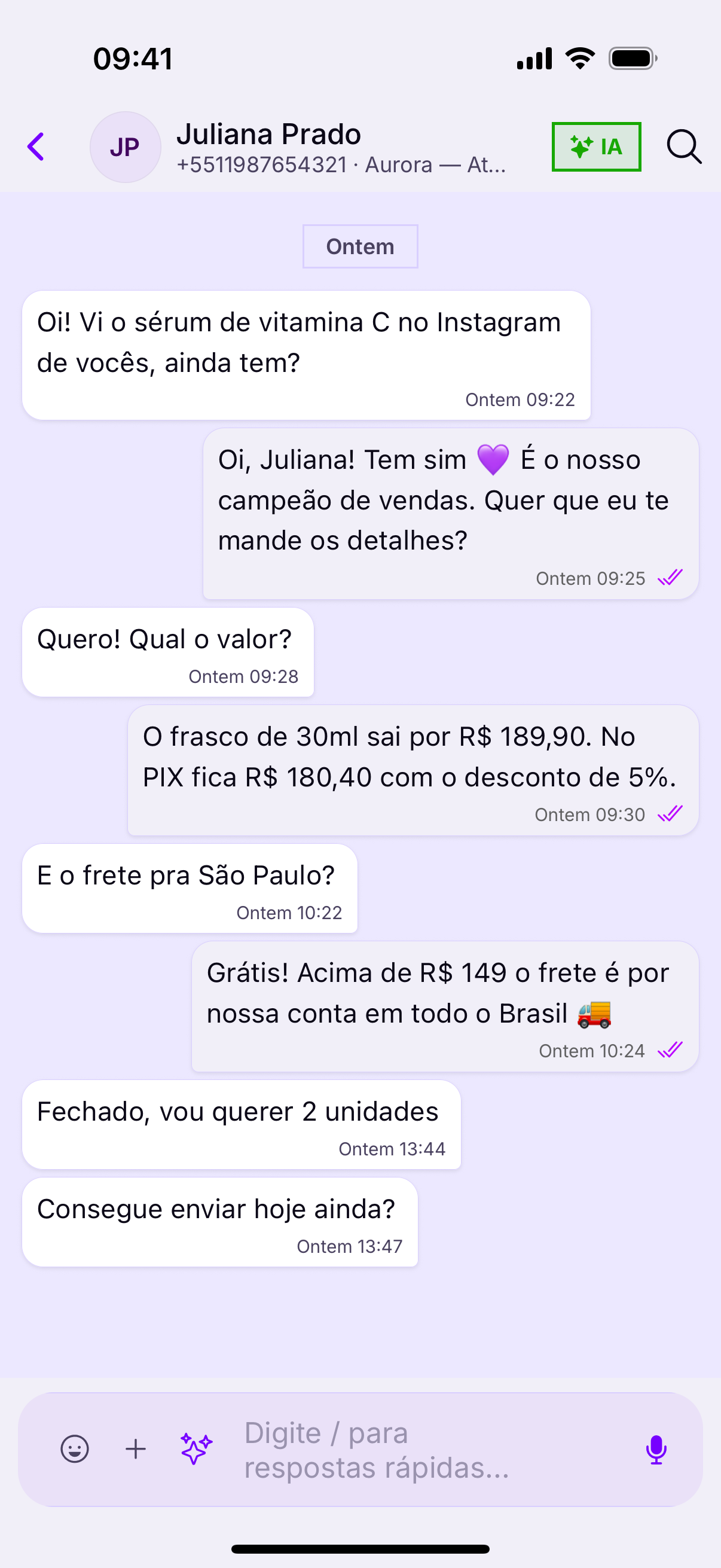
The camera is the phone's advantageShowing the part that arrived, the product label, the receipt in hand — on a computer that turns into take a photo and send it to me. On a phone it is one tap, and it settles the conversation on the spot.
Audio
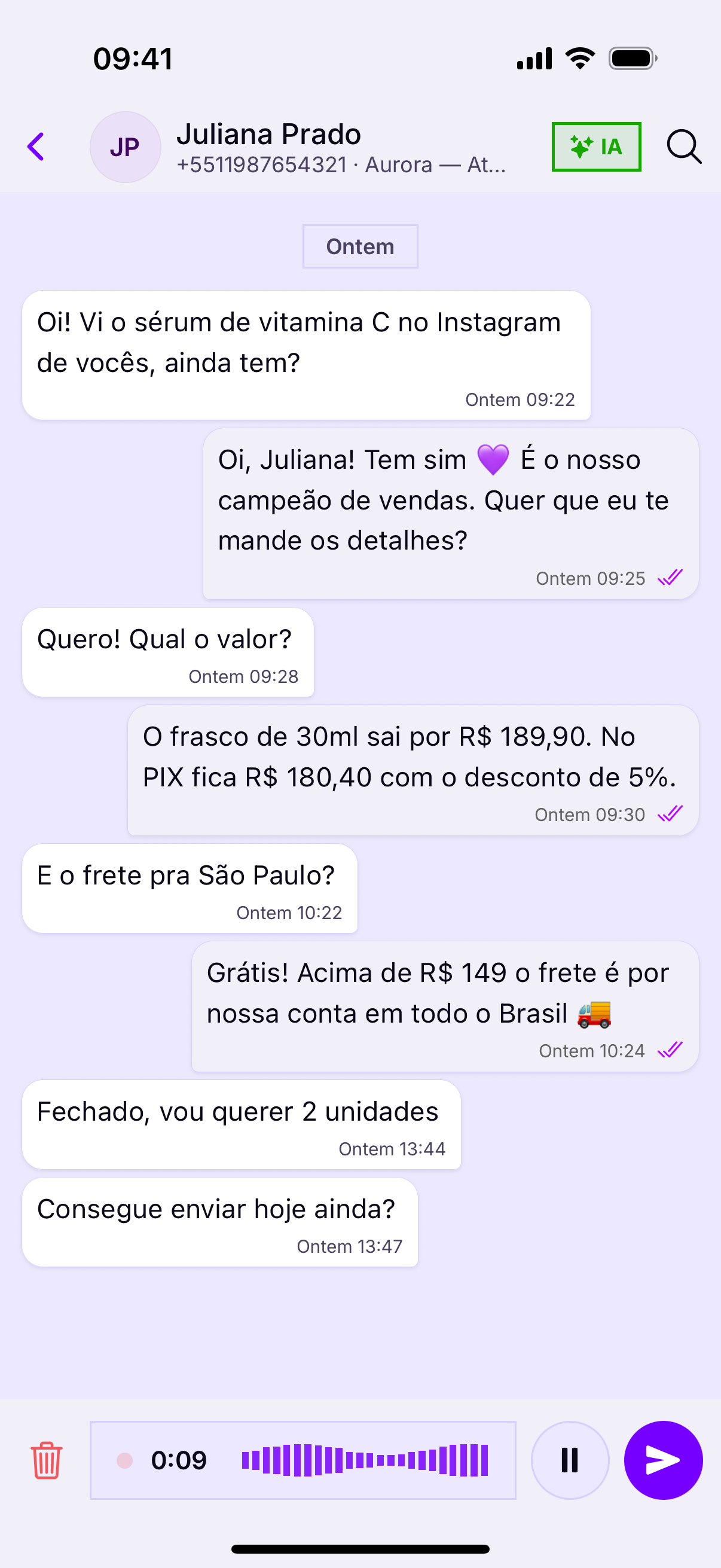
The microphone records while your finger stays on the button. Let go and it sends; drag sideways and it cancels — the same gesture as WhatsApp.
Audio does not always helpA customer at work, on the bus or in a meeting cannot listen. For an address, a code, an amount or a deadline, text goes further: it can be copied and re-read.
Size and quality
- A long video takes ages to upload on mobile data — and the customer watches sending for minutes.
- A heavy document can be refused by the channel; a PDF over a few megabytes usually stalls.
- A photo from the gallery goes at full resolution: for a receipt, a screenshot is enough and uploads far faster.
Caption together with the mediaSending the photo and only then writing the text produces two notifications and a chopped-up conversation. Write the caption before sending: it all arrives together, and makes sense first time.