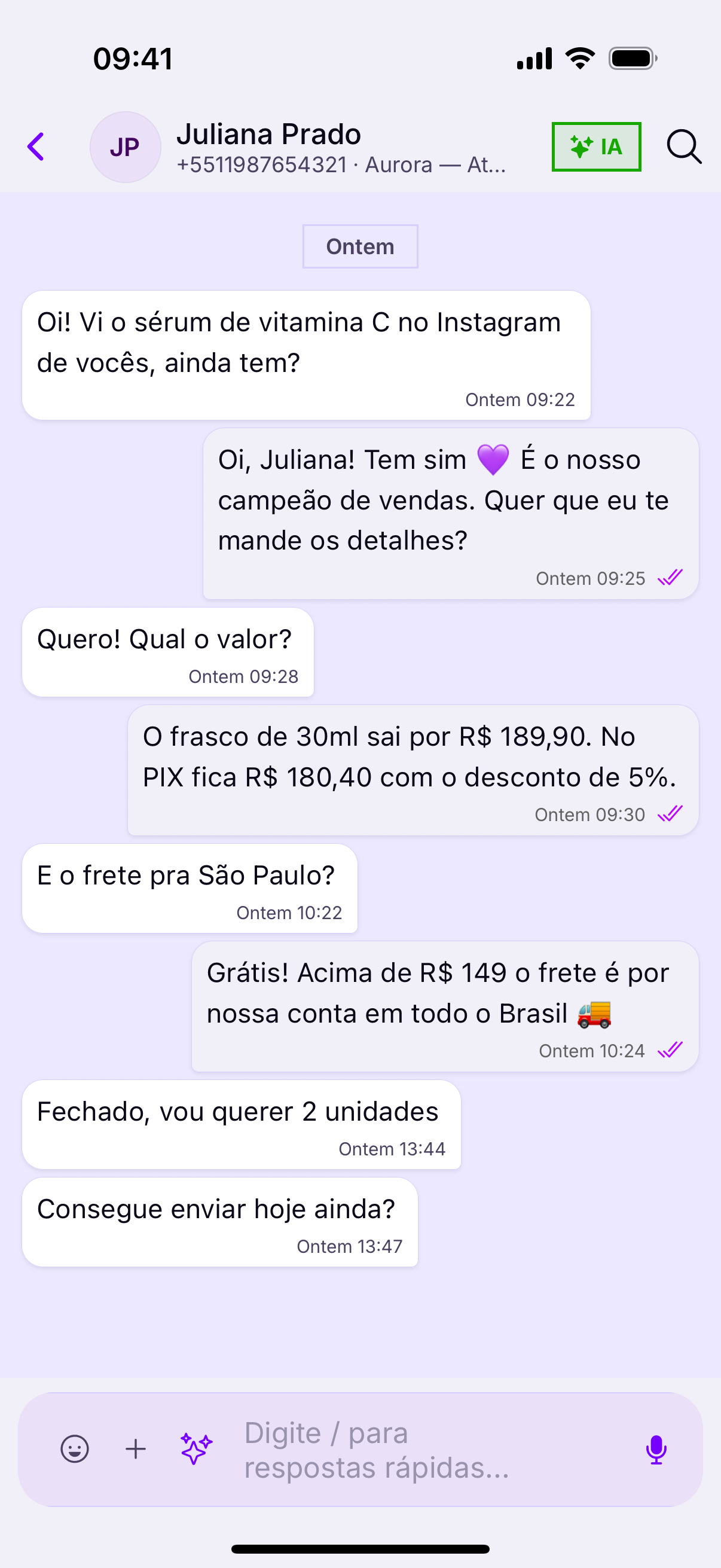
On a phone, typing costs more than on a computer — and that is exactly where quick replies pay off most. They live inside the message field, behind a slash.
How to use them
- Tap the message field.
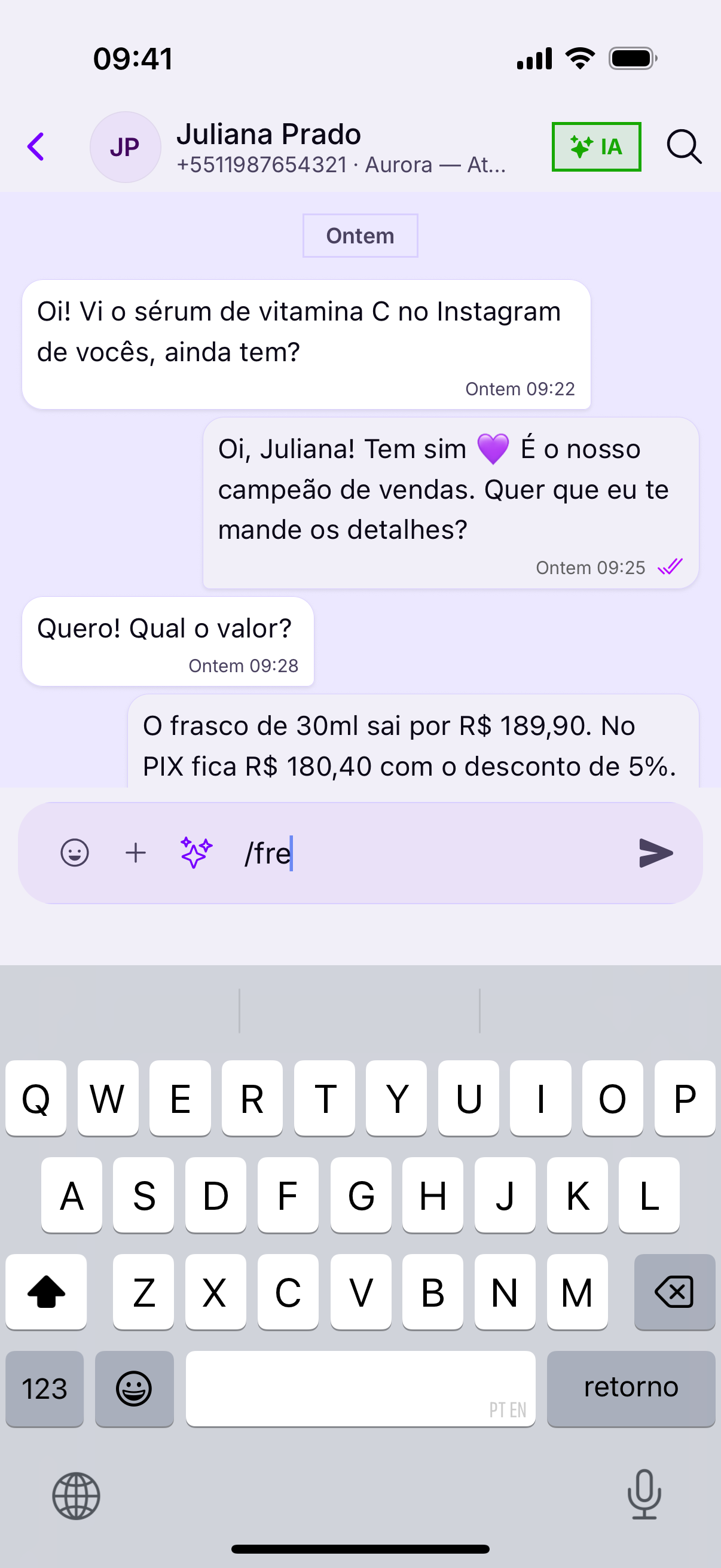
- Type / at the start.
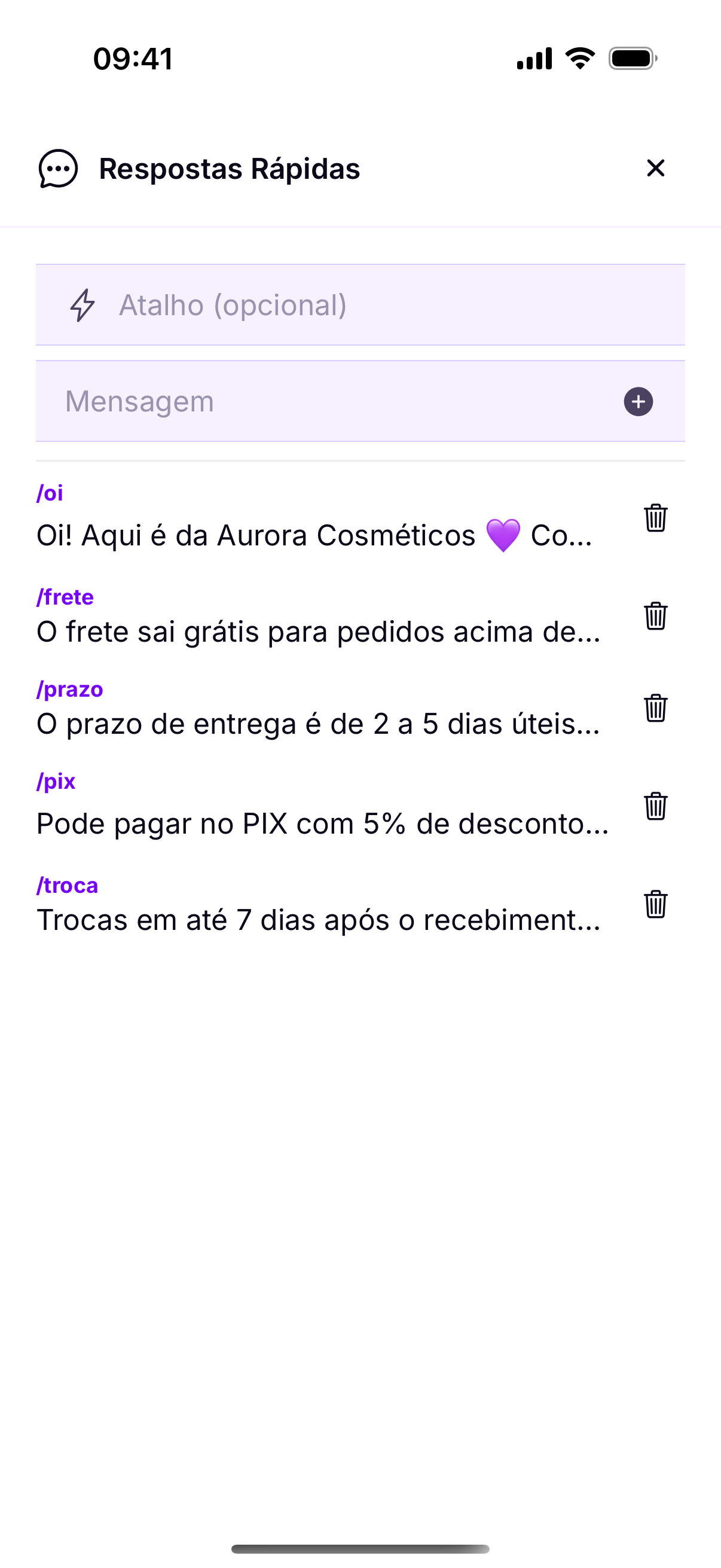
- The list of ready-made texts appears.
- Keep typing to filter by the shortcut (
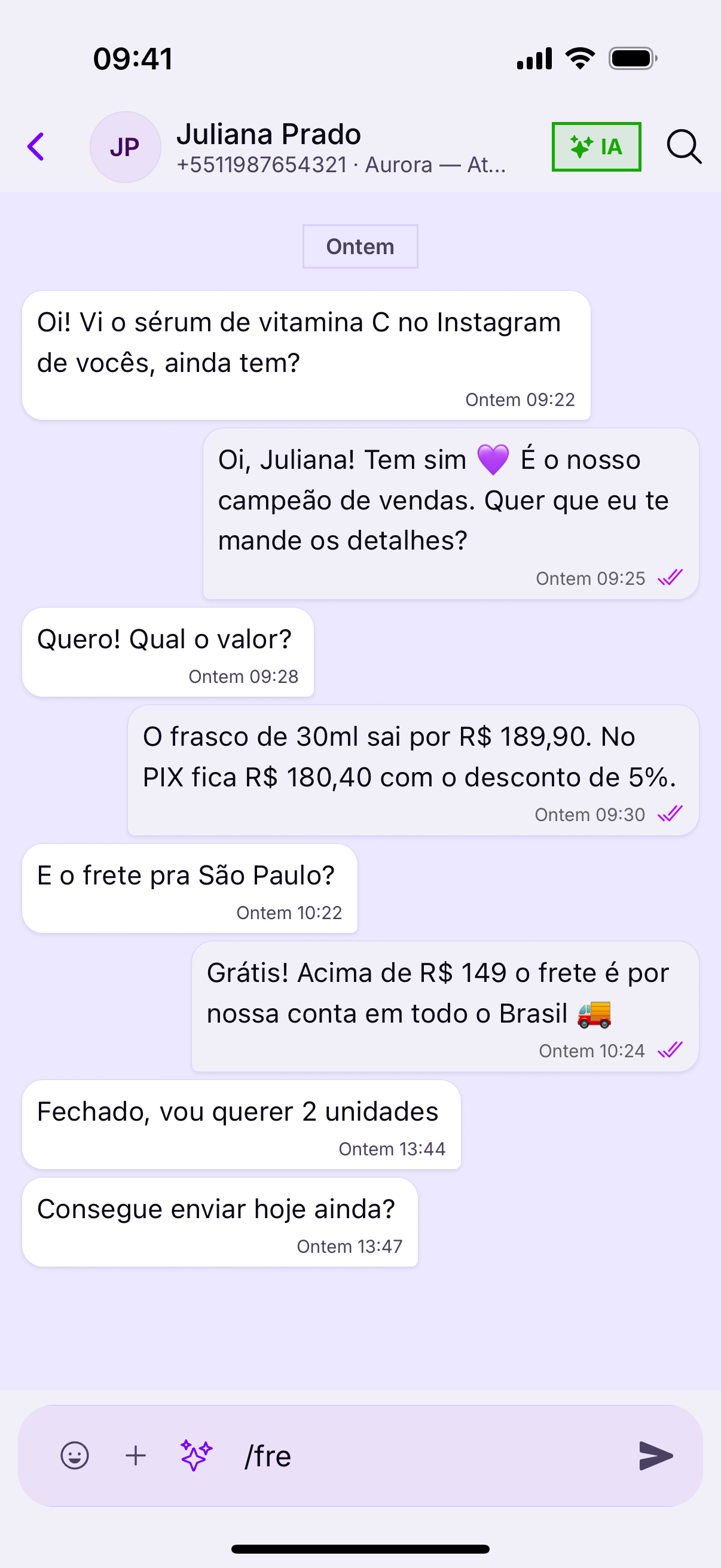
shipping,delivery,pix). - Tap the reply: it lands in the field as a draft.
- Adjust what you need and send.
Always edit before you sendThe reply lands as a draft on purpose. Swapping Hello for Hello, Juliana takes a second and strips the off-the-shelf feel from the text — which is exactly what the customer notices.
No aplicativo, a lista ainda não abre sozinhaThey belong to the account, not to you
The administrator is who registers them. When they fix a text, it changes for the whole team at once — so when you spot something out of date, it is worth flagging rather than typing around it.
It is not an app failure: the account simply has no replies registered yet. They are created in the panel, under Quick replies, with a shortcut and the text.
Se a lista vier vaziaA shortcut that works
A good shortcut is short and obvious: shipping, delivery, pix, returns. A long shortcut forces you to type almost as much as the text — and then nobody uses it.
Atalho bom é curto e óbvio: frete, prazo, pix, troca. Atalho longo obriga a digitar quase tanto quanto o texto — e aí ninguém usa.