The website chat brings whoever arrived through your page into the inbox. From your phone you follow the conversations and the leads; creating and installing the widget is computer work.
What comes in
- Conversations — people who wrote while someone was online.
- Leads — people who filled the form outside business hours.
- Team chosen — when the chat offers teams.
The leads
The phone is the best tool for leadsGetting back to them means a call or a WhatsApp message — the two things a phone does best. Opening the list of new ones at the start of the day clears most of the queue.
What requires the computer
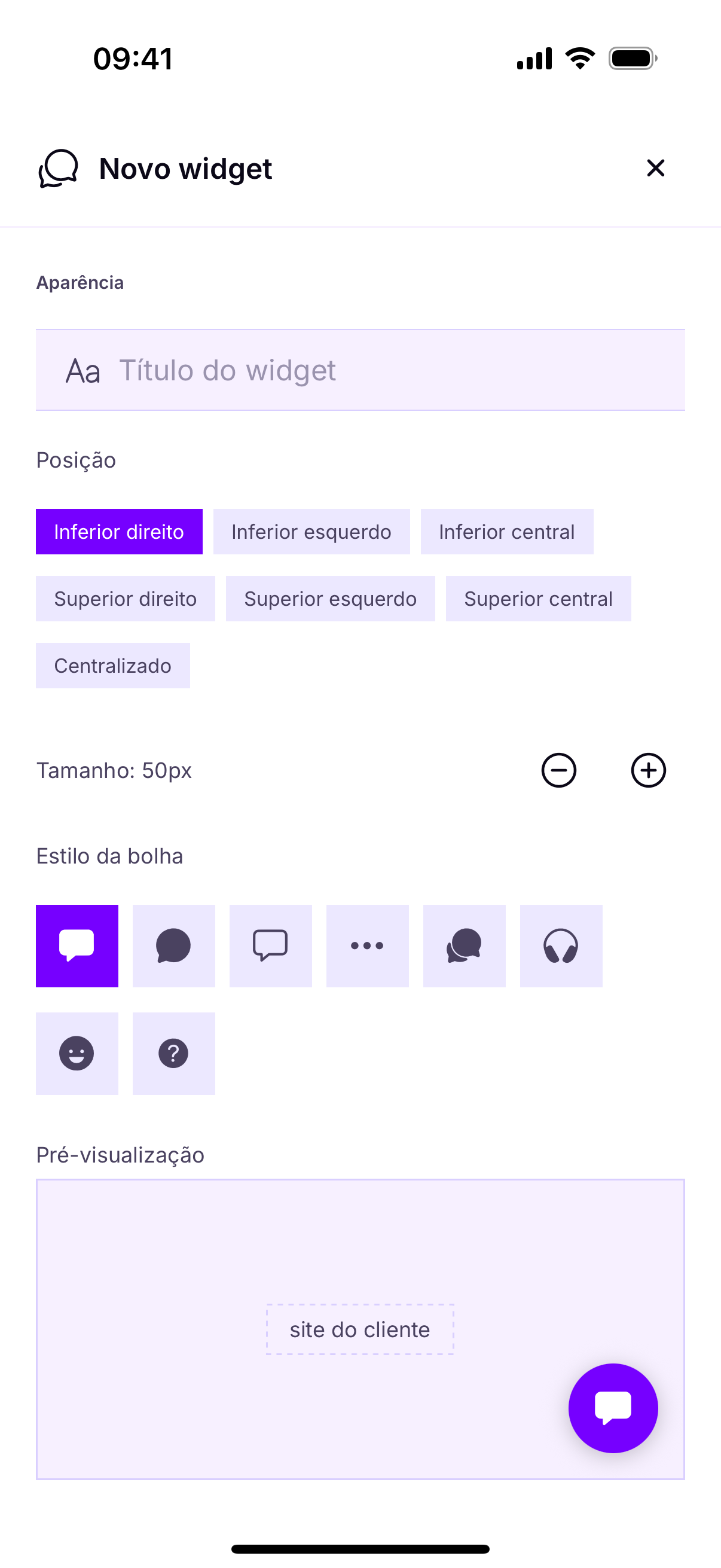
- Creating the chat and setting its appearance.
- Copying the code and pasting it into the site.
- Setting business hours and the out-of-hours capture.
No cartão de cada chat ficam os códigos para incorporar — um toque copia cada um. São três formatos, todos com o endereço da Heyoo e o identificador do seu chat:
- Script —
<script src="https://app.heyoo.com.br/widget/loader.js?id=SEU_ID" async></script>, colado antes do</body>. - Página completa —
https://app.heyoo.com.br/widget/page.html?id=SEU_ID, um chat em página própria. - Iframe — a mesma página embutida num quadro do seu site.
With capture switched off, the leads screen stays emptyIt is not an app failure: if the chat does not ask for details outside business hours, the visitor writes into the void and nothing is recorded.
Sem captura ligada, a tela de leads fica vaziaNão é falha do aplicativo: se o chat não pede dados fora do horário, o visitante escreve no vazio e nada é gravado.