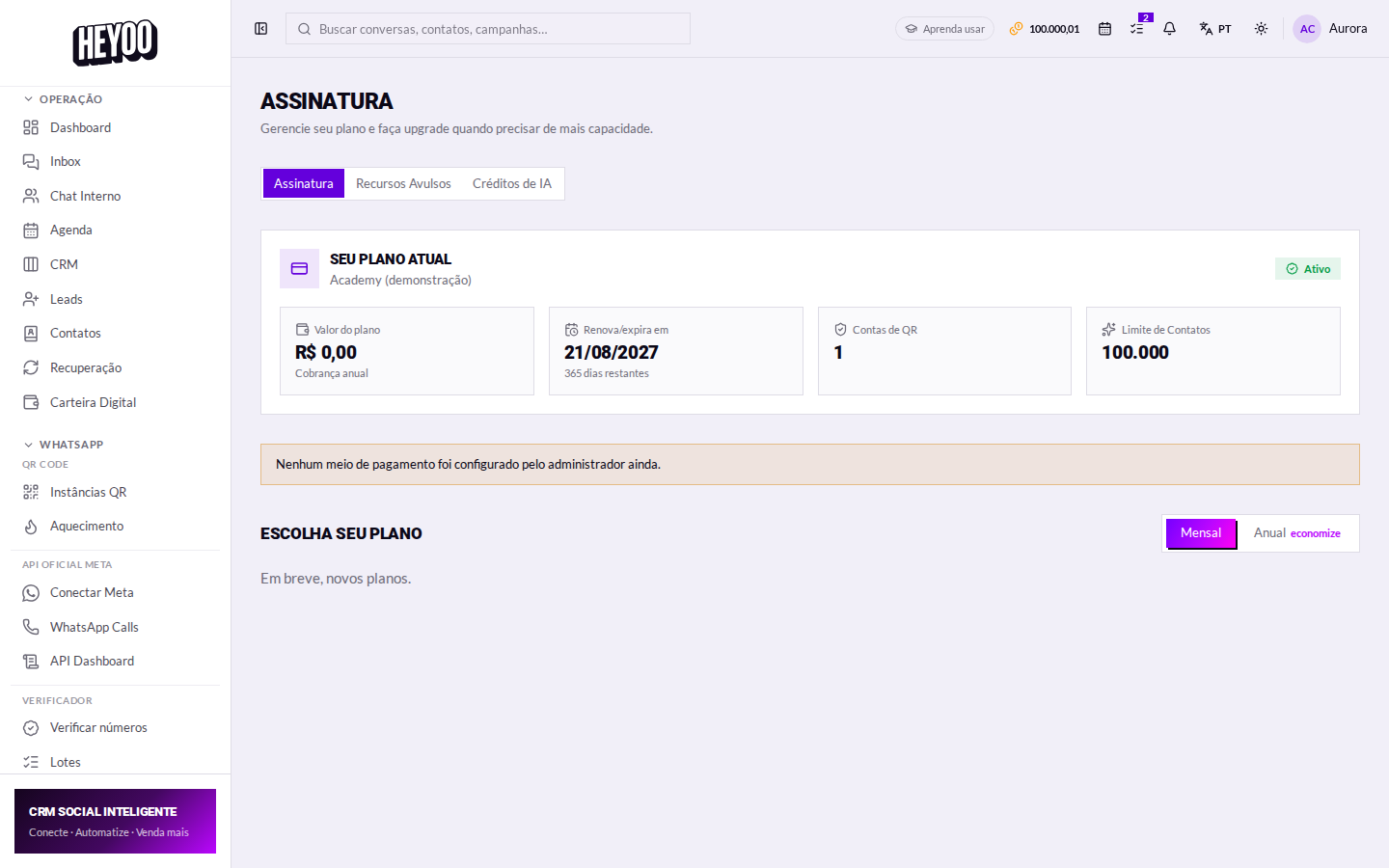
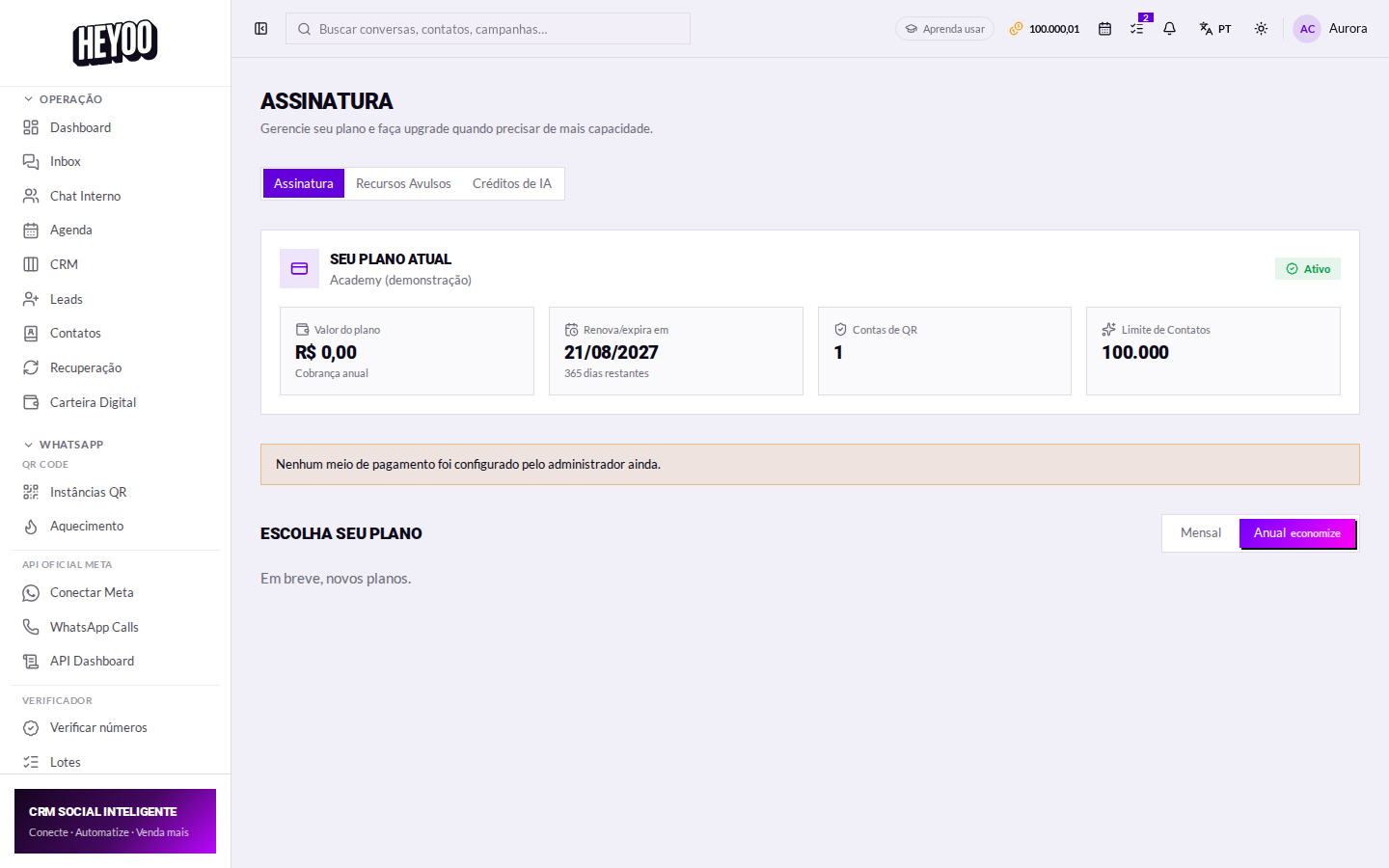
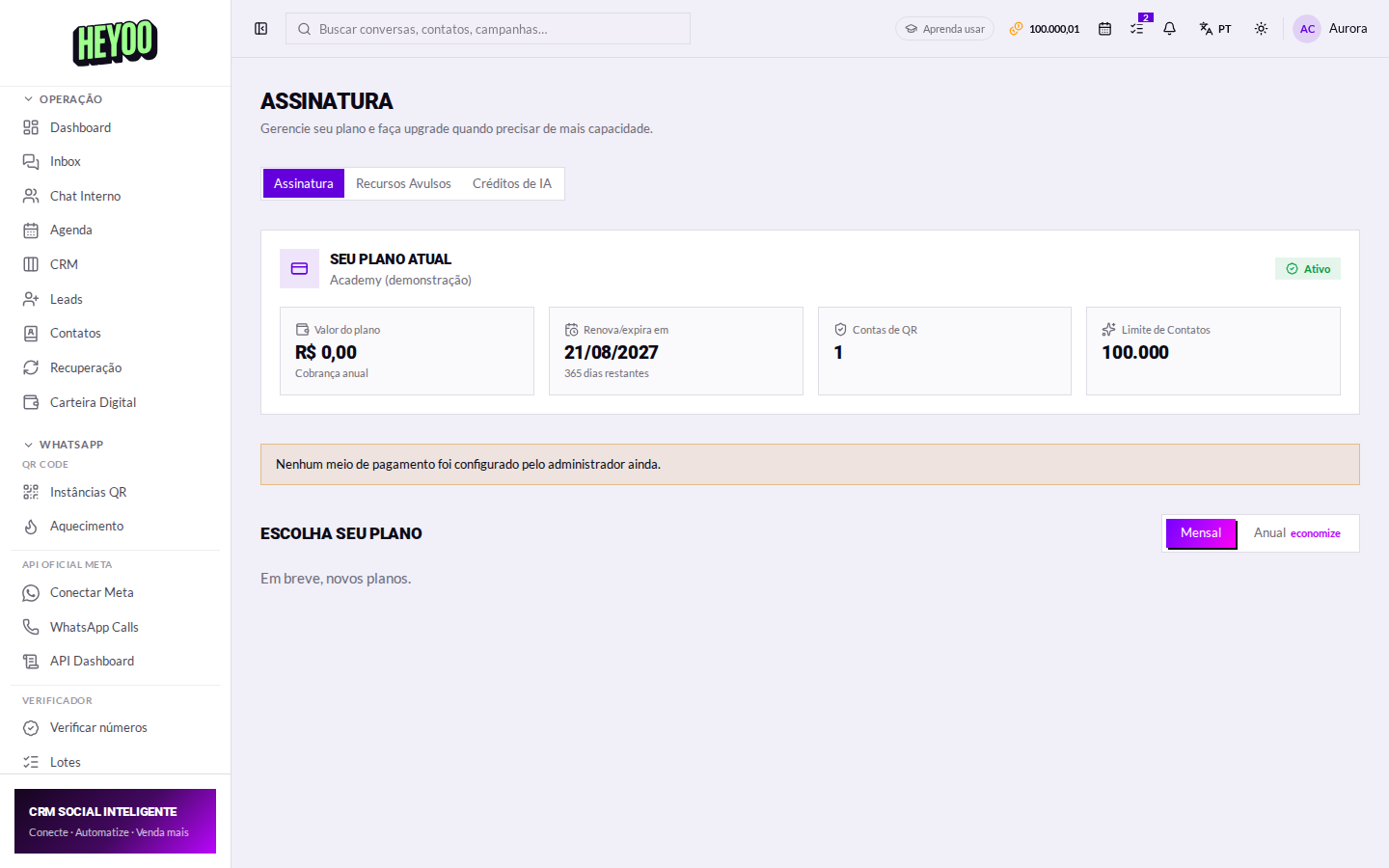
The Subscription screen answers three questions: what do I have today, what changes if I move up a plan, and when is the next charge.

What the plan controls
- Channels unlocked — WhatsApp QR, Official API, Instagram, Messenger, Telegram, TikTok.
- Features — chatbots and flows, native AI, HelpDesk, WhatsApp Forms, WhatsApp Calls, internal chat, API.
- Limits — number of contacts, of agents, verifier quota and AI credits per month.
An item with a padlock in the menu is a feature your plan does not cover yet. Clicking it shows exactly what the upgrade changes.
Changing plan
- Choose between Individual and Professional.
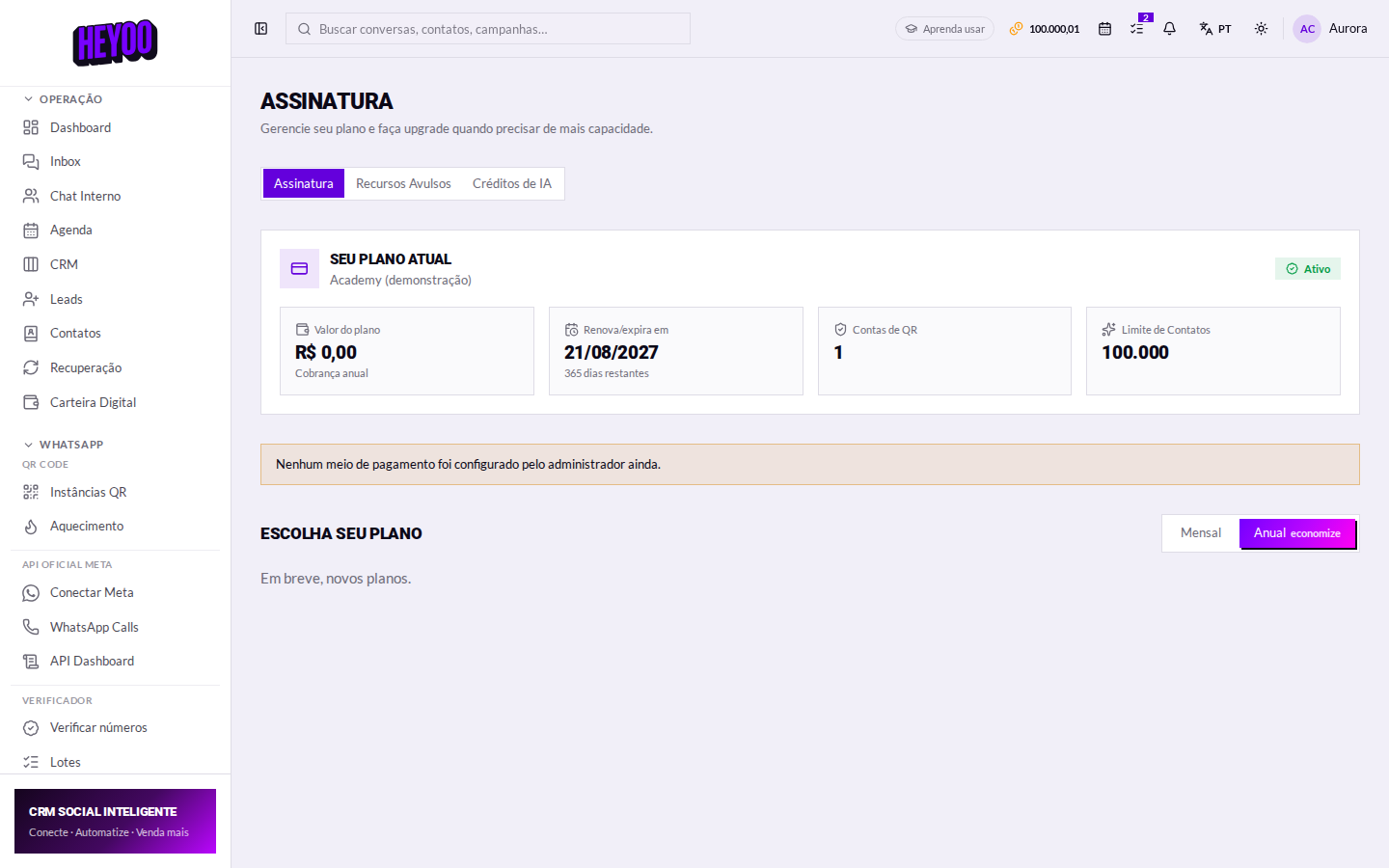
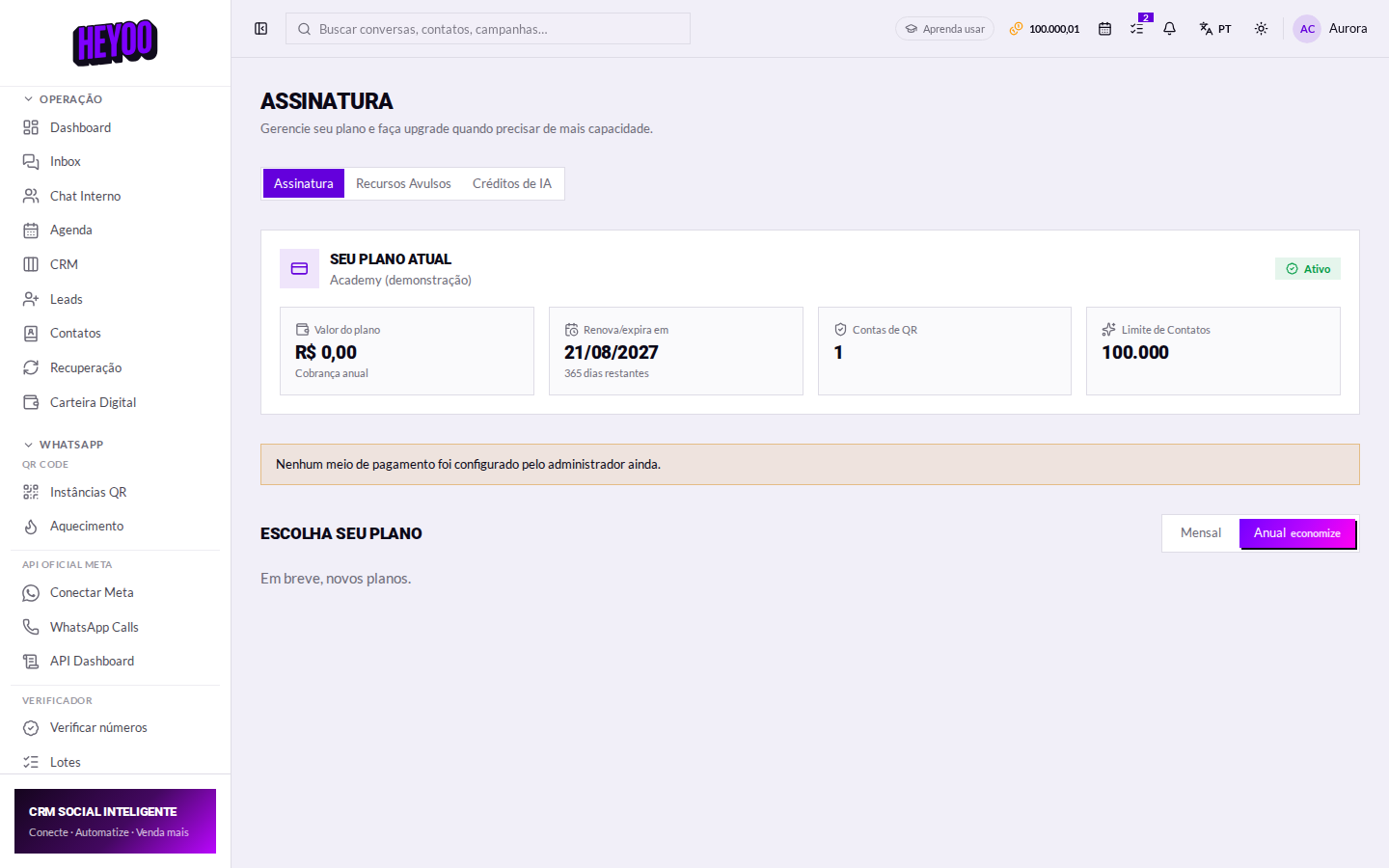
- Set the cycle: monthly or annual.
- Compare what each plan unlocks.
- Click Subscribe and complete the payment.
At checkout — outside Heyoo
Payment happens on the payment provider's secure screen:
- Enter your card details (or pick the method offered).
- If your bank asks, confirm the purchase in its app.
- Wait for the confirmation — do not close the window before it returns to Heyoo.
Back in Heyoo: the subscription shows the new plan and the features unlock straight away.
Upgrades are immediateAs soon as the payment clears, the new features show up in the menu without signing out and back in — the padlocks disappear on their own.
Lapsed subscriptionIf the charge fails and the subscription lapses, the panel goes into restricted mode: conversations stay saved, but sending and automations stop until it is sorted out.